To dispense a plate design:
● Click the Run Dispense button .
OR
Press F5.
When the dispense finishes, if you are not planning to dispense more than one plate, you
can run reagent recovery to conserve reagent volume (optional), or proceed directly to
washing the chips.
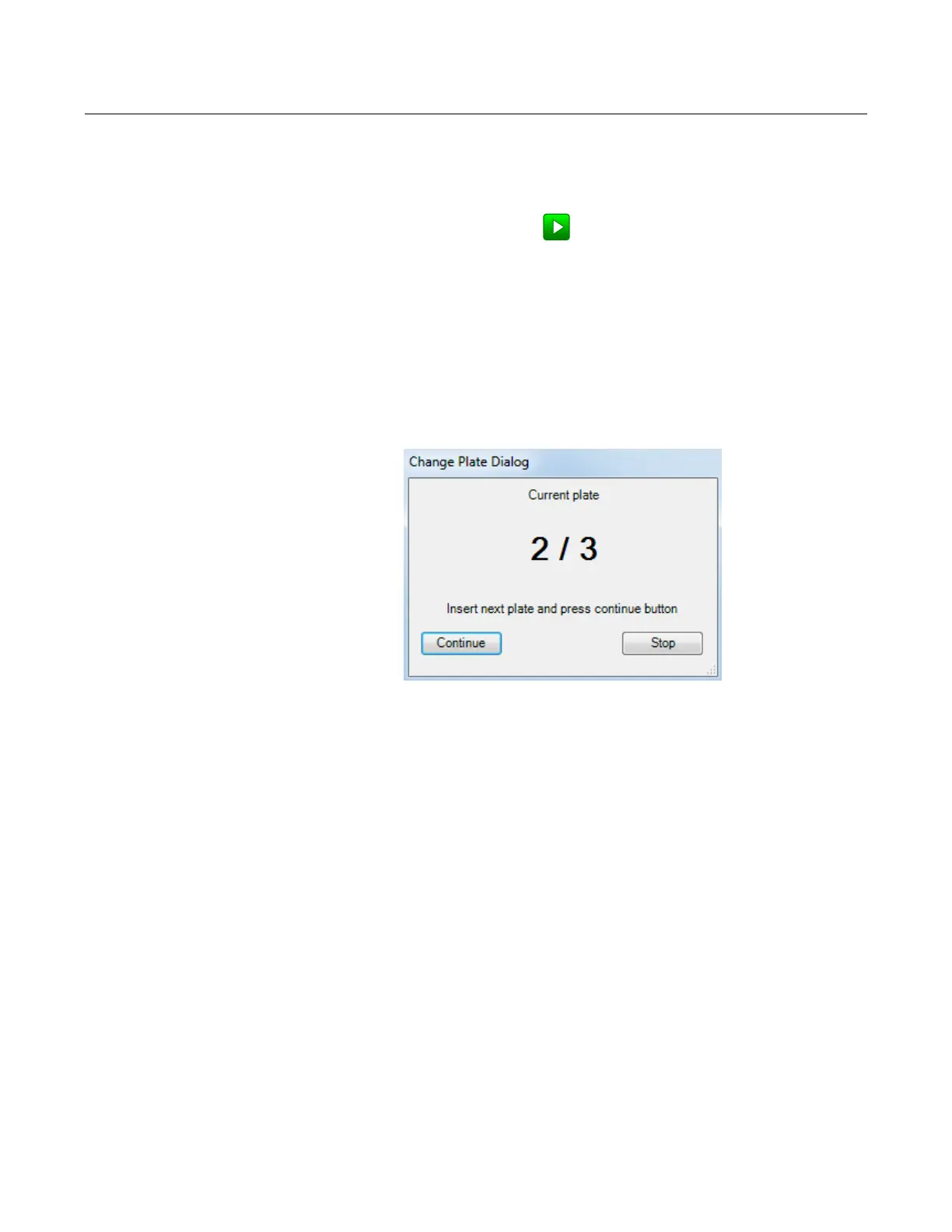
If you're running multi-plate dispensing, the Change Plate Dialog will appear. You can
either continue the dispense or abort it. If you want to continue, place your next plate on
the plate holder and click Continue. Click Stop to abort the dispense.
MANTIS now enables you to see which reagent or well is currently dispensing on the Plate
Designer. Each active well on the Plate Designer will flash and highlight during the
dispense. When the dispensing process is accidentally stopped or paused, the software
will save the last well position so that you can easily restart the dispense from where it left
off.
To enable this feature, please follow these steps:
1. On the Tools menu, click Options.
2. Click the Advanced Options tab and locate the Dispense options.
3. On the Use Dispense Visualization option, select True to activate the dispense
indicator. To deactivate the setting, select False.
MANTIS User's Guide | Chapter 9: Dispensing With the MANTIS
Executing a Plate Dispense
Change Plate Dialog



 To Next Page