MANTIS can normalize liquid concentrations, by calculating and dispensing the necessary
diluent volume for each well to ensure that every well has the same concentration. If you
have concentration data saved in a .CSV file, such as the output data from
CONSTELLATION® Digital PCR System, you can easily upload the .CSV into MANTIS to
create a dispense list. Then you can use MANTIS to dispense the desired diluent into your
experiment plate. Follow the instructions below to normalize your concentration data.
Prerequisites
● You have a .CSV file containing concentration data for the plate you wish to normalize.
● You have placed your experiment plate on the plate holder.
To normalize your concentration data:
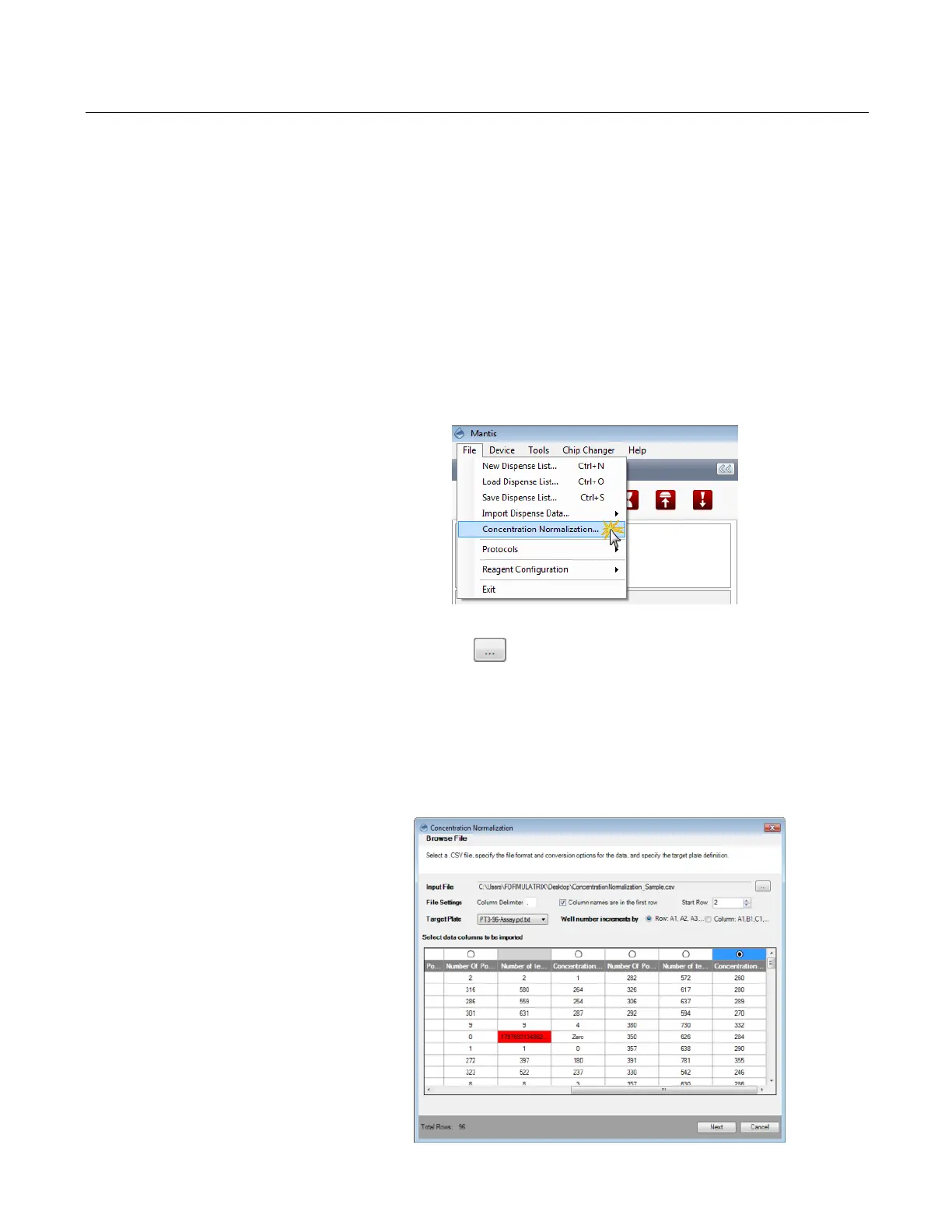
1. Go to the File menu and select Concentration Normalization.
2. Click the Browse button next to the Input File box and locate the file you want
to import.
3. In the File Settings option:
● The Column Delimiter determines the separator between values in the .CSV file.
Type the separator used in your file.
● If your reagent names are in the first row, select the Reagent names are in the first
row box. If not, deselect the option.
● Select or type the row number you want to start with in the Start Row box.
Normalizing Concentration
The Concentration Normalization Option
Modifying the File Settings
MANTIS User's Guide | Chapter 9: Dispensing With the MANTIS



 To Next Page