The MANTIS software provides you with several options to select multiple wells using
different patterns, to speed up the dispense design process. This can be especially useful
when using plates with large numbers of wells. There are 13 different patterns available in
the MANTIS software. A blue box surrounding the icon indicates that a selection pattern is
active, while inactive patterns do not have a blue box. You may use more than one pattern
at a time, according to your needs. When you have applied a selection pattern, you can
easily define the volume for the selected well(s) by either typing a volume or by using the
available dispense designs.
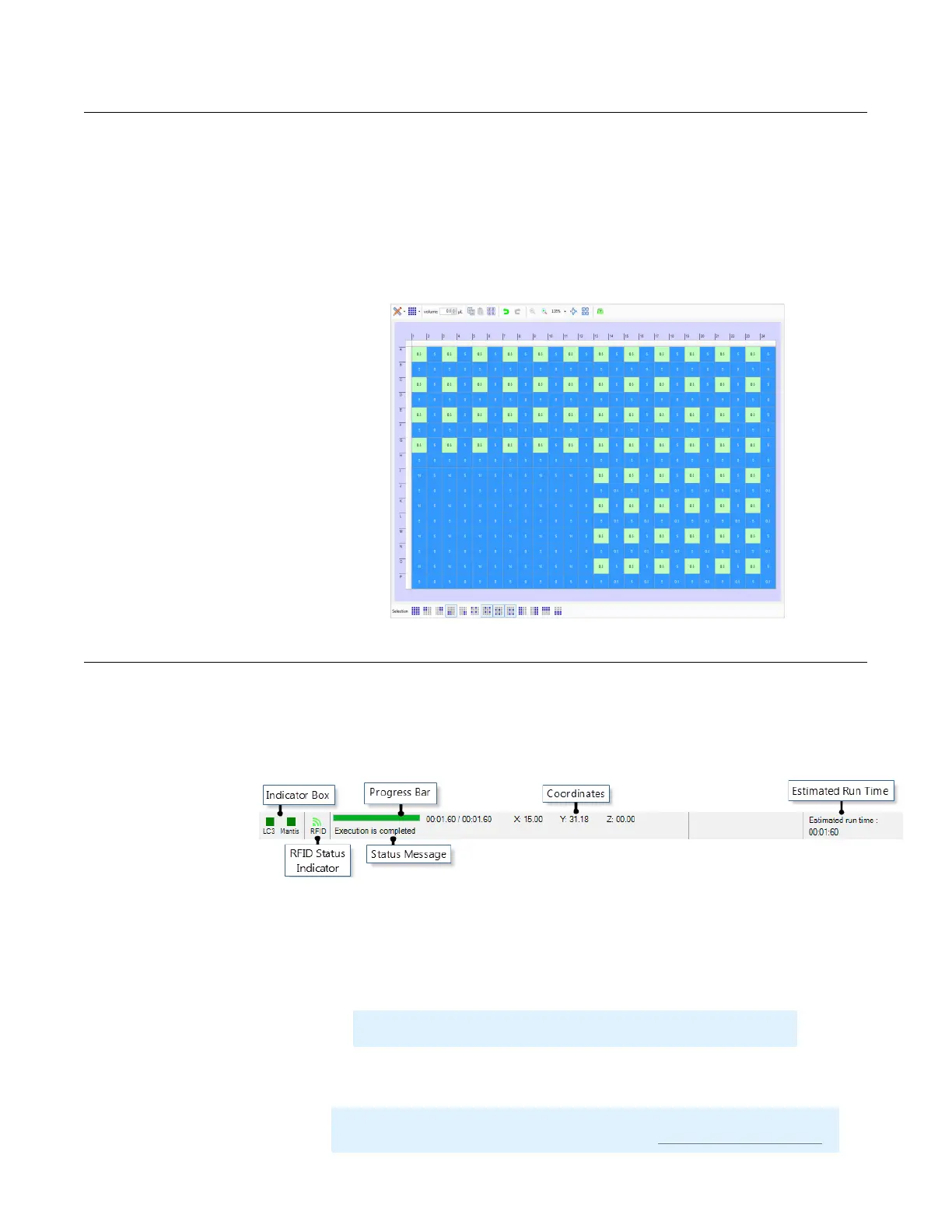
The status bar, located at the bottom of the MANTIS software, gives you up-to-date
information about what's going on with your MANTIS. If you have the LC3 hardware, the
indicator box for the instrument will automatically appear. The status bar is divided into
several sections, as shown below.
The icons in the indicator box vary depend on the MANTIS hardware models used by user.
The indicator box will appear as either green, yellow, or red. If the indicator box is green,
the MANTIS software is connected to the MANTIS hardware. Yellow means that you are
operating in simulation mode, which means any actions taken in the software will not affect
the hardware. Red means that the software is not connected to the hardware.
The RFID Status Indicator appears green when the MANTIS is equipped with RFID and the
RFID reader is ready.
Tip: You can enter simulation mode by clicking the indicator box.
Important: If the RFID status indicator appears red, it means that there is an
error on the reader. Report this issue by emailing support@formulatrix.com.
Status Bar
Well Selection Patterns
The Well Selection Patterns
Status Bar
MANTIS User's Guide | Chapter 7: Software Overview



 To Next Page