You must calibrate the LC3 before initial use and whenever the MANTIS fails to pick up and
return a chip from a chip station on the LC3.
LC3 calibration requires two processes, tuning the “locked” position and tuning the
“unlocked” position. The “locked” position is the position of the chip when the MANTIS picks
up a chip from a chip station. “Unlocked” refers to the chip position when the MANTIS
returns the chip to the chip station.
Prerequisites:
● The MANTIS is connected to the LC3, and the LC3 and MANTIS indicators on the
status bar are green.
● The chip must be placed in the chip station labeled ‘1’ on the carousel that you wish
to tune and you have removed the chip from the MANTIS hand.
To Tune the LC3
1. Go to the Chip Changer menu and select Tuning.
2. Select from the options below:
● If the LC3 carousel is at the left of the MANTIS, click L1 on the Image of the LC3
carousel. In the example below, the LC3 carousel is positioned at the left of the
MANTIS.
● If the LC3 carousel is at the right of the MANTIS, click R1 on the image of the
LC3 carousel. The image you see will differ from the example image below.
Tuning the LC3 Carousel
MANTIS User's Guide | Chapter 10: Large Capacity Chip Changer (LC3)
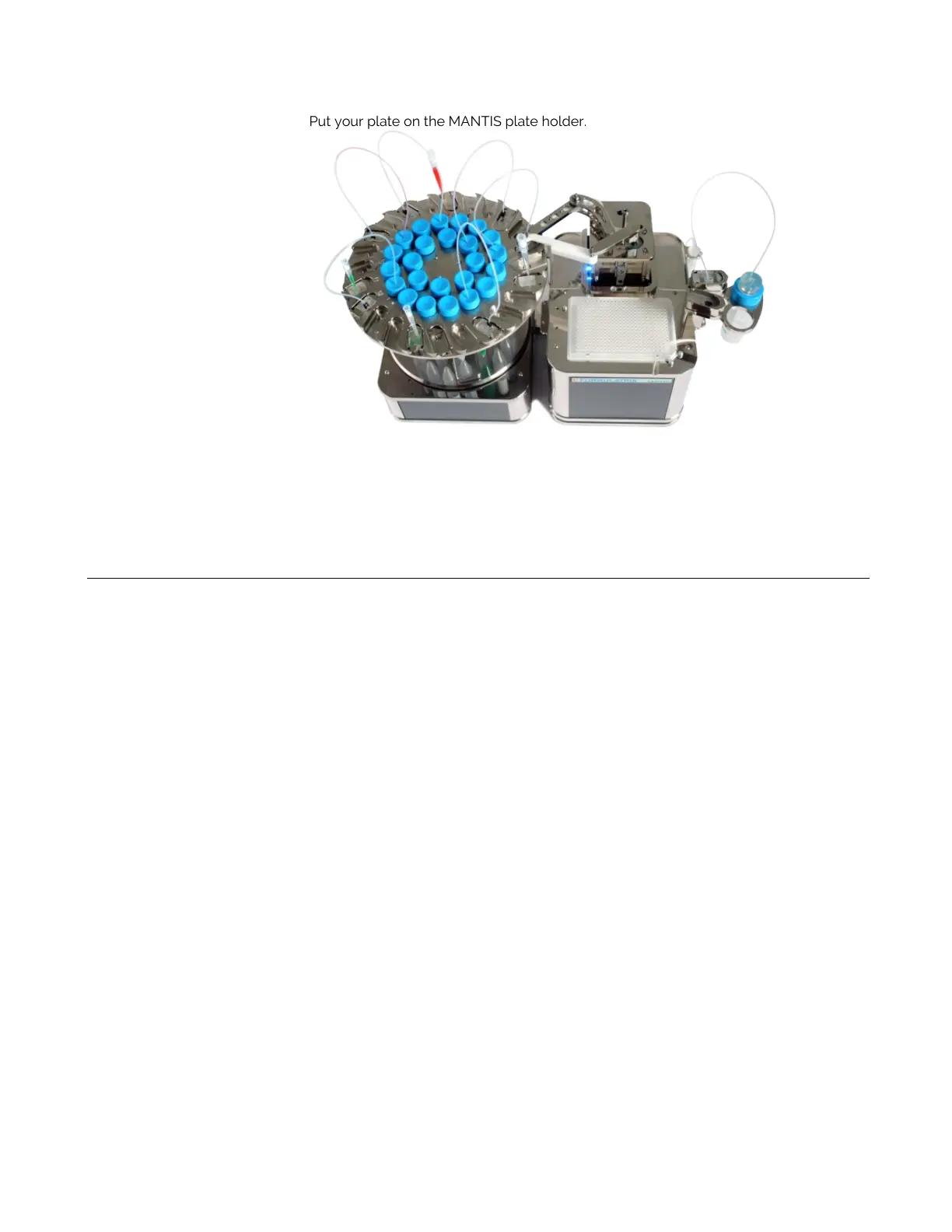
6. Put your plate on the MANTIS plate holder.
7. Fill the wash container(s) with distilled water or wash solution (if you are using wash
solution, you must follow the wash solution with a water rinse). Make sure that the wash
container(s) are properly placed in the wash stations located at the back sides of the
MANTIS.
MANTIS With a 24-Chip Carousel



 To Next Page