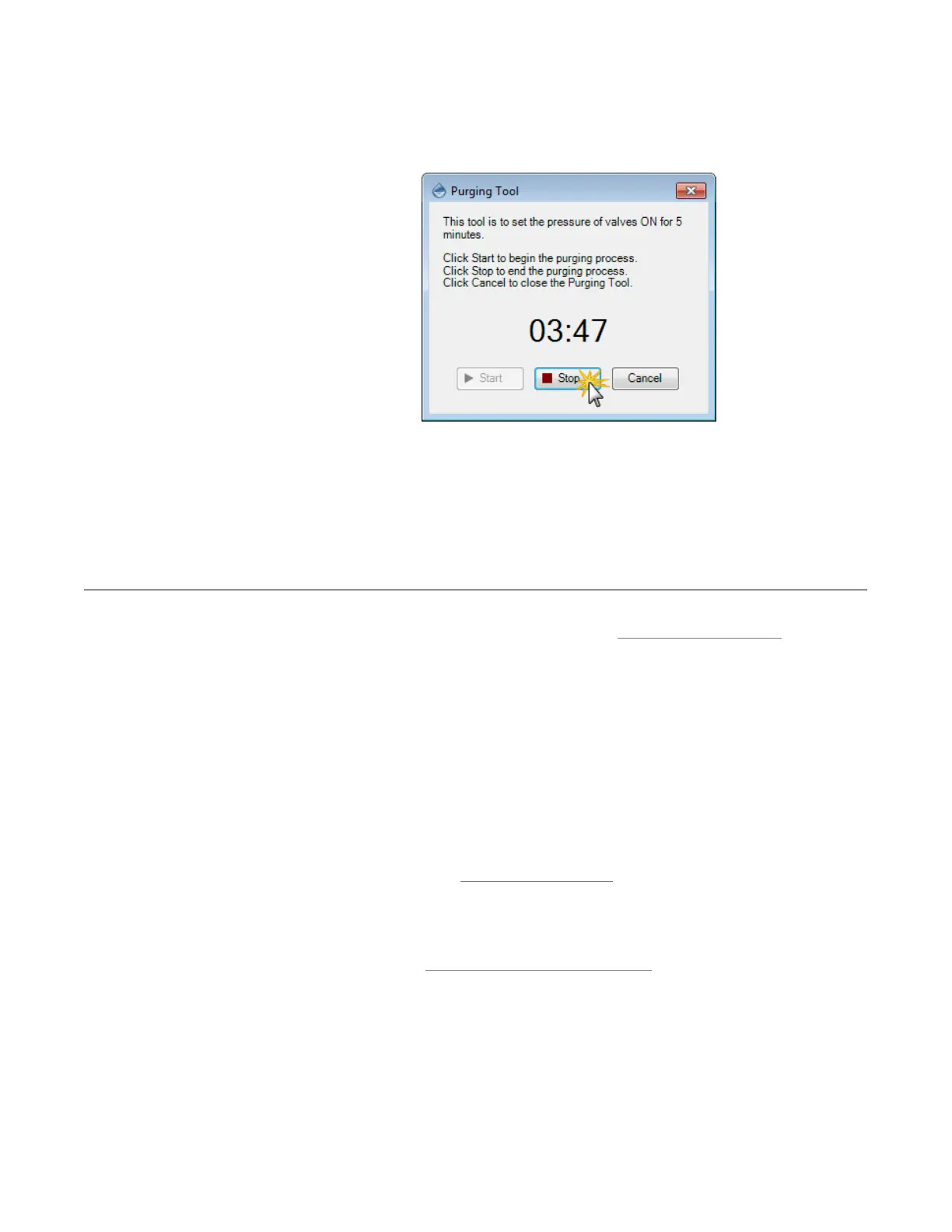
3. The default time for the purging process is five minutes. If the liquid is
completely gone from the Air Ribbon in less than five minutes, click Stop to
end the process.
4. Optional: Repeat steps 1 and 2 if there is still liquid in the Air Ribbon, until it
has all been purged.
5. Click the Cancel or Close button when you are finished, or to abort the
process and close the Purging Tool wizard.
If your question doesn't appear below, please email support@formulatrix.com and we will
respond within 24 hours, Monday through Friday.
What should I do if the mantis software doesn’t recognize the device?
Please take these steps:
1. Turn the MANTIS device off.
2. Reconnect the USB cable on the MANTIS USB port to your computer. Make
sure it is connected properly, and then restart the device.
3. Next, run the software; the indicator box should be green after it has detected
the device.
4. If the problem persists, please check your hardware version and don’t
hesitate to contact FORMULATRIX support.
What viscosities or liquid classes can the MANTIS dispense?
The MANTIS can dispense normal liquid class to reagents with high viscosities. For
more information, see Viscous Dispensing Tips and Tricks on page 51.
Stopping the Purging Process
FAQs
MANTIS User's Guide | Chapter 15: Troubleshooting and FAQs



 To Next Page