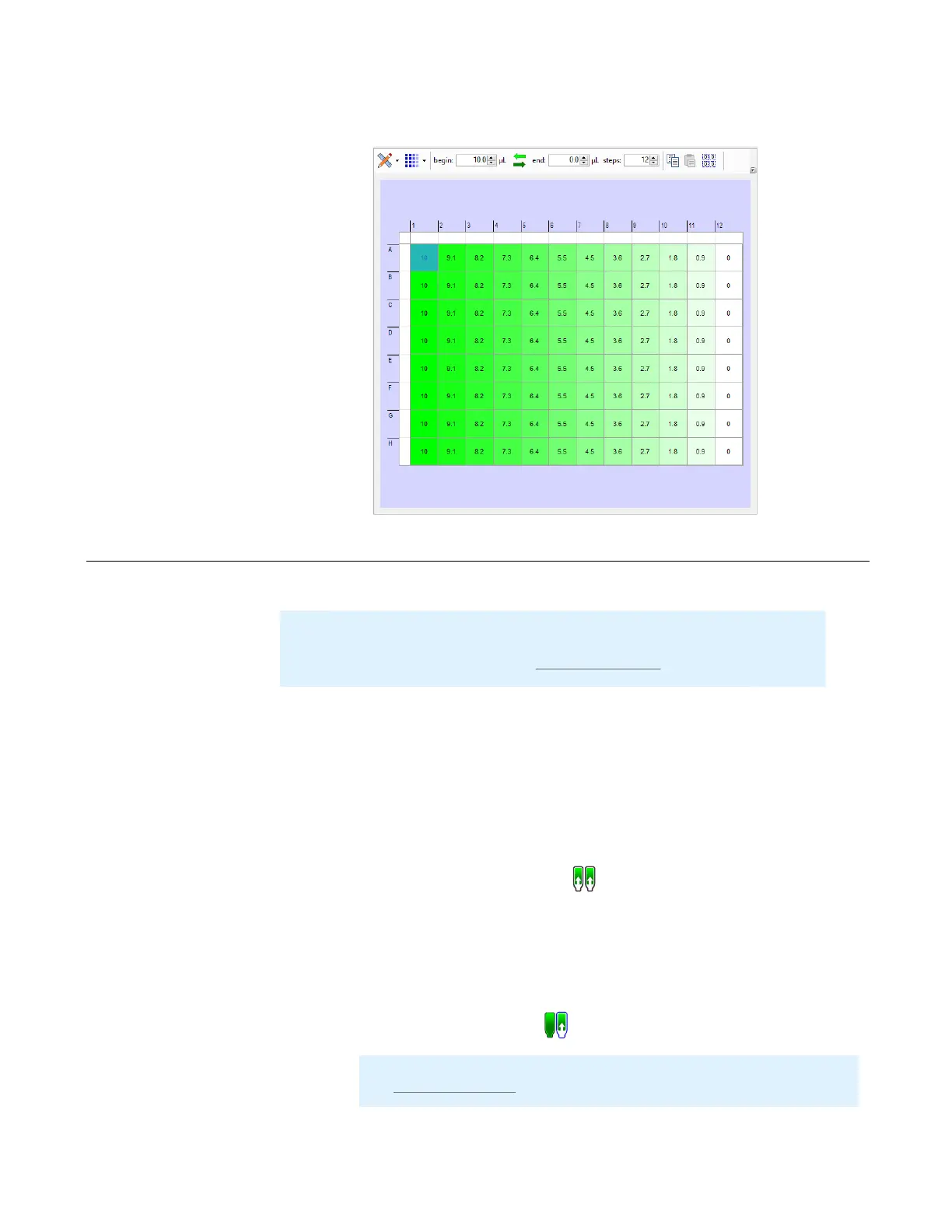
4. Click OK to apply the changes.
The reagent recovery process forces reagent out of the chip into the input tube or pipette
tip. Run Reagent Recovery when you want to conserve reagent volume.
Prerequisites
● You have executed a plate dispense.
To recover reagent volume from all inputs:
● Click the Recover All Inputs button .
To recover reagent volume from individual inputs:
● Right-click on a reagent in the Device Control panel and select Attach Input to
Hand.
● Click the Recover Input button .
MANTIS User's Guide | Chapter 9: Dispensing With the MANTIS
Recovering Excess Reagent Volume
Note
: For the Continuous Flow (CF) chips, you can determine the recovery duration,
enable the double recovery setting, and determine the delay time between two
recoveries. For more information, see
Input Control Panel on page 35.
Important: We recommend that you wash the chips after each use, please
see Cleaning the Chips on page 73 for further details.
Dispense Indicator



 To Next Page