MANTIS User's Guide | Chapter 7: Software Overview
SECTION 3: DISPENSE LIST DESIGNER
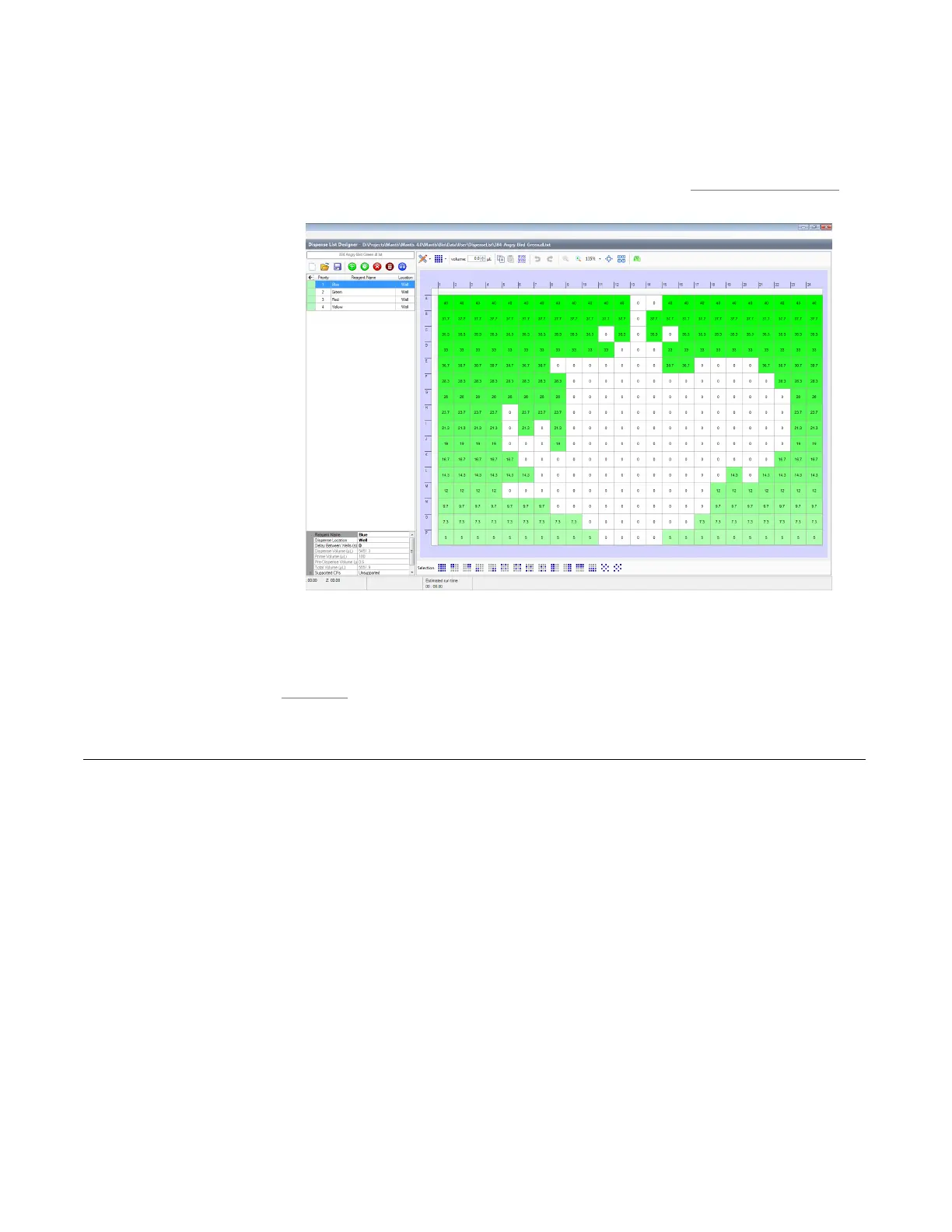
Section 3 is the Dispense List Designer. A dispense list is a list of reagents that will be
dispensed to a plate. On the left is where a list of your reagents appear, and on the right is
a visual representation of your plate. For more information, see Dispense List Designer on
page 41.
STATUS BAR
The Status Bar shows you what's going on with your MANTIS. For more information, see
Status Bar on page 43.
The Device Control panel provides access to controls for operating the MANTIS device.
You will use it when you have designed a dispense and need to assign reagents to chips,
or want to execute or pause a dispense.
The Device Control Panel is divided into four areas:
● Device Control Buttons
● Dispense Setting Tab
● Valve Control Tab
● Input Control Panel
Device Control Panel
Dispense List Designer



 To Next Page