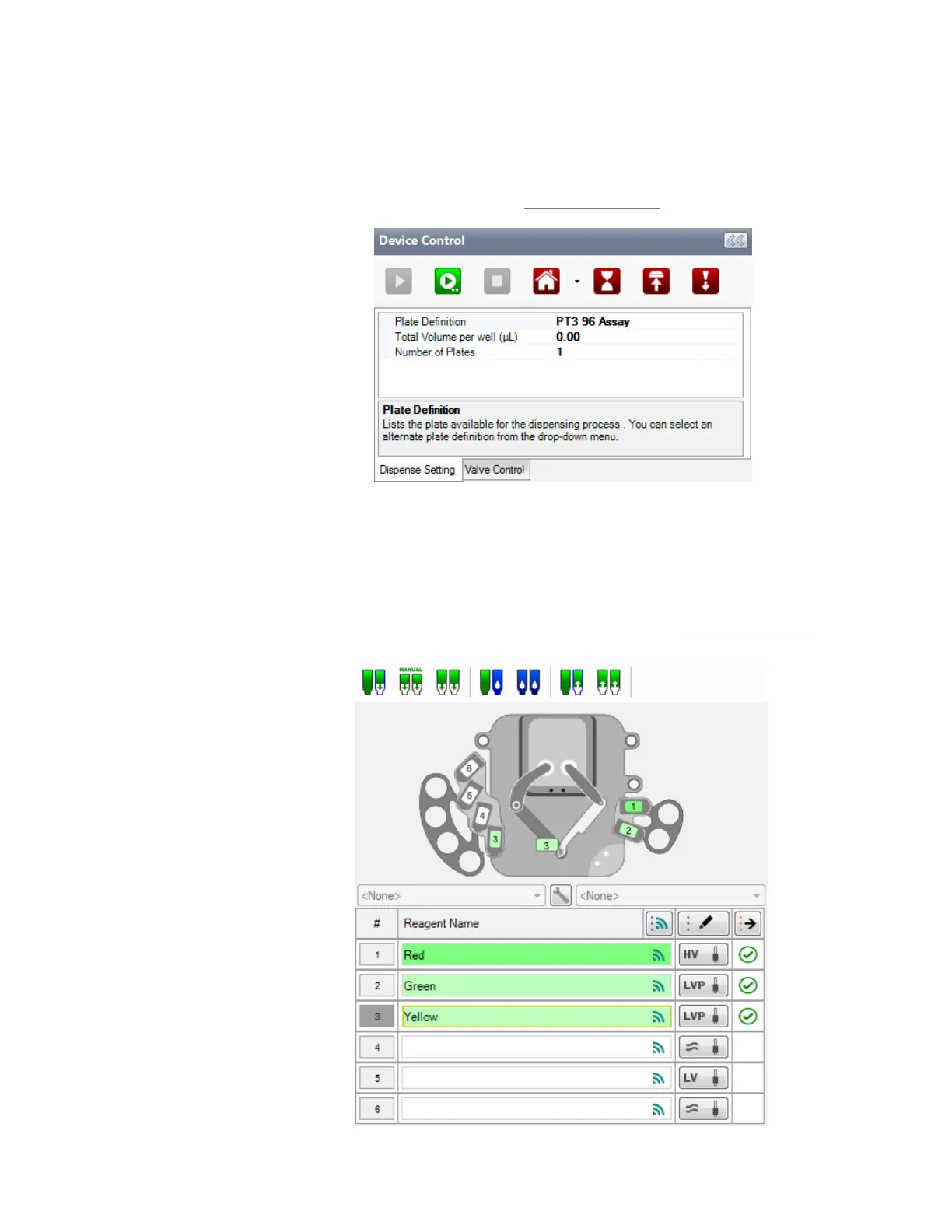
SECTION 1: DEVICE CONTROL PANEL
Section 1 is the top section of the Device Control panel. This is where you execute
commands in the MANTIS hardware using the buttons at the top, and view information
about your plate definition, the total volume per well (µL) and number of plates to be
dispensed. For more information, see Device Control Panel on page 32.
SECTION 2: INPUT CONTROL PANEL
Section 2 is the Input Control Panel. Use this panel to assign reagents to chip stations, run
the wash, prime, and reagent recovery processes, and tell the MANTIS whether you are
using Low Volume (LV), High Volume (HV), High Volume PFE, Low Volume PFE, or High
Volume Continuous Flow (CF) chips. For more information, see Input Control Panel on
page 35.
MANTIS User's Guide | Chapter 7: Software Overview
Input Control Panel
Dispense Setting Tab



 To Next Page