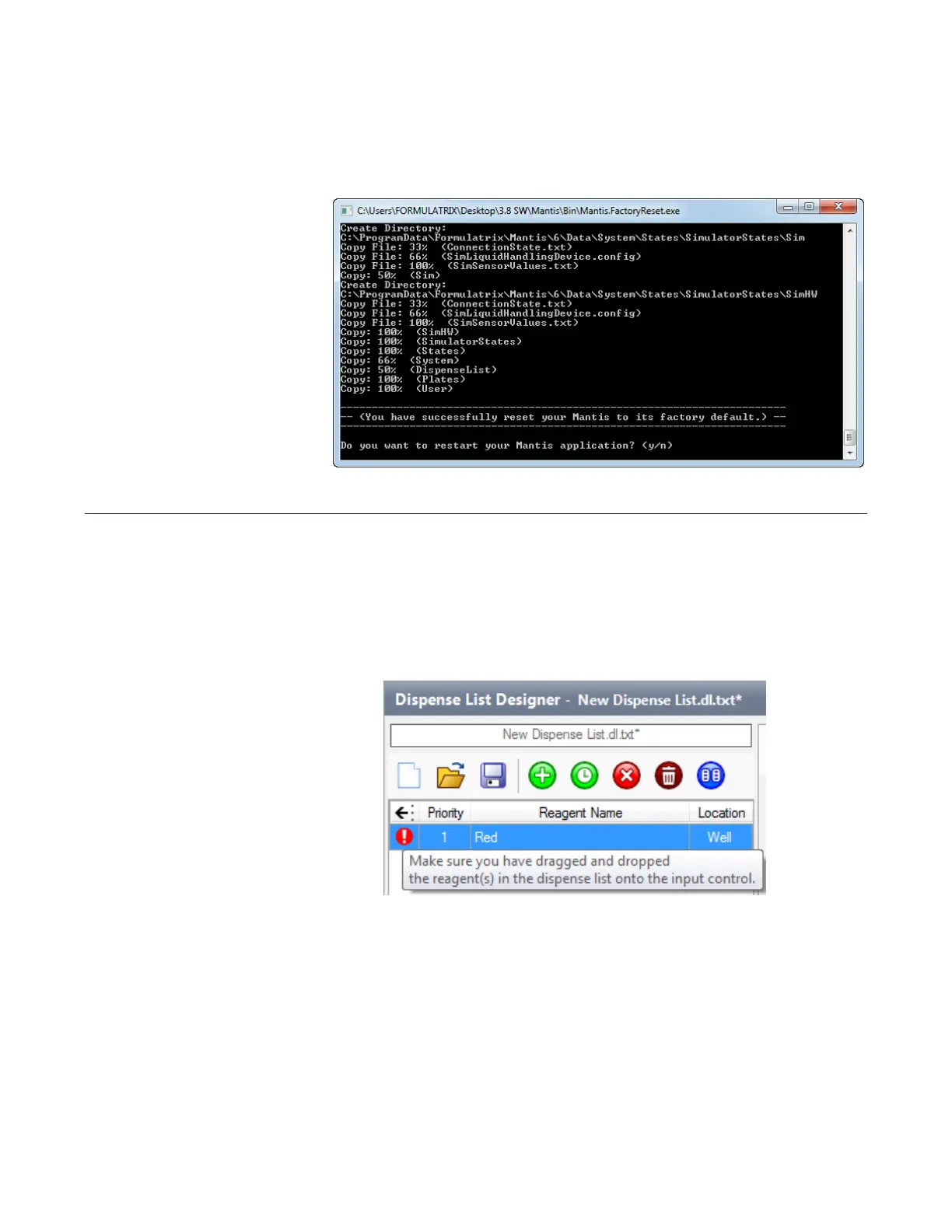
4. Type y on the console app window and then press Enter on your keyboard to
reset the MANTIS software.
5. After the factory reset process is finished, type y and hit Enter on your keyboard
to restart the MANTIS software.
If you see a red exclamation point icon next to a reagent on your dispense list, it means
that there is a problem with your dispense list item. In many cases, mousing over the
exclamation point will display text that explains how to resolve the issue.
For example, in the scenario below, you would resolve the issue by dragging the reagent
to its location on the input control panel.
Resolving Dispense List Errors
MANTIS User's Guide | Chapter 9: Dispensing With the MANTIS
A Successful MANTIS Factory Reset
Dispense List Errors



 To Next Page