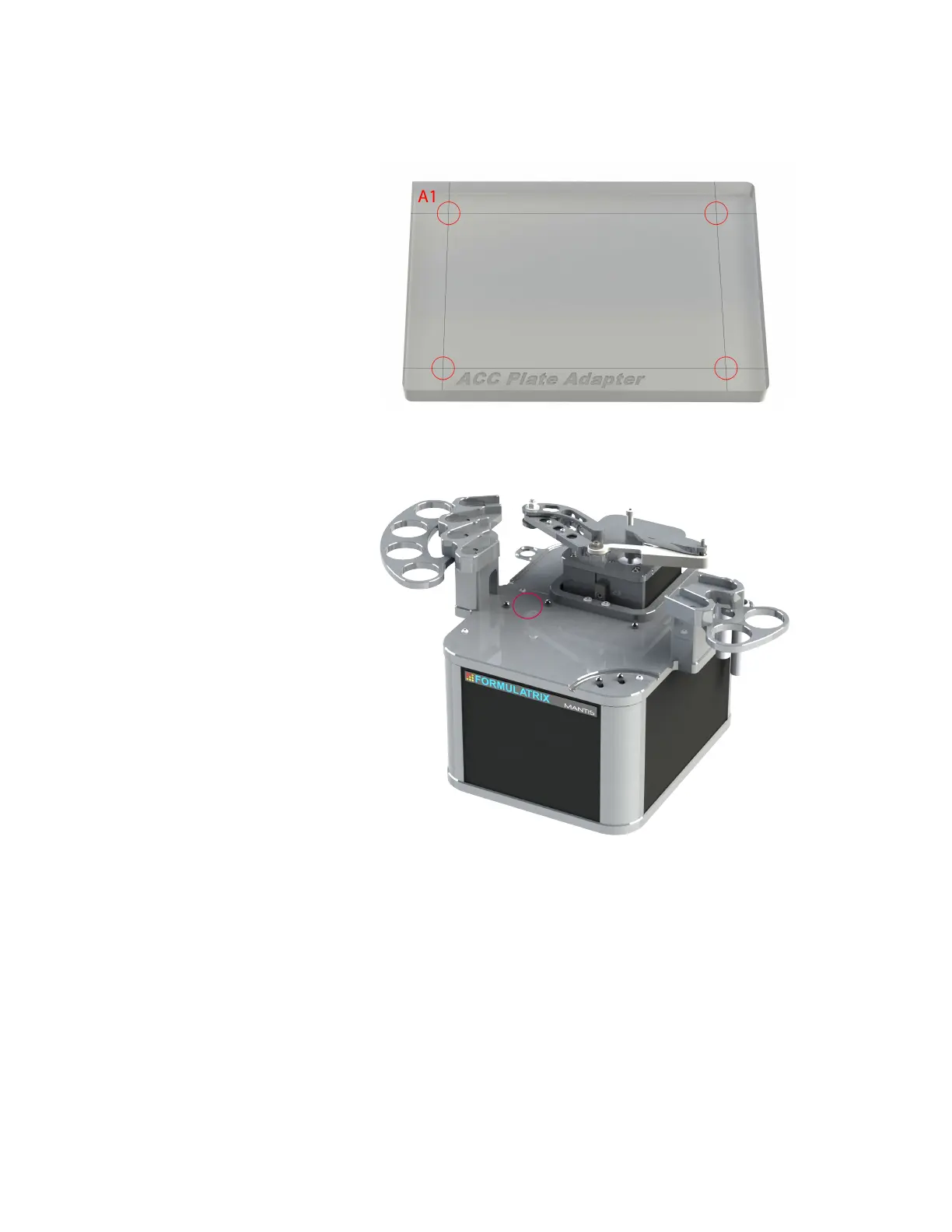
3. Prepare the reference plate. The reference plate has cross hairs located in every
corner that can be used as reference points (see the picture below, indicated by
four red circles).
4. Place the reference plate on the MANTIS plate holder. Use the A1 location
(indicated by the red circle) as the reference point.
5. On the Tools menu, click Deck Geometry Correction.
6. Follow the on-screen instructions.
MANTIS User's Guide | Chapter 13: Deck Geometry Correction
Reference Plate
A1 Location



 To Next Page