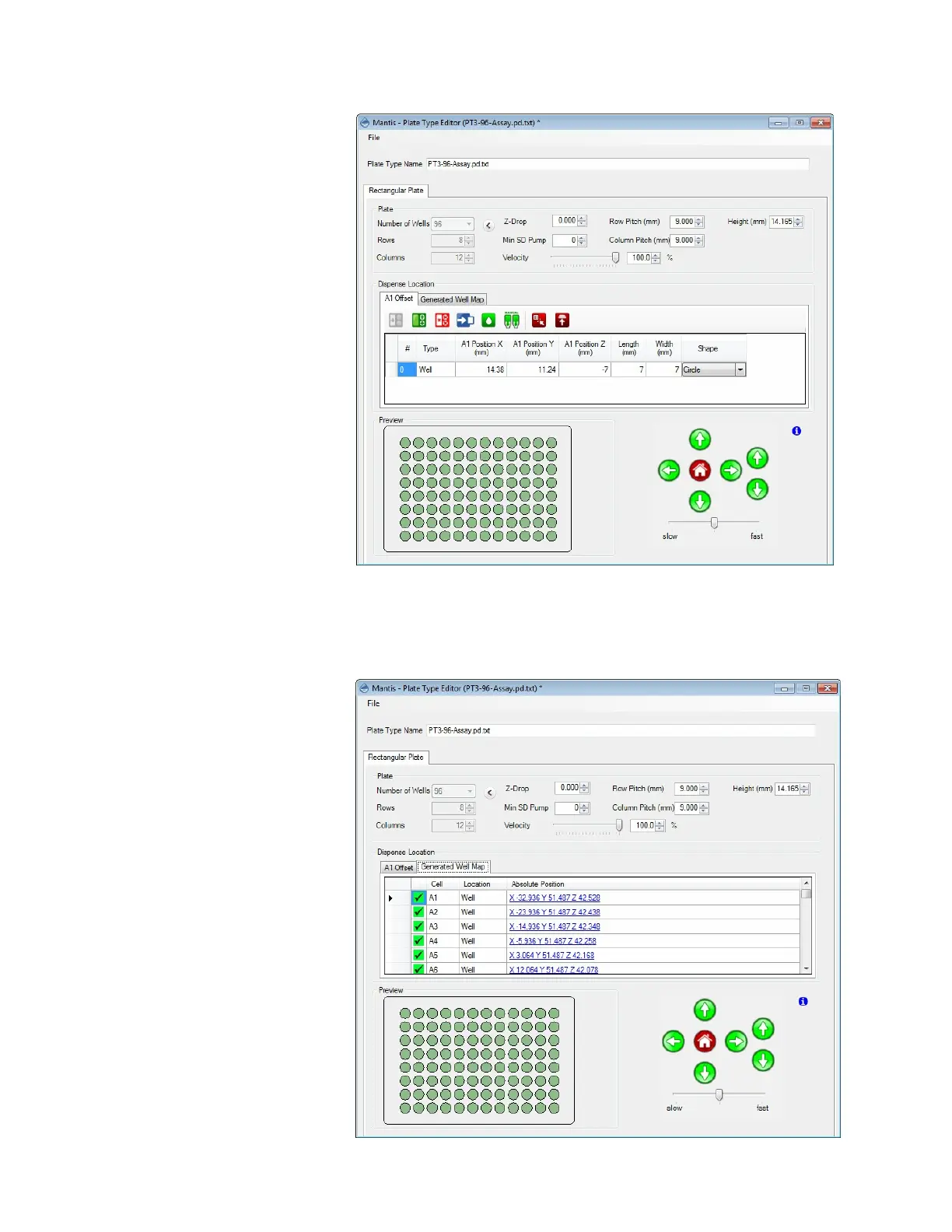
5. Check the MANTIS dispense location settings: Click the Generated Well Map tab,
and then click on any of the blue underlined text location links. The MANTIS will
move its arms to the selected location (corner wells are the most indicative of any
errors).
MANTIS User's Guide | Chapter 6: Initial Setup
A1 Offset Tab Options
Generated Well Map Options



 To Next Page