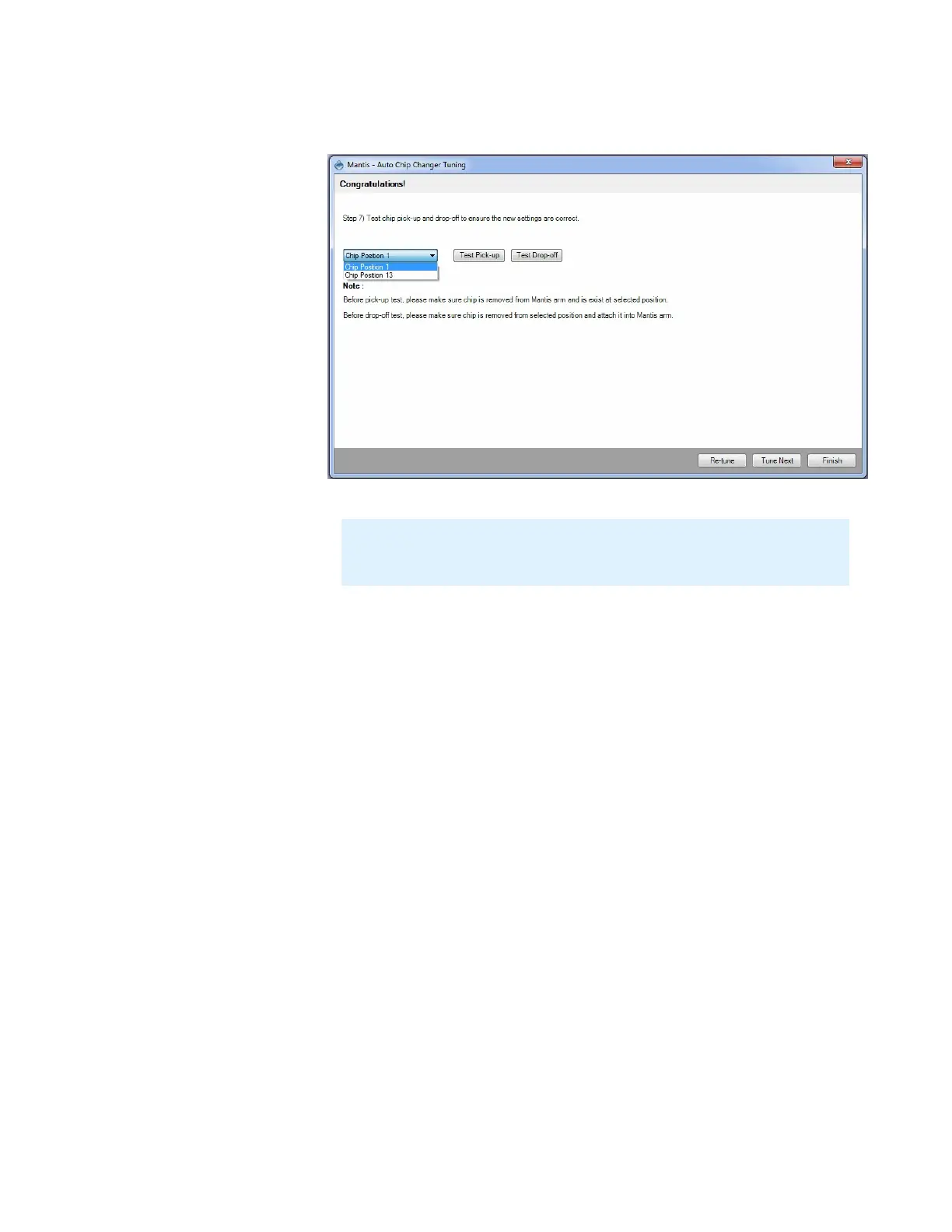
11. Test pick-up and drop-off for both chip positions to ensure the new settings are
correct.
12. If you are satisfied, click Finish. Otherwise, click Re-tune to re-tune the chip position.
13. Optional: Click Tune Next to tune another chip position or another carousel.
MANTIS User's Guide | Chapter 10: Large Capacity Chip Changer (LC3)
Test the Chip Position Settings
Note: If you have the 18 chip carousel, you can test for position 1 and
position 10. If you have the 24 chip carousel, you can test for position 1 and
position 13.



 To Next Page