1-37
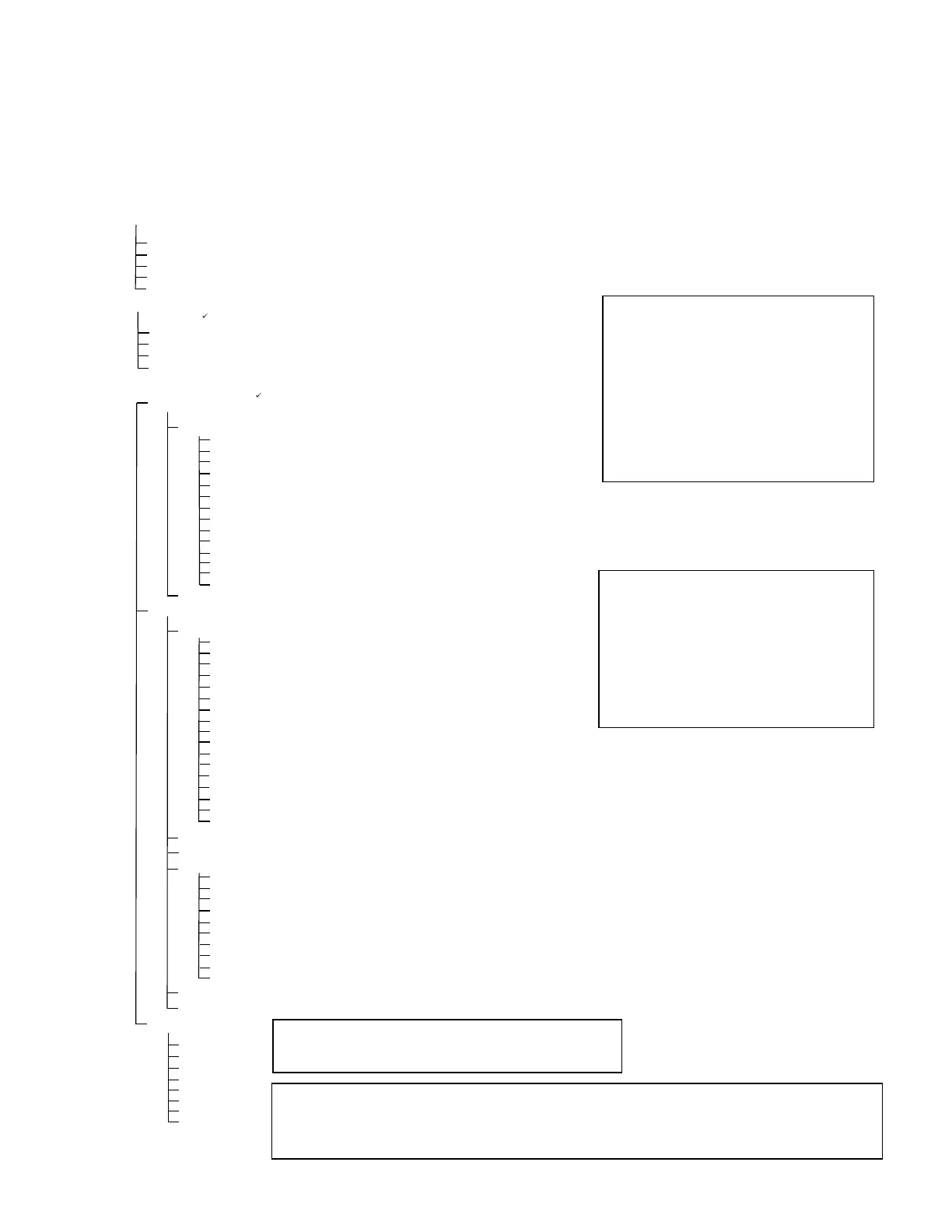
1.14.5 3000 Controller Menu Summary Tree
Reflected below are the major programming sections in the 3000 and the order in which submenu
headings will be found under the sections in the 3000 Operation Manual (819-6985).
Adding New Product Menu Items See section 4.6-4.8
Filter Menu
Main Menu and Tech Modes
Info Mode
[With computer ON, press and hold FILTER button]
Filter
Clean and Filter
Dispose
Fill Vat From Bulk (Bulk option only)
Boil Out
Long Name
Short Name
Cooking Mode
1 Time
1 Tempr
1 Sensitivity
1 Alarm Time (Shake)
1 Alarm Name (Shake)
1 Alarm Mode (Shake)
1 Alarm Tone (Shake)
2 Alarm Time (Shake) Time entered here, produces a 3
rd
alarm time.
Filter Prompt
Instant On
Hold Time
Product Setup
Select Product
Daily Stats
Selected Period Stats
Last Load Stats
E-Log
Change Password
List of last 10 error codes
...……………….....………………………………………………………………………………….. 1.9
….………...…………….....………………………………………………………….. 1.6-1.8
………………...………………………...………………………………………..……………………….. 1.5
…….………………………………...……….. 1.4
[Press and hold (check) button]
Last Dispose Stats
[Enter 1650 ]
Vat Setup
System
….………………...…...…….....………………………………………………………….. 1.4
Language
2
nd
Language
Locale (CE or Non-CE)
Energy (Gas or Elec)
Type (Vat)
System Volume (Sound Level)
Tempr Format (F or C)
Exit Melt Tempr
Cool Mode Tempr
Cool Mode Default
Fresh Oil
Waste
Drain Switch
Recovery Alarm
Basket Lift
Hold Time
Is Vat Full?
Time/Date
………...…..……...…….....………………………………………………………….. 1.4
Filter
…………………....………...…….....………………………………………………………….. 1.4
Cooks til Filter
Filter Lockout
EOD Filter Timer
EOD Filter Time
Flushing Timer
Boil Out Timer
1 Polish Timer
1 Polish Prompt Time
1 Polish Duration
1 Polish Start Tempr
…...………………....………………………………………………….. 1.4
[With computer OFF, press and hold (check) button 10 seconds, displays Main Menu - Product Setup]
[Enter 1656 ]
..……….….………...…………….....………………………………………………………….. 1.4
[With computer OFF, press and hold FILTER button]
Tech Mode
Clear E-Log
Clear Passwords
Lane Count
Hold Mode
Max Cook Tempr
Hi-Limit Test
Enable Filters
Enable Cooks
[Enter 3000 ]
DST(Daylight Savings Time) Setup
…………………………………………….. 1.4
Load Standard (Load Default Product Menu)
NOTE: Items in gray are
associated with the optional
COOKS and FILTERS modes of
the computer. If these modes
aredisabled,thestepsshownin
gray will not appear in the
programmingsteps.
NOTE: Three alarm times are
programmable. The steps for
programming the 2
nd
alarm are
just like the first. A third alarm
prompt follows completion of
the2
nd
.
NOTE: If the lane count doesn’t change, set
the basket lift to disabled in Vat Setup.
NOTE: A programming option is available in TECH MODE called “Hold Mode”
that will either allow the product’s hold time to count down in the background or
count down in the foreground.






 To Next Page