EasyManua.ls Logo

Futurecom VR - Page 103

Default Icon
144 pages
Print Icon
To Next Page IconTo Next Page
To Previous Page IconTo Previous Page
Loading...
8G093X01 R5
VR Programming Guide
August 2022 Page 103 of 144
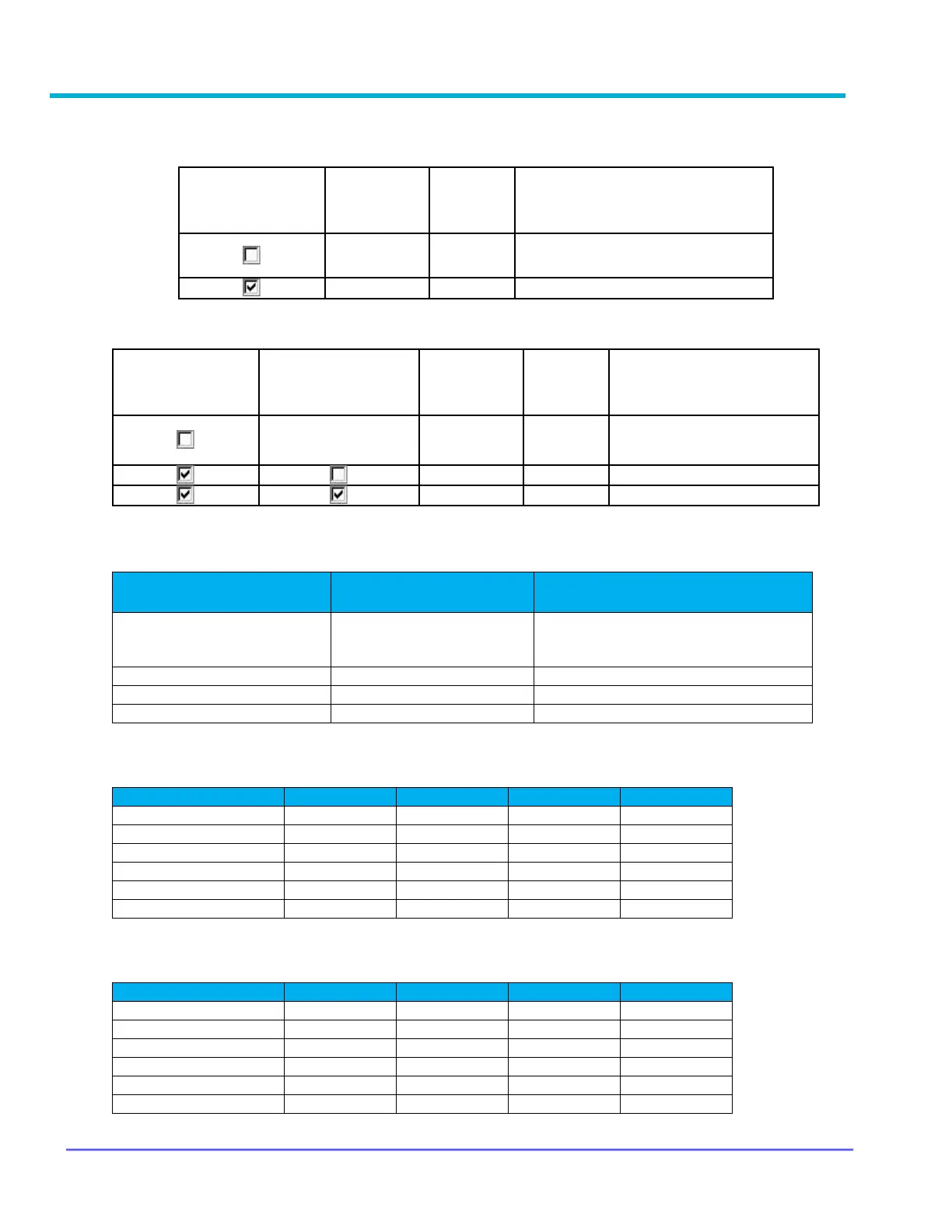
Table 3 - Summary of Local Mode Microphone Audio Handling - Programmable Options
VRX1000:
DVR / DVR-LX:
Table 4 - Field Interactions Determining VR Mode on Power Up
Table 5 - Repeater Active Tones enabled
Channel/Transition
OFF SYS
OFF → LOC
LOC → SYS
SYS → LOC
Analog
-
-
Digital
-
-
Mixed
-
-
Forced Analog
-
-
TPS
-
-
Forced Analog All
-
-
Table 6 - Repeater Active Tones & Local Mode Active Tones enabled
Channel/Transition
OFF SYS
OFF → LOC
LOC → SYS
SYS → LOC
Analog
Digital
-
-
Mixed
Forced Analog
-
-
TPS
-
-
Forced Analog All
-
-
MSU CPS
MSU System PTT
in Local Mode
Tx Mic Audio
to FNE /
system
Tx Mic
Audio
To Local
PSUs
Comment
No
Yes
Typical setting
Yes
No
MSU CPS
MSU System PTT
in Local Mode
VR FRC
MSU Mic Call Local
Repeat in LOC Mode
Tx Mic Audio
to FNE /
system
Tx Mic
Audio
To Local
PSUs
Comment
N/A*
No
Always
*Mic audio always goes to
local PSUs regardless of FRC
field configuration
Yes
No
Yes
Yes
FIELD: Rptr Independent
Channel Change
FIELD: VR Activation
via MSU Mode Change
VR Mode on Power Up is
Determined By
Disabled
Enabled
Follows TG Mode for the selected
MSU channel, as configured on the
Mobile Radio Channel Setup window
Disabled
Disabled
Power Up Options
Enabled
Disabled
Power Up Options
Enabled
Enabled
Power Up Options

Table of Contents