8G093X01 R5
VR Programming Guide
August 2022 Page 31 of 144
6. To see current licenses applied to repeater, select Repeater Setup → User Info to view
Feature licenses
7. Select File → Apply License File on FRC
8. A window dialog prompts user to choose the license file from local file system (wherever
file was saved by user)
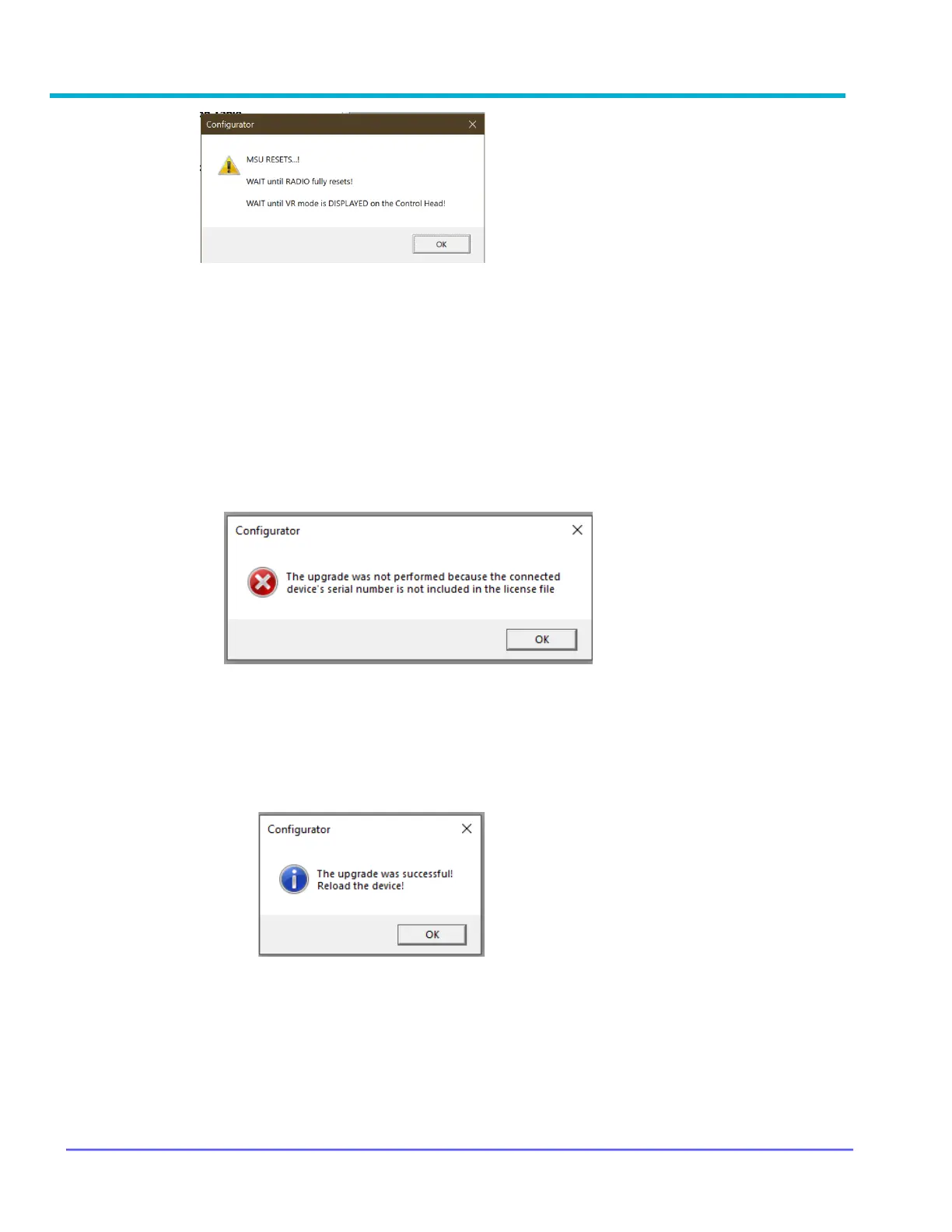
9. FRC verifies the associated S/N in license file in one of three ways:
a. If embedded S/N in license file does not match S/N of the connected repeater,
FRC displays the following error message
OR
b. If the S/N matches, the license file is pushed to repeater right away. FRC
displays the following confirmation message. User is advised to reload the data
from repeater (Repeater → Load Data from Repeater) before making any more
changes
OR



 To Next Page