22 GPSMAP 5000 Series Owner’s Manual
Where To?
Where
to?
4. Touch Navigate To.
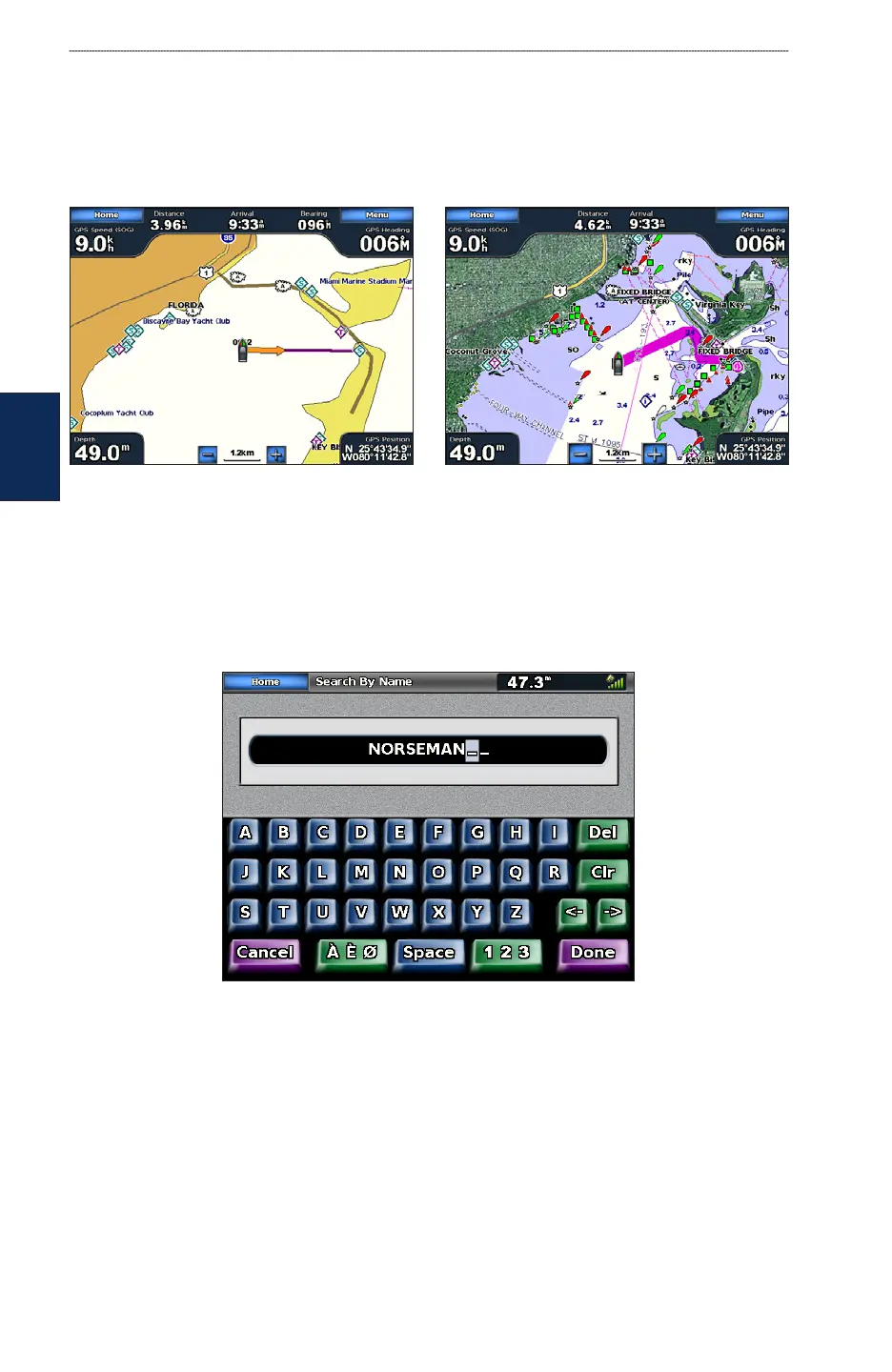
5. Touch Go To.
OR
Touch Guide To when using a preprogrammed BlueChart g2 Vision card to use Auto Guidance.
6. Follow the colored line on the screen to the destination.
Go To Screen
Guide To Screen (with g2 Vision Card)
To stop navigating:
From the Navigation chart, Touch Menu, and then touch Stop Navigating.
To search for a destination by name:
1. From the Home screen, touch Where To? > Search by Name.
2. Touch characters to spell at least a portion of the name of your destination.



 To Next Page