32 GPSMAP 5000 Series Owner’s Manual
Viewing Information
VieWinG
information
Viewing Information on Other Boats
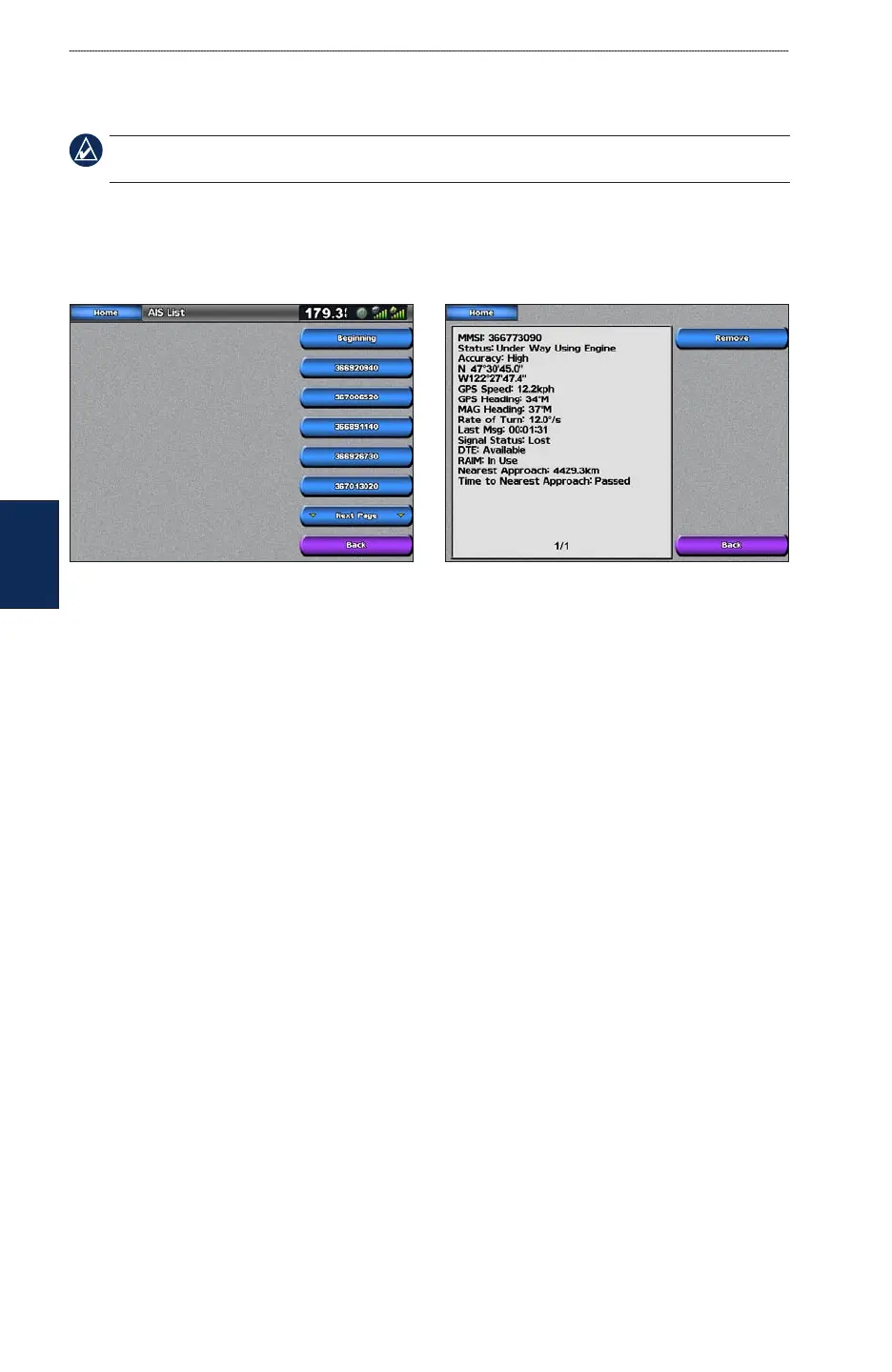
To view information about other boats from the Home screen, touch Information > Other Boats.
NOTE: To view information about other boats, your unit must be connected to an external AIS
(Automatic Identication System) or DSC (Digital Selective Calling) device.
AIS List—displays information about all of the boats your unit is monitoring. Touch AIS List to
view the MMSIs (Maritime Mobile Service Identities) or names (if the boat is broadcasting a name)
of nearby AIS-equipped boats. The AIS list is sorted by range, with the nearest boat at the top of the
list.
DSC Log—displays a list of all DSC calls, sorted by most recent, sender, or by type (distress calls or
position reports).
View By Time
—shows the most recent DSC calls received, sorted and listed chronologically by
time and date. Calls with identical time and date information show the same information in the
list.
View By Sender—shows an alphanumerical list of senders.
View By Type
—shows the most recent distress calls or position reports, sorted chronologically.
Delete All—deletes all log entries
DSC Call List—displays the 100 most-recent calls. The DSC Call List shows the most recent call
from a boat. If a second call is received from the same boat, it replaces the rst call in the Call List.
Directory—displays a list of all DSC entries. You can view by name or by MMSI. You can also add
an entry.
•
•
•
•



 To Next Page