GPSMAP
®
5000 Series Owner’s Manual 43
Using the Marine Network
marine
netWork
Viewing Connected Garmin Marine Network Devices
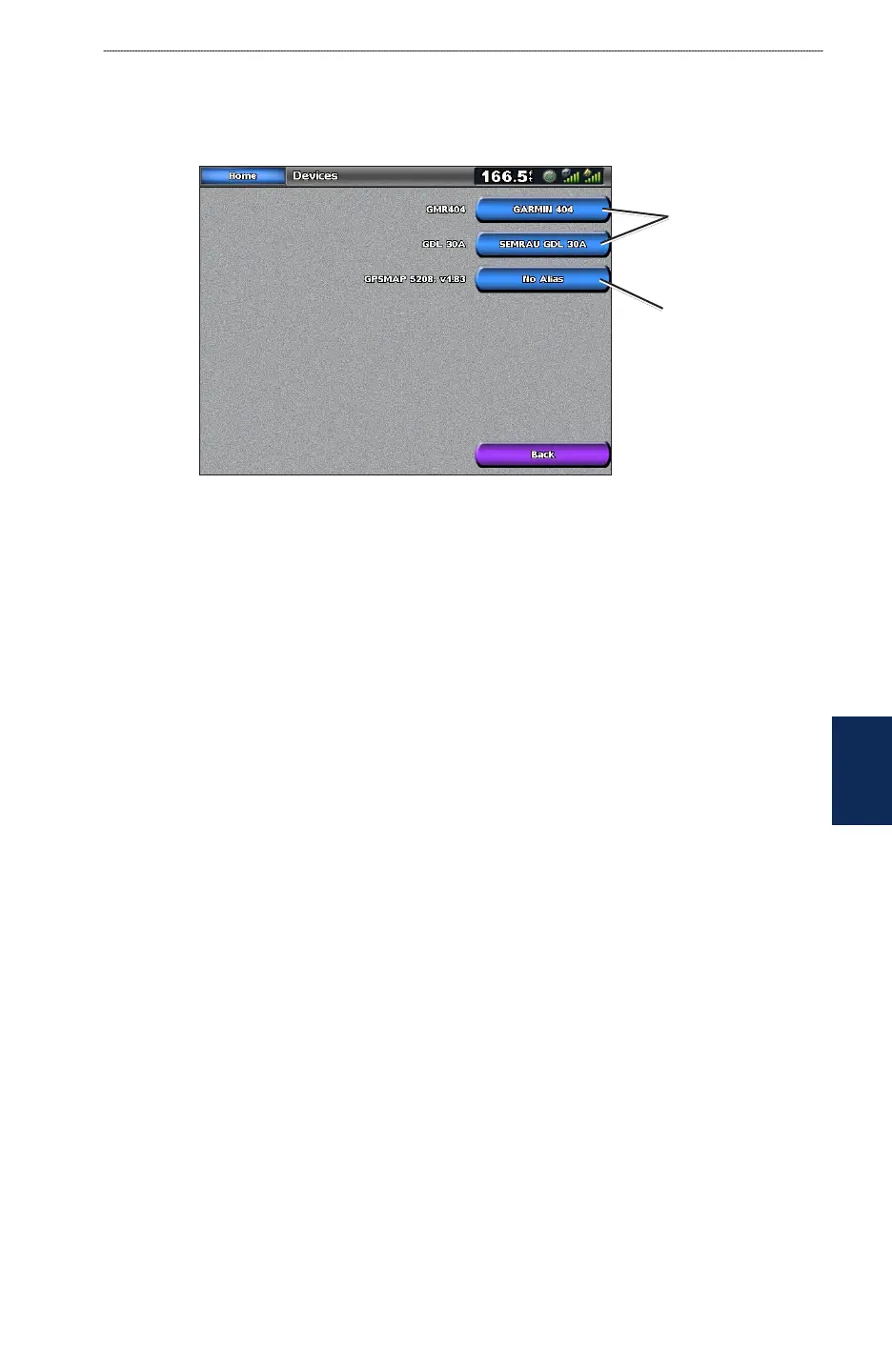
To view all connected Garmin Marine Network Devices from the Home screen, touch Congure >
System > System Information > Network Devices.
Network Devices
Aliases
dened
No alias
dened
Each connected device is listed along the right side of the screen. To assign a name to one of the
devices for identication purposes, touch the device’s button. Use the onscreen keyboard to name
the device. There is a 28-character limit on the name.



 To Next Page