GPSMAP
®
5000 Series Owner’s Manual 41
Conguring the Unit
ConfiGUrinG
the Unit
To customize safe-zone settings:
From the Home screen, touch Congure > Other Boats > Safe Zone > Setup.
Ring—show or hide a ring on the Navigation chart showing the safe zone for your boat.
Range—change the measured radius of the safe zone ring to a specied distance from 0.1 to
2.0 nm (or 0.2 to 5.0 km, or 0.1 to 2.0 mi).
Time to (Safe Zone)—sounds an alarm if AIS (Automatic Identication System) or MARPA
(Mini Automatic Radar Plotting Aid ) determines that a target will intersect the Safe Zone
within the dened time interval (ranging from 3 to 24 minutes).
Details—shows or hides the name, speed, and bearing of AIS or MARPA onscreen targets. The
details appear next to the AIS or MARPA target icon.
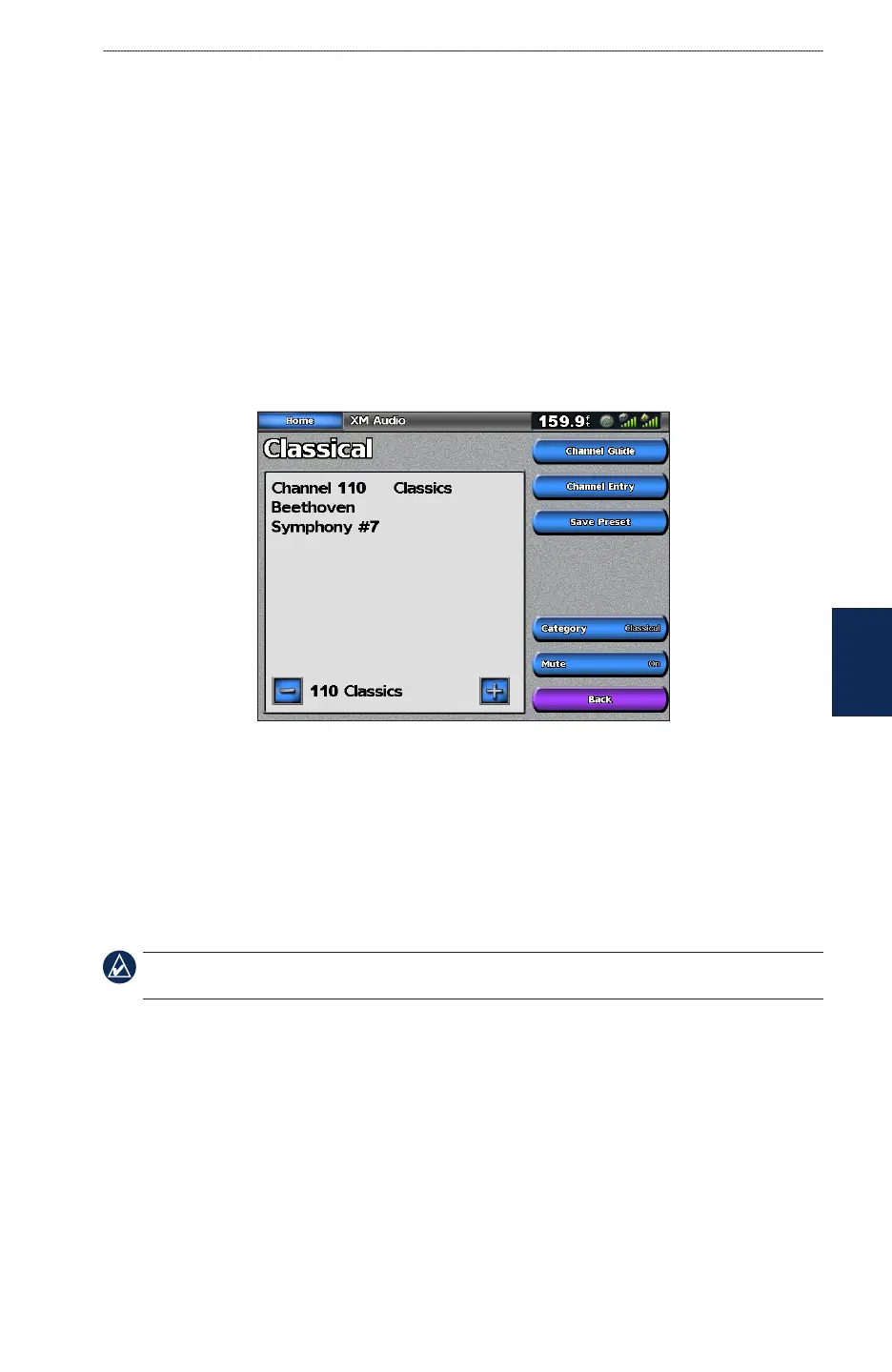
Conguring XM Audio
To congure XM audio from the Home screen, touch Congure > XM Audio.
Channel Guide—selects the specic XM channel within the currently selected category.
Channel Entry
—allows you to enter a channel using the screen keyboard.
Save Preset—saves the current XM channel in the Presets list. Press Delete Preset to remove the
current channel from the list. Presets is displayed as a category in the category list.
Category—selects the category of channels that are displayed in the Channel Guide.
Mute—silences the audio.
NOTE: You must connect the optional GDL 30A XM receiver into the Garmin Marine Network, and
have a subscription to XM Radio to use XM audio features. For more information, refer to page 53.
•
•
•



 To Next Page