GPSMAP
®
5000 Series Owner’s Manual 37
Conguring the Unit
ConfiGUrinG
the Unit
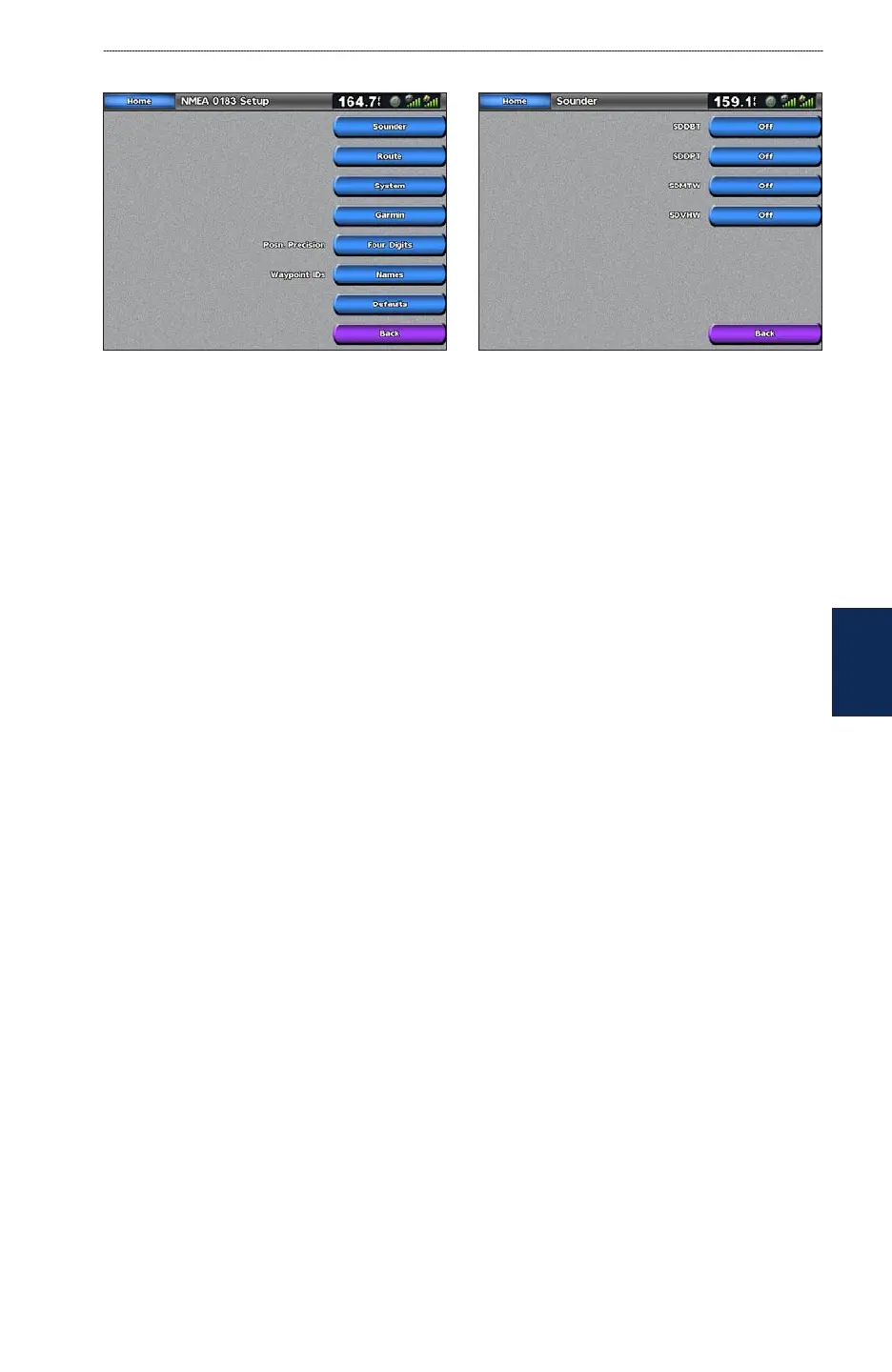
3. Touch the NMEA output sentence.
4. Touch Off to disable, or touch On to enable the 0183 NMEA output sentence.
Posn. Precision—adjusts the number of digits (Two Digits, Three Digits, or Four Digits) to
the right of the decimal point for transmission of NMEA output.
Waypoint IDs—selects how the unit outputs waypoint identiers (Names or Numbers).
Defaults—resets NMEA 0183 settings to their default settings (OK or Cancel).
NMEA 2000 Setup—View and congure the devices connected to the NMEA 2000 network and set
bridging to On, Off, or Auto.
Device List—lists the NMEA 2000 devices on your network. If the NMEA 2000 device has
conguration options or settings, select the device for a list of options.
Output Bridging
—enables or disables the output from Garmin sensors or NMEA 0183 devices
to your NMEA 2000 network.
Wireless Devices—Allows wireless devices, such as a remote control or optical mouse to
communicate with the chartplotter.
Preferred Sources—Allows the selection of a preferred device when more than one source is
available for the same function.
Setting Alarms
You can set the unit to sound an audible alarm when certain conditions are met. By default, all
alarms are turned off.
To set an alarm:
1. From the Home screen, touch Congure > Alarms.
2. Touch an alarm category (Navigation, Engine, System, Sonar, Weather, or Fuel) and set to On
or Off. Alarms include:
Navigation—Anchor Drag, Arrival, Off Course
System—Clock, Battery, GPS Accuracy
Sonar—Shallow Water, Deep Water, Water Temperature, Fish
Weather (only if XM WX weather is available)—Marine, Tornado, Severe Storm, Flood, Flash
Flood
Fuel—Total Fuel Onboard
•
•
•
•
•
•
•
•
•
•



 To Next Page