GPSMAP
®
5000 Series Owner’s Manual 59
Using XM WX Weather and Audio
USinG Xm
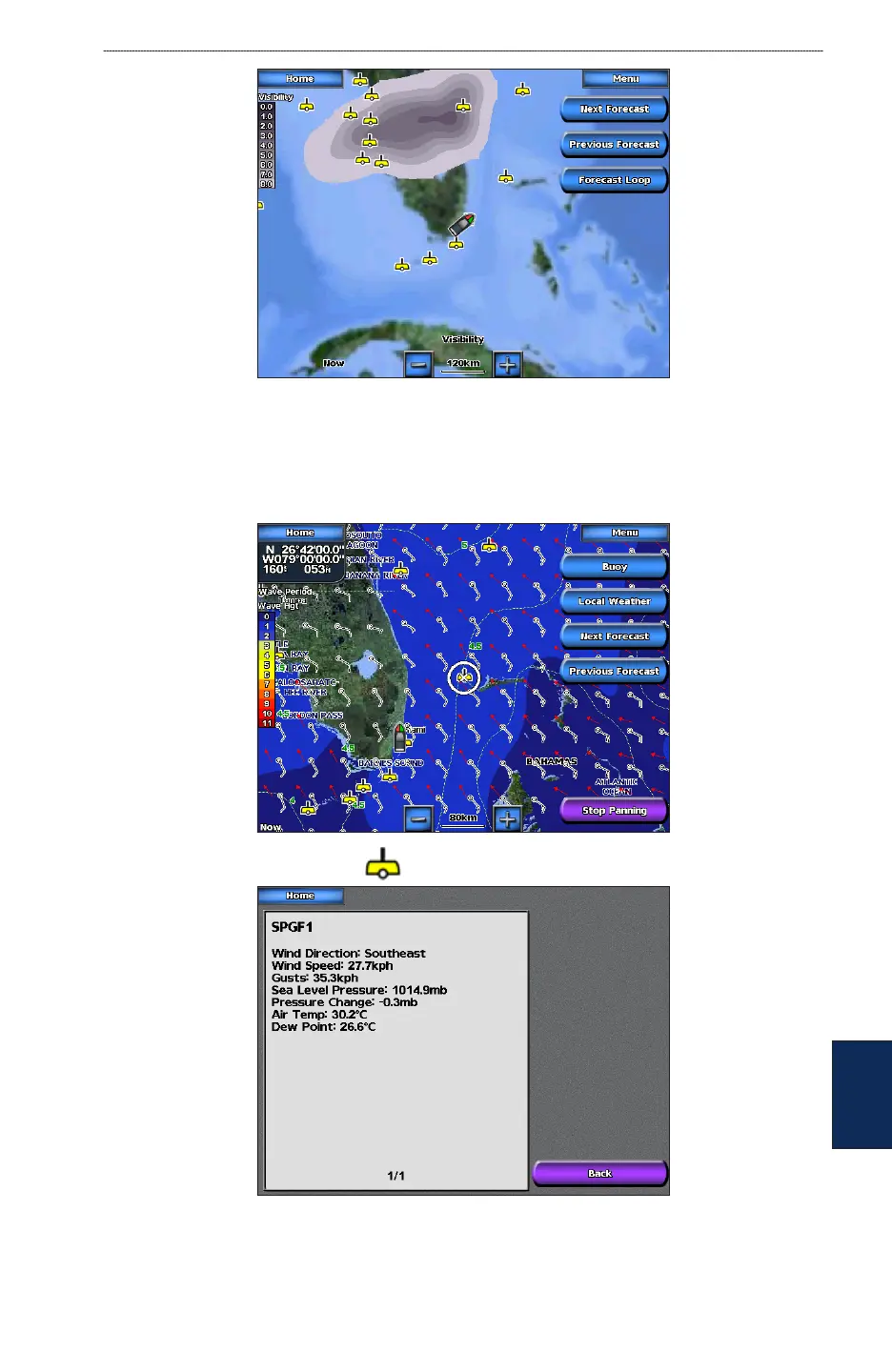
Viewing Buoy Reports
Report readings are taken from buoys and coastal observation stations. These readings are used
to determine air temperature, dew point, water temperature, tide, wave height and period, wind
direction and speed, visibility, and barometric pressure.
To view a buoy report, touch a buoy on the screen. Touch Buoy.



 To Next Page