30 GPSMAP 5000 Series Owner’s Manual
Viewing Information
VieWinG
information
To view the Current Report for the selected station, touch Show Report.
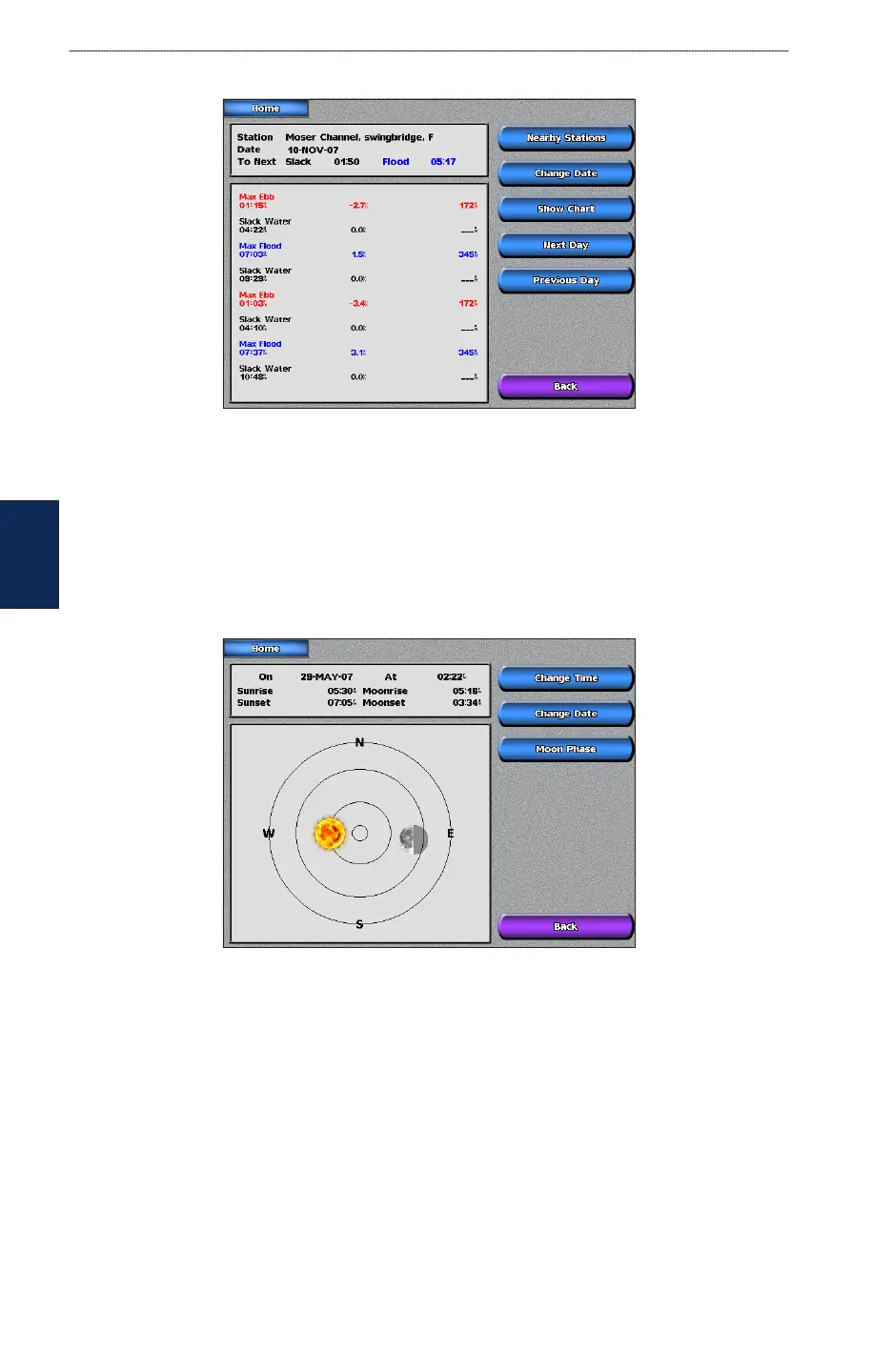
Viewing Celestial Information
Use the Celestial screen to view celestial data for sunrise, sunset, moonrise, moonset, moon phase,
and approximate sky view location of the sun and moon.
To view celestial information from the Home screen, touch Information > Celestial. Touch Change
Date > Manual to view information for a different date. Touch Change Time to view information
for a specied time on that date. Touch Moon Phase to view the moon phase at the specied date
and time.
Viewing User Data
To view user data from the Home screen, touch Information > User Data.
Waypoints—displays a list of all saved waypoints (page 25).
Routes—displays a list of saved routes (page 26).
Tracks
—displays a list of saved tracks (page 14).
Data Transfer
—transfers waypoints, routes, and tracks to and from an SD card or network.
Clear User Data
—erases all user waypoints, routes, and tracks.
To copy or merge MapSource data to your chartplotter:
1. Insert the SD card into your chartplotter to allow it to place a le on the SD card. This le provides
information to MapSource to format its data. This only needs to be done the rst time you copy or
merge MapSource data to your chartplotter from a specic SD card.
•
•
•
•
•



 To Next Page