38 GPSMAP 5000 Series Owner’s Manual
Conguring the Unit
ConfiGUrinG
the Unit
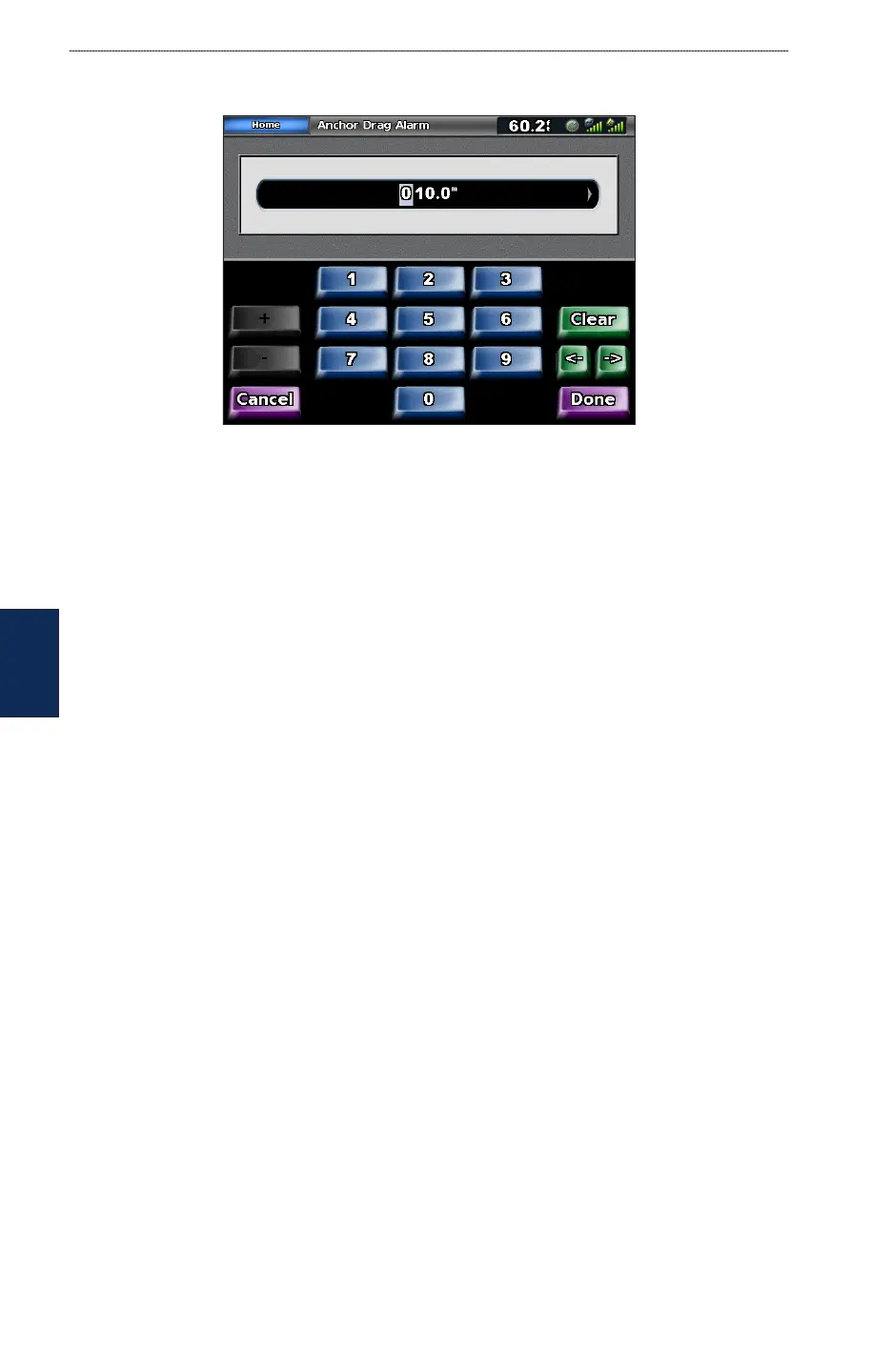
3. Touch On to turn the alarm on and then use the touch screen keyboard to specify alarm
information.
Setting Navigation Alarms
To set a navigation alarm from the Home screen, touch Congure > Alarms > Navigation.
Anchor Drag—sets an alarm to sound when you exceed a specied drift distance.
Arrival—sets an alarm to sound when you are within a specied distance or time from a destination
waypoint.
Off Course
—sets an alarm to sound when you are off course by a specied distance.
Setting System Alarms
To set a system alarm from the Home screen, touch Congure > Alarms > System.
Clock—sets an alarm using the system (GPS) clock. The unit must be on for the clock alarm to
work.
Battery—sets an alarm to sound when the battery reaches a user-determined low voltage.
GPS Accuracy—sets an alarm to sound when the GPS location accuracy falls outside the user-
determined value.
Setting Sonar Alarms
To set a sonar alarm, from the Home screen, touch Congure > Alarms > Sonar.
Shallow Water/Deep Water—sets an alarm to sound when the depth is less than or greater than the
specied value.
Water Temp
—sets an alarm to sound when the transducer reports a temperature that is 2° F (1.1° C)
above or below the specied temperature.



 To Next Page