GPSMAP
®
5000 Series Owner’s Manual 39
Conguring the Unit
ConfiGUrinG
the Unit
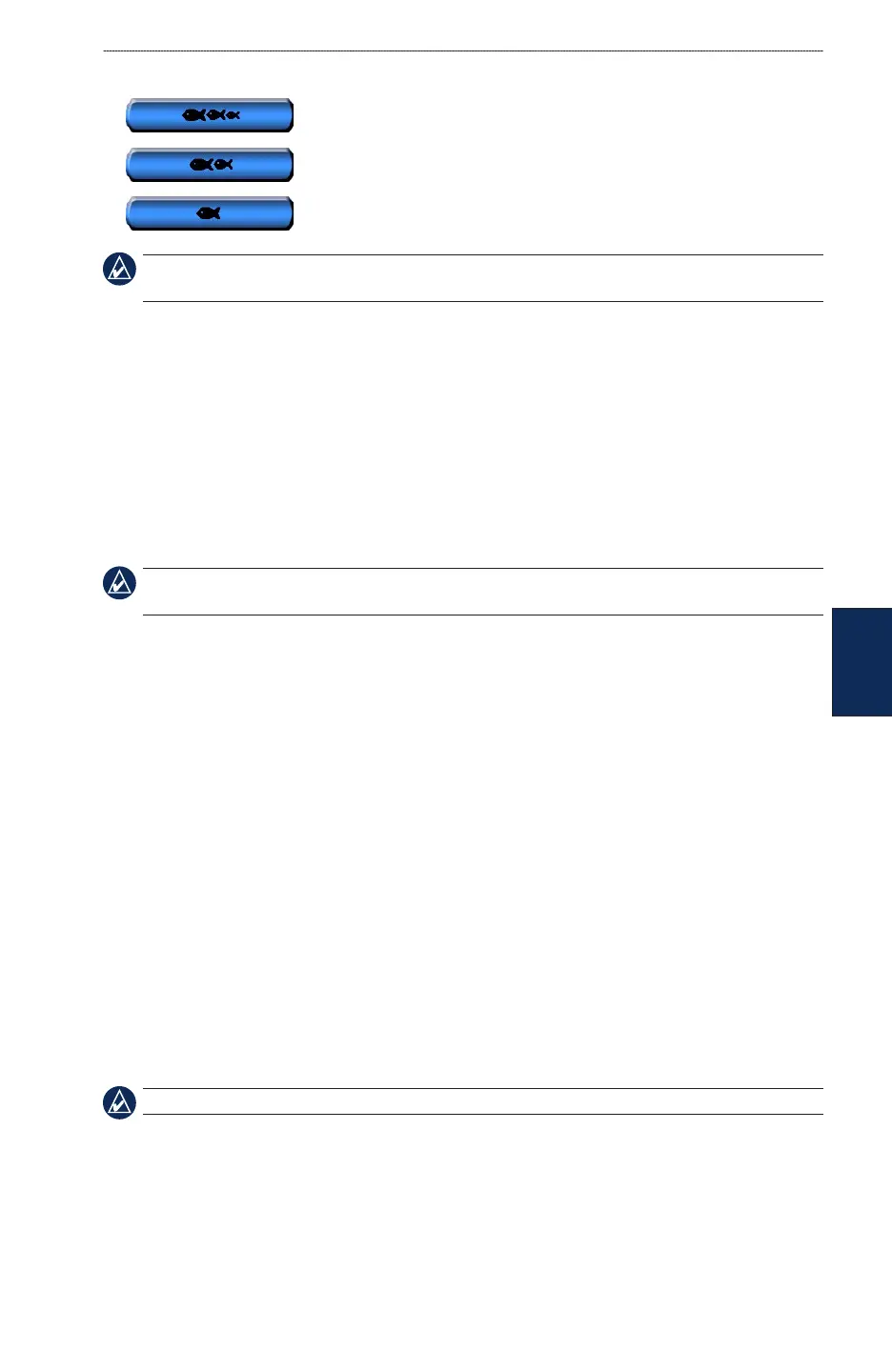
Fish—sets an alarm to sound when the unit detects a suspended target of the specied symbols.
— sounds an alarm for all sh sizes
— sounds an alarm for medium and large sh only
— sounds an alarm for large sh only
NOTE: You must have an optional sonar module and a transducer connected via NMEA 0183 or the
Garmin Marine Network to receive sonar information.
Setting Weather Alarms
To set a weather alarm from the Home screen, touch Congure > Alarms > Weather. Turn the
following alarms on or off:
Marine
Tornado
Severe Storm
Flood
Flash Flood
NOTE: You must have a subscription to XM WX Weather and a GDL 30/30A connected via the Garmin
Marine Network to view weather information. Refer to page 53 for more information.
Conguring My Boat
To congure settings for your boat from the Home screen, touch Congure > My Boat.
Auto Guidance—sets the Auto Guidance parameters for your boat:
Safe Depth—sets the minimum depth (chart depth datum) to allow when calculating an auto
guidance path. A safe depth of less than one meter is not allowed when using Auto Guidance.
Safe Height—sets the minimum height (chart height datum) of a bridge that your boat can safely
travel under.
Keel Offset
—offsets the surface reading for the depth of a keel, making it possible to measure depth
from the bottom of the keel instead of from the transducer location. Enter a positive number to offset
for a keel. You can enter a negative number to compensate for a large vessel that may draw several
feet of water.
To adjust the Keel Offset:
1. From the Home screen, touch Congure > My Boat > Keel Offset.
2. Use the touch screen keyboard to specify the offset.
3. Touch Done to accept the number.
NOTE: Touch Cancel to cancel your changes and return to the My Boat screen.
•
•
•
•
•
•
•



 To Next Page