GPSMAP
®
5000 Series Owner’s Manual 27
Where To?
Where
to?
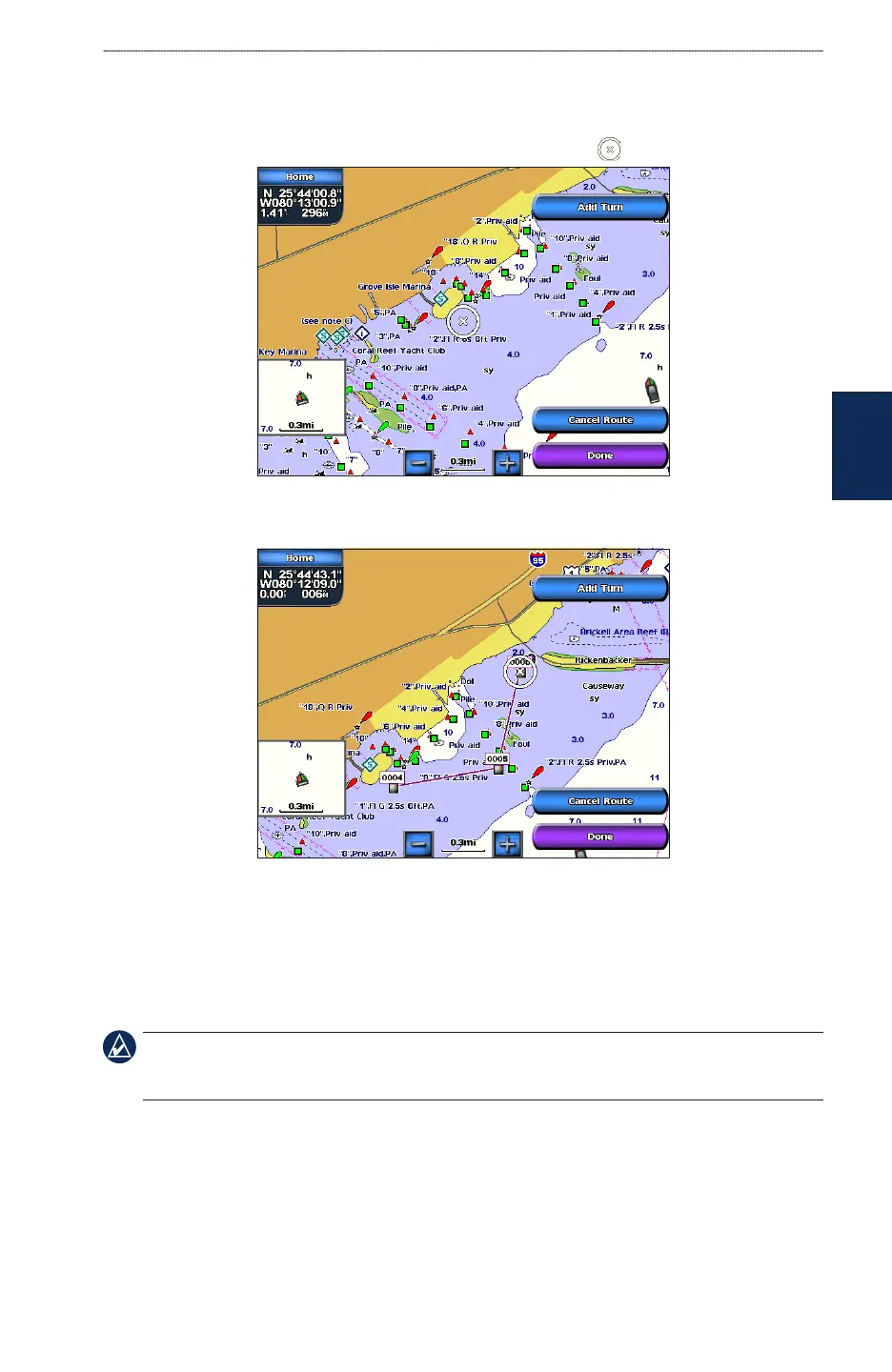
To create a route in another location:
1. From the Home screen, touch Information > User Data > Routes > New Route.
2. If necessary, touch and drag the screen until the route’s starting point is displayed. Touch the
route’s starting point. The starting point is indicated by the pointer .
3. Touch Add Turn to mark the starting point of the route.
4. Touch the location of the rst turn and then touch Add Turn. Repeat until the route is complete.
5. Touch Done.
To create a route using Auto Guidance:
Auto Guidance is available with a preprogrammed BlueChart g2 Vision SD card.
1. From the Navigation chart, touch your destination.
2. Touch Navigate To > Guide To. Your route is calculated.
NOTE: To change the auto guidance path to a route, touch the end of the path and then touch Navigate
To > Route To. The auto guidance path stays on the screen, allowing you to trace it while creating a
route.



 To Next Page