CHAPTER4: Upgrading Your Computer
60
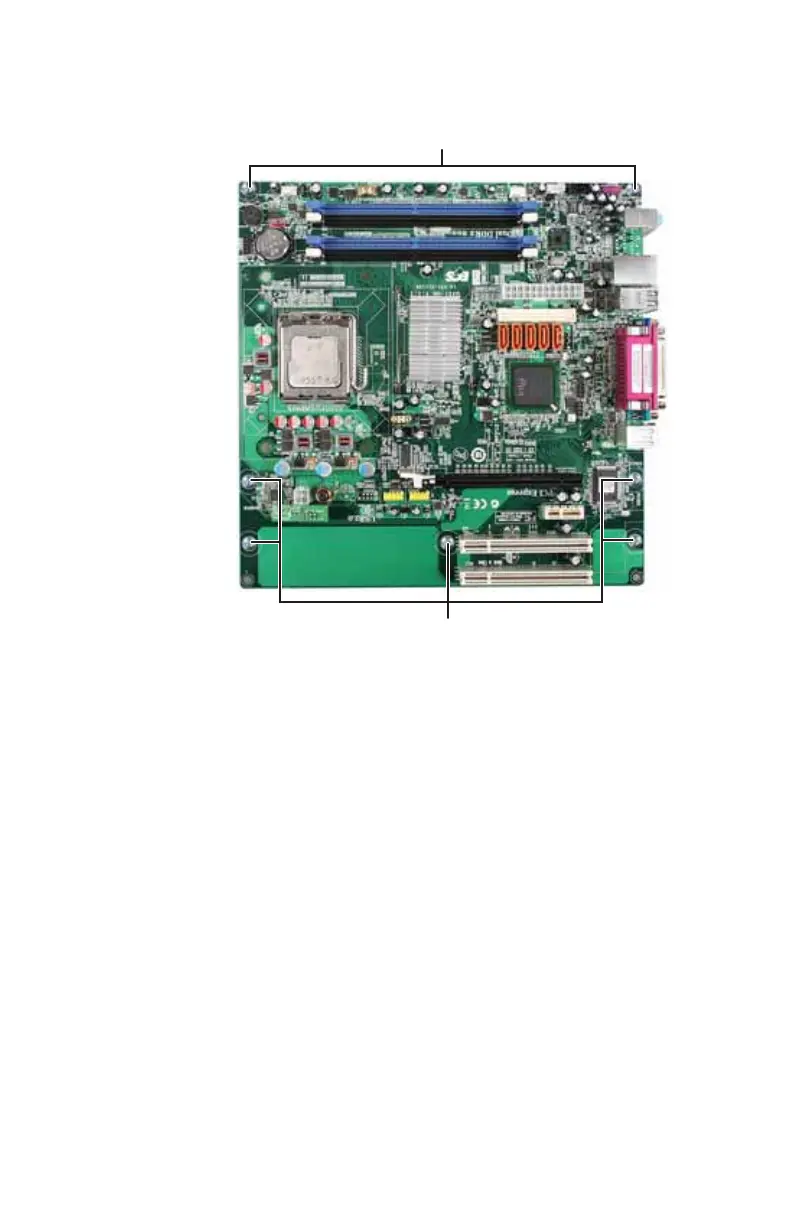
11 Remove the seven system board screws.
12 Lift the system board up and out of the case.
13 Align the new system board on the screw holes in the
case, then secure it into the case with the screws you
removed previously.
14 If your replacement system board includes a processor,
go to the next step.
-OR-
Follow the instructions in “Replacing the processor” on
page 55 to move the processor from your old system
board to the new one.
15 Reinstall the memory you removed previously.
16 Reinstall the power supply into the case using the four
screws you removed previously.
Screws
Screws
8512732.book Page 60 Thursday, September 27, 2007 11:33 AM


 To Next Page
 Loading...





