JF-240UV User Manual
44
Step 5. Place print media on platen of JF-240UV.
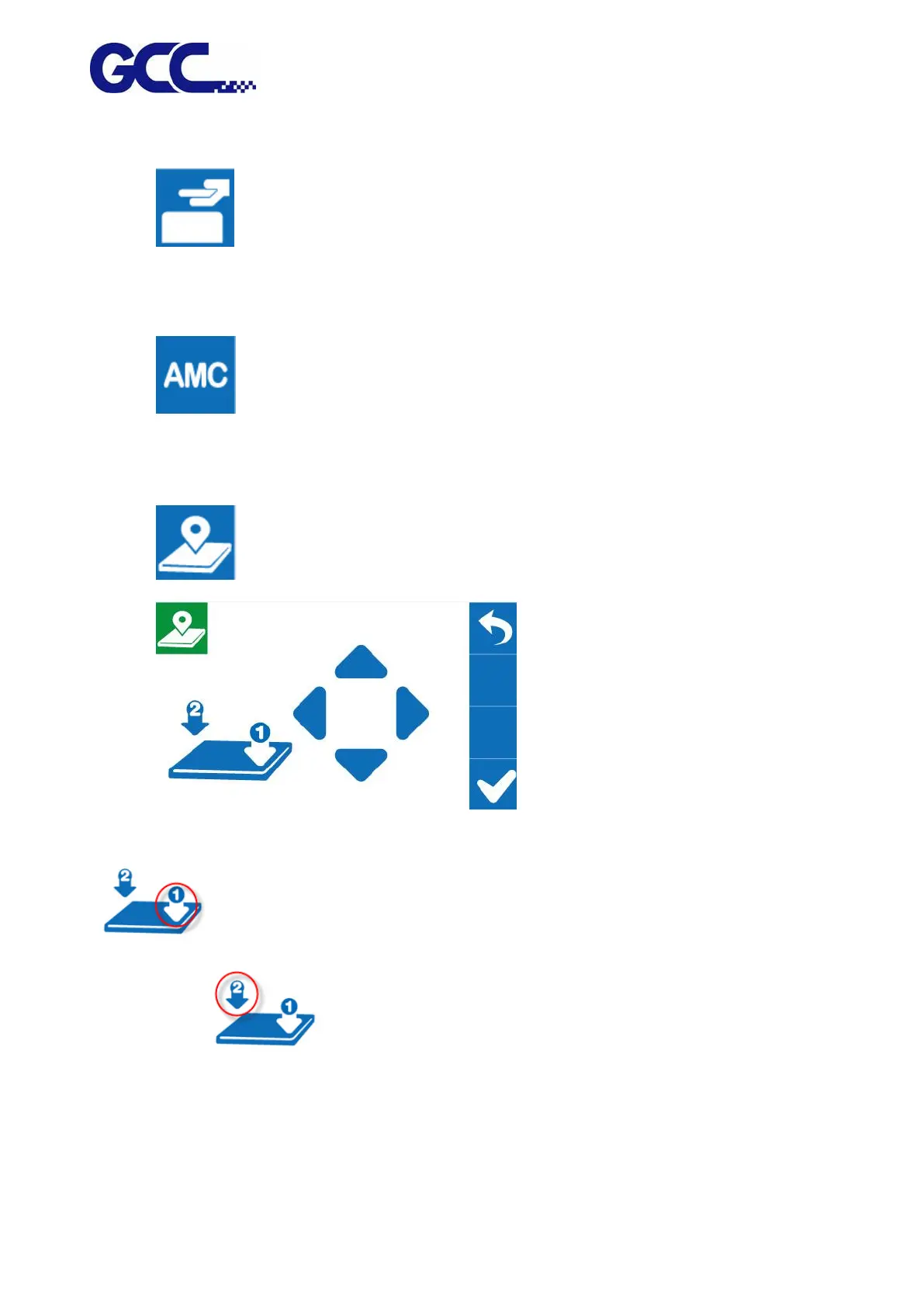
Step 6. Select LOAD MADIA, and then adjust the height of platen of JF-240 to proper
position.
(Note: the printing side should always be adjusted BELOW the print head.)
Step 7. Select AMC to autamatically detect the height between print media and print
head.
(Note: It is suggested to apply AMC onto the highest position of the media.)
Step 8. Select SmartPOSITION.
Step 9. Press the Arrow Keys to move the
cartridge to the lower right corner of the print material and then press Position 1 icon
; then move cartridge again to the upper left corner of the print material and press
Position 2 icon
Step 10. Send the file from FlexiPRINT GCC Edition RIP software, and printing is complete.






 To Next Page