JF-240UV User Manual
70
Use color mapping Check to print spot colors based on settings in global and custom color
mapping. Click Color Mapping to set custom color mapping options.
Ignore overprint Ignores any overprint settings that may exist in jobs it outputs.
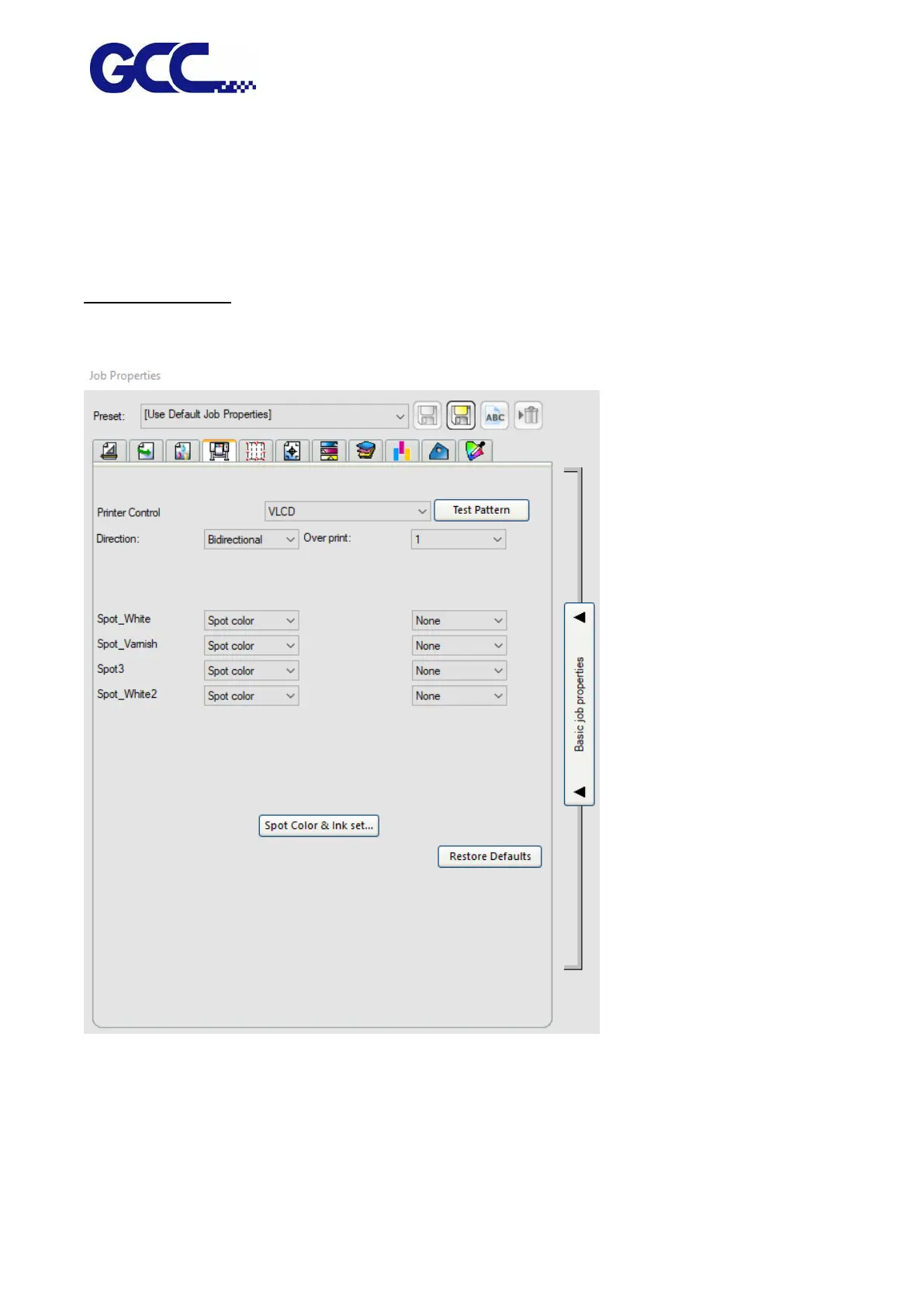
Printer Options tab
The Printer Options tab displays driver settings related to the selected output device. Every output
device supports different driver options.
Printer Control Print out the test pattern for VLCD,Nozzle Check, Head Angle, Color Offset,
BiDirectional Offset, Band Offset, AAS Offset
Direction Select the type of print direction you want your output device to use.
Unidirectional The print head prints in one direction to ensure precise






 To Next Page