JF-240UV User Manual
71
alignment.
Bidirectional The print head prints in both directions to increase the speed
of printing while sacrificing precise alignment.
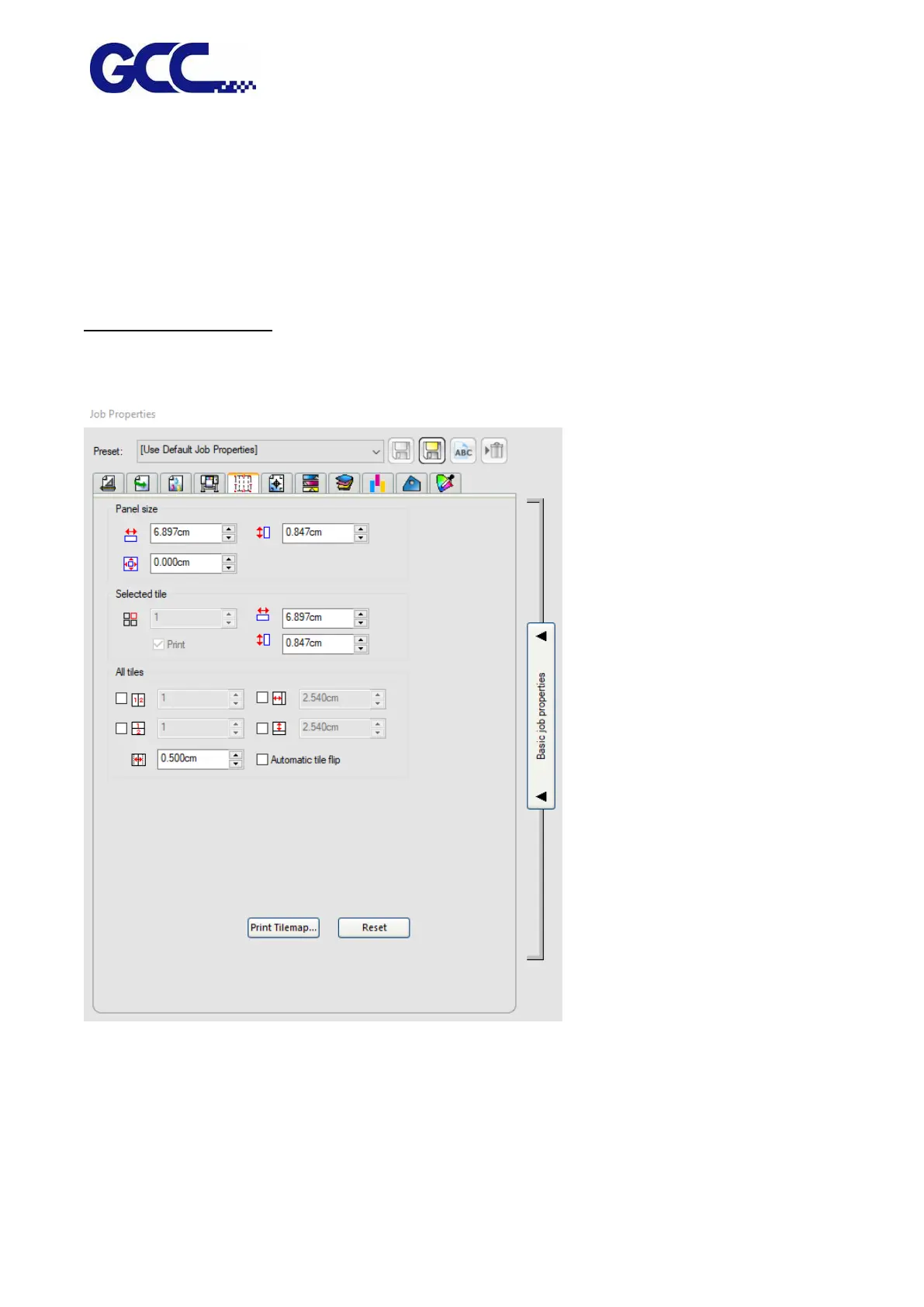
Tiling and Cropping Jobs
The Tiling and Cropping Jobs shows the settings that related to output device. The setting options
may differ according to different output device.
The tiling feature of the software allows you to split a print job into a number of smaller tiles that
are then output separately.
When you rotate or resize a job, all tiling is removed. If the job is larger than the output media after
it rotates, it will automatically be retiled.
* If a job is larger than the output media, it automatically tiles into pieces small enough to output.






 To Next Page