JF-240UV User Manual
77
Contrast Adjusts the amount of contrast in the image.
This setting is only available when All color channels are selected.
Vividness Adjusts the vividness of the image. Higher settings boost color saturation and
brightness at the expense of color fidelity and detail. Lower settings decrease color
saturation and brightness, but increase contrast.
This setting is only available when All color channels are selected. Also, you must have
an ICC profile selected in the Color Management tab.
Click the Variations button to open the Variations dialog. See Working with Variations
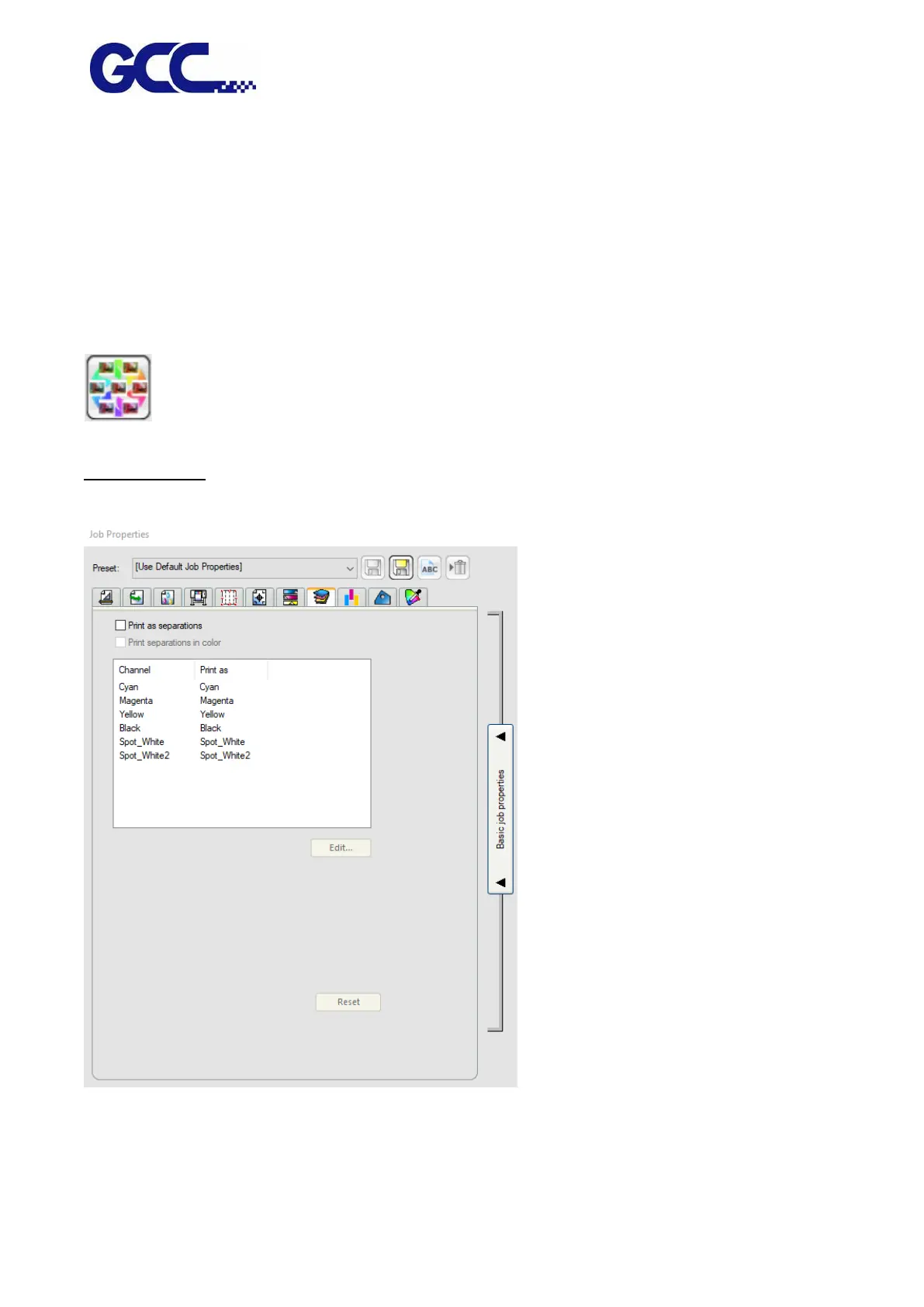
Separations Tab
The Separations tab contains a number of options related to printing color separations.
Print as separations Check to print each color plane separately.






 To Next Page