JF-240UV User Manual
76
Color Adjustment Tab
Note:The adjustment value of brightness is not 0, hence, the value has been set to 0 as default
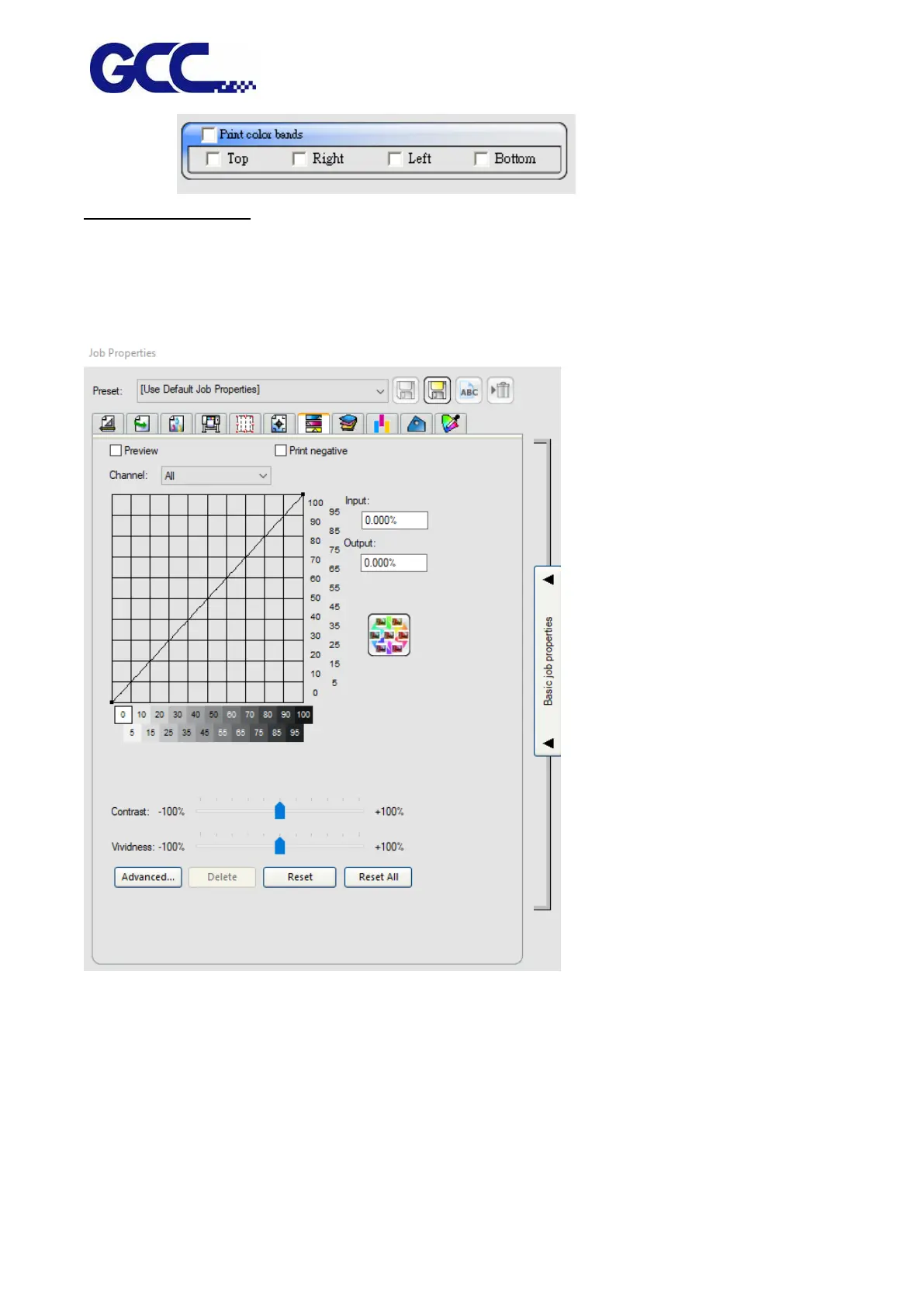
The Color Adjustment tab provides some basic tools to manually adjust the output color.
Each color channel is listed separately as a linearization curve that determines what percentage of
coverage is used (output) for a specified percentage in the original image (input).
Preview Shows the changes in your color settings reflected in the preview pane.
Channel Select the color channel you want to edit.
Output The value for the point that is selected on the linearization curve.
•
Click on the curve to select a different point to edit. You can also select a point by
clicking on the input axis label.
•
To change the value at a given point on the curve, edit the value in the Output field,
or click and drag the point up or down.






 To Next Page