JF-240UV User Manual
75
Labels and Marks Tab
You may choose to print crop marks and information about the job along with any notes that you
enter.
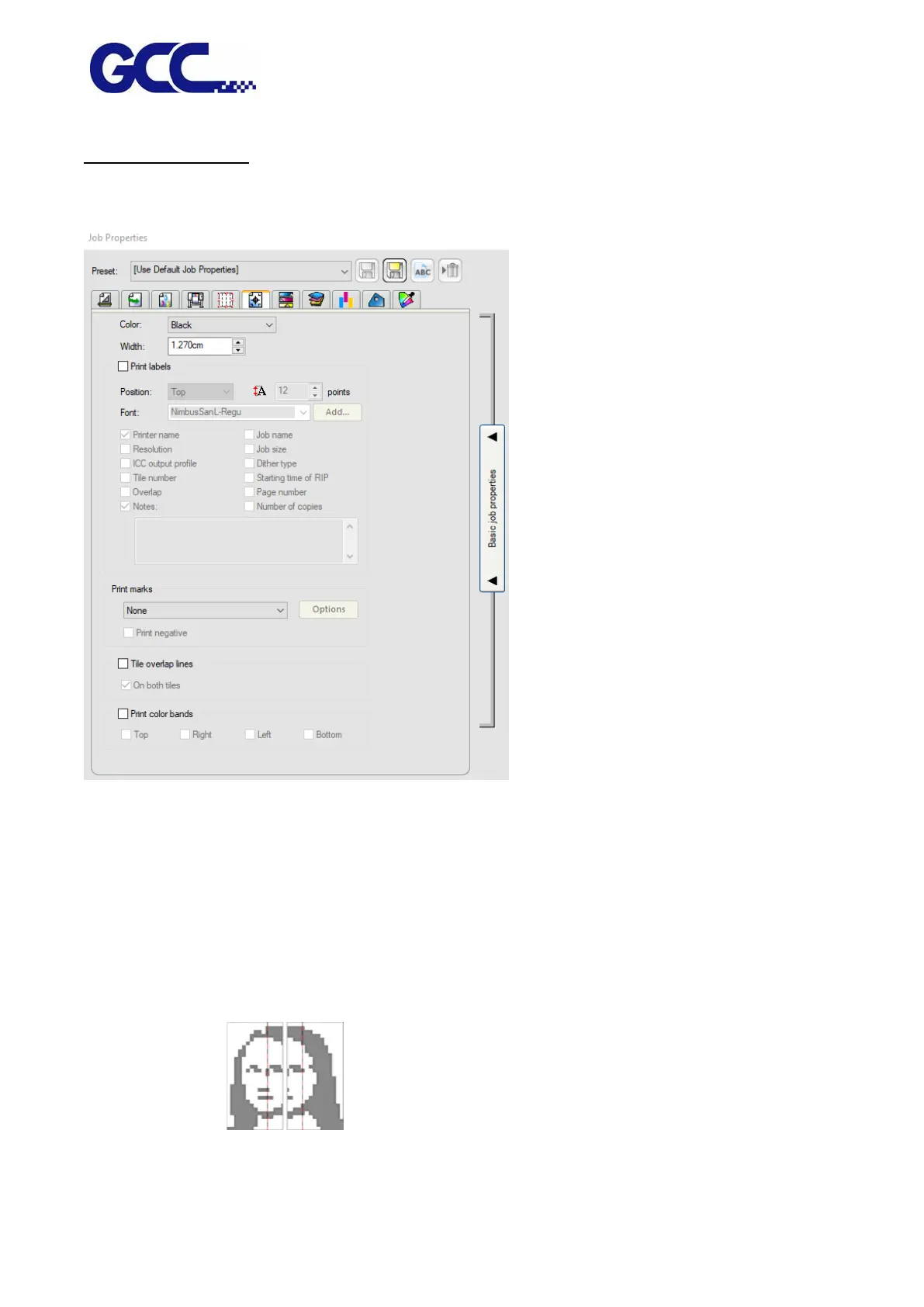
Color Select the ink that is used to print labels and marks.
Width Sets the width of the labels.
Print Marks Adds crop marks or color block on the corner of print job to define where the
page should be trimmed or the job property.
Tile overlap lines Lines on tiles print to indicate where the edge of the overlap is. Use these to
align the tiles.
If you check On both tiles, the overlap lines appear on both tiles. If not, the
overlap line only appears on the second tile.
Print color bands: check this item allows you to print the color bar on the selected image.






 To Next Page