JF-240UV User Manual
74
Selecting a Tile
To select a tile, either click the tile in the preview pane, or select the tile using the field in the
Selected tile section of the Tile tab
Editing Tiles
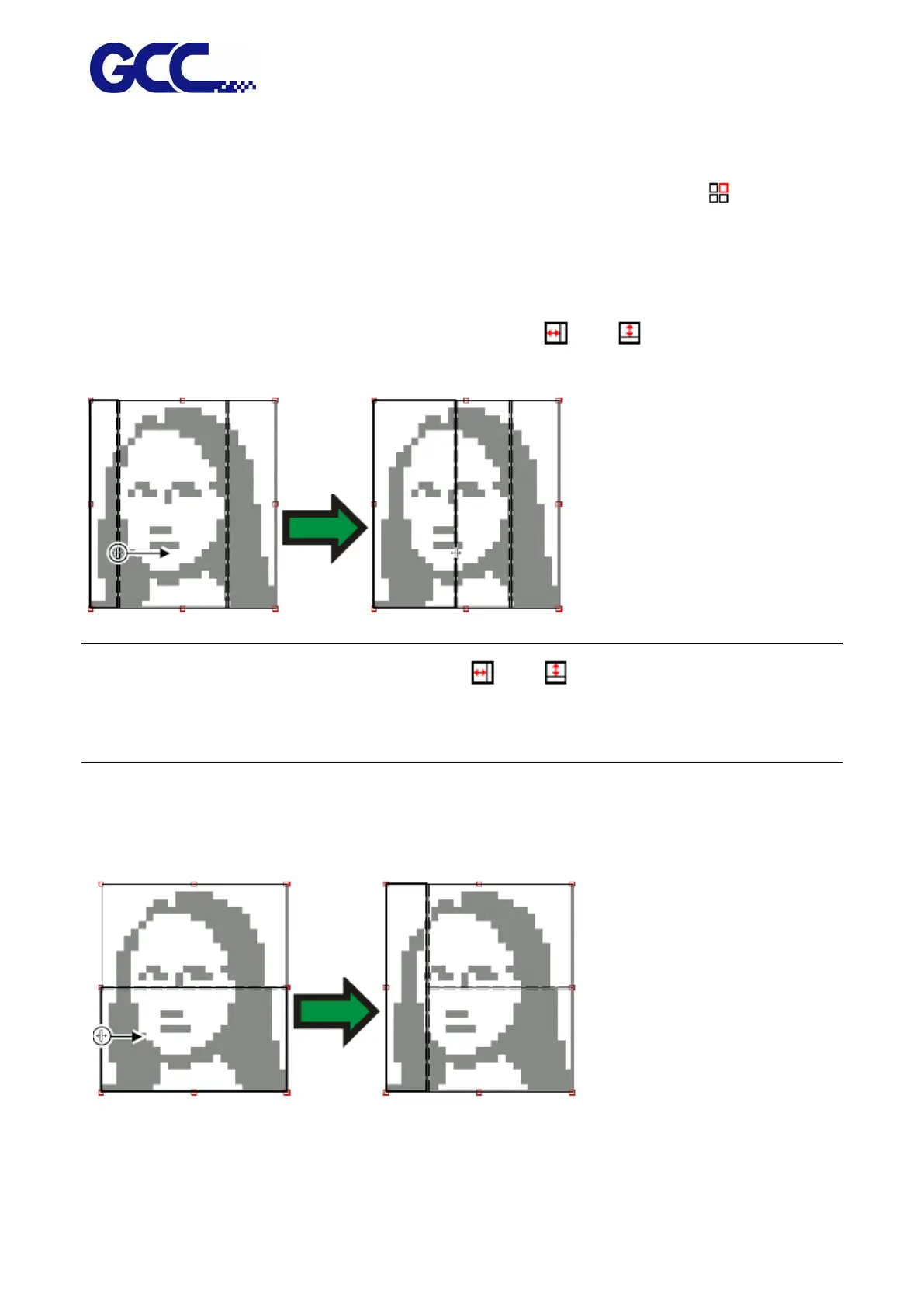
To edit the size of the selected tile, change the values in the and fields.
You can also resize tiles by dragging their edges in the Preview Pane.
Click and drag to resize.
If any of the All Tiles checkboxes are checked, the and fields may be disabled. In this case,
the fields have been overridden in order to keep all tiles uniform. The tiles will not be editable using
the Preview Pane either.
If you drag the edges of the panel over so that part of the job is exposed, a new tile will be created
to cover the exposed area of the job. The exception to this is if you resize the panel using the
cropping handles.
Click and drag the edge of the panel to add another tile.






 To Next Page