18 1918 19
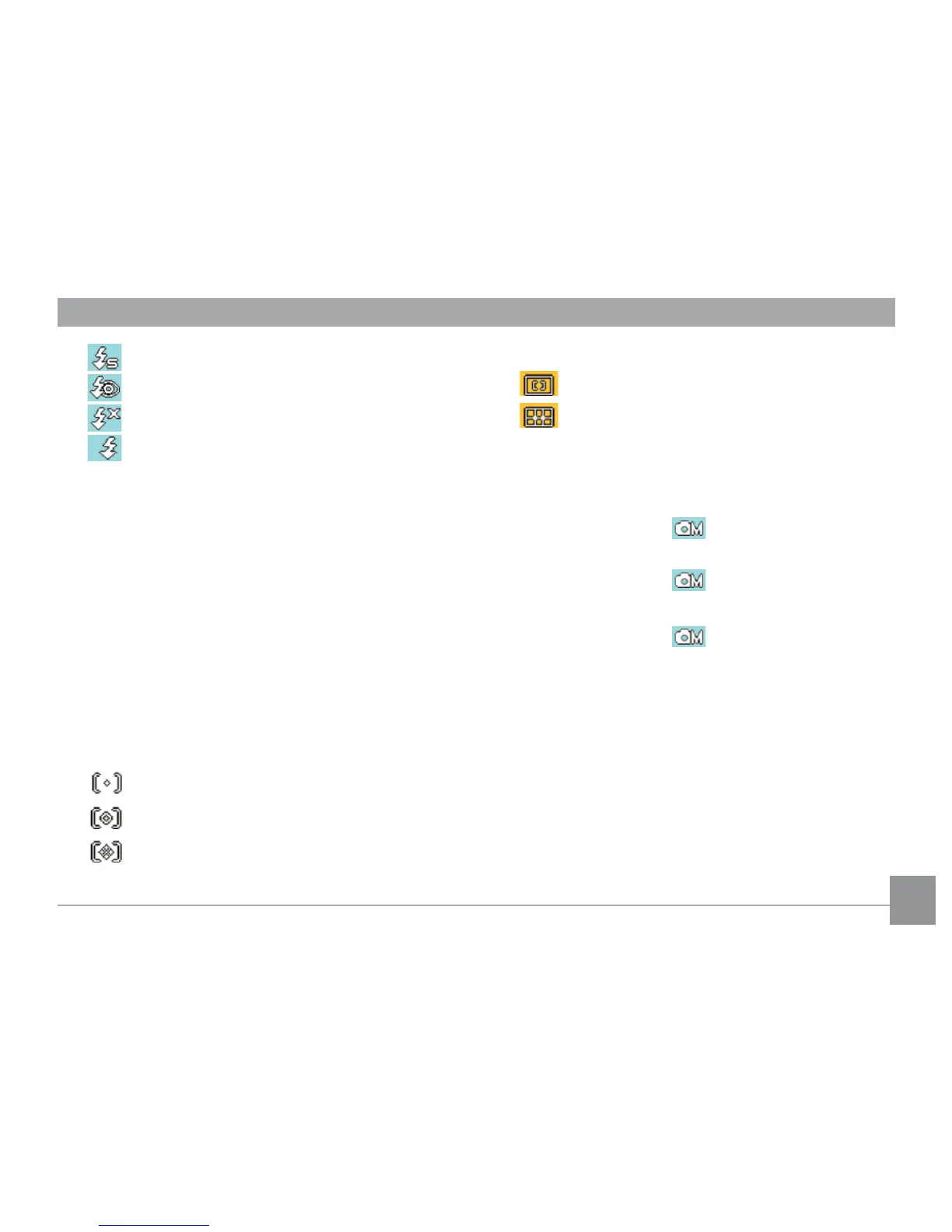
Slow Synchro ash
Red-Eye Reduction + Slow Synchro ash
Flash o
Forced ash
10 Screen display DISP icon (please refer to
Switch Between Screens
on page 22)
11 Function Page icon
12 EV indicator
13 Self-Portrait and Continuous Shot display
14 Face Detection and Smile Detection display.
15 Picture size and quality display
16 Travel time icon
17 Continuous Shot display
18 B Shutter (slow shutter) icon
19 Expo Metering mode
Spot AE
Centered-Weight
AI AE
20 Focus mode
Single point
Multi point
21 Face Detection / Blink Detection icon
22 Smile Detection icon
23 WB (white balance) display
(only available under
Manual mode)
24 ISO
(only available under
Manual mode
)
25 Color eect display
(only available under
Manual mode
)



 To Next Page