44 4544 45
Slideshow
In
Playback mode
, touch anywhere on the screen
to show the Playback main menu. Press the slide play
button to start playing a slideshow.
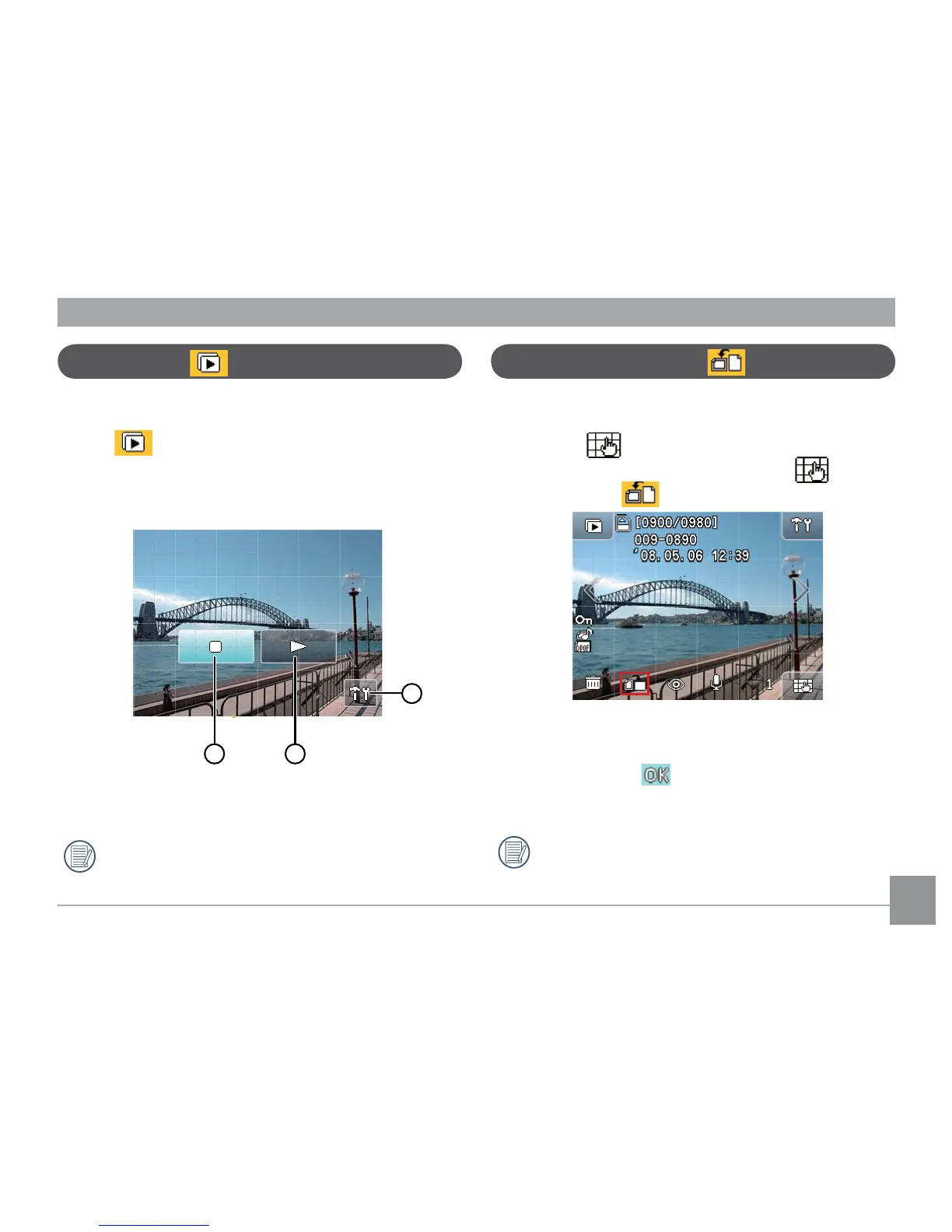
1. When the slide plays, touch anywhere on the screen
to show the operational buttons.
1 Stop 3 Play Setup
2 Resume
Refer to page 57 for Playback setup.
Picture Orientation
This function allows you to rotate your pictures.
1. In Playback mode, touch any place on the screen and
then the button will appear at the lower right
corner of the screen. After this, touch , Picture
Rotate button will appear on the screen.
2. Press the left/right arrow key to browse the images.
Select the desired picture to rotate.
3. Set the rotation direction by touching the directional
key and press the button to conrm (or press the
return key to cancel and go back to the main menu of
Playback mode).
When the rotation is set, the new image will be
saved in the selected format, and the original
image will be kept in the memory.



 To Next Page