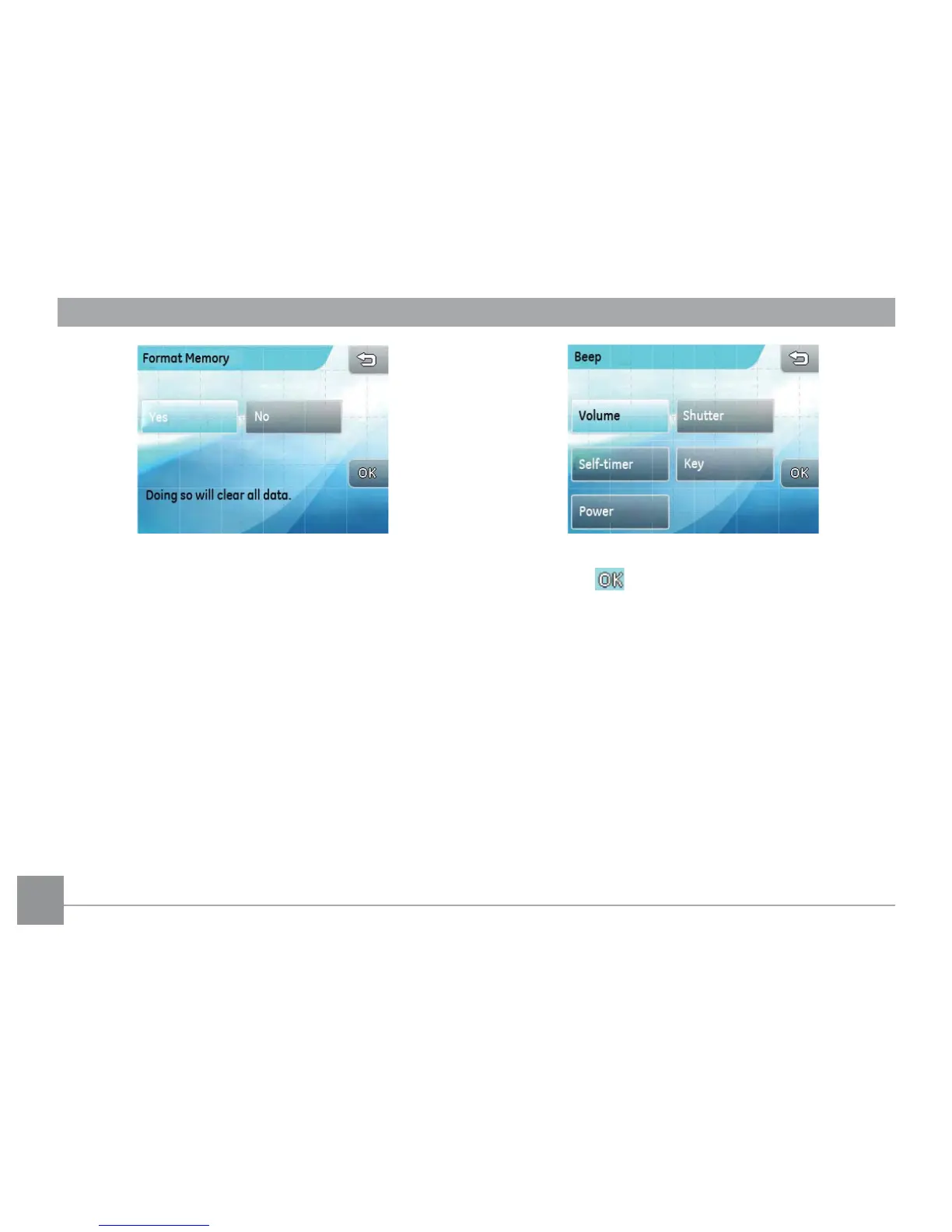
3. The current media device is formatted.
Beep
This setting allows you to adjust the volume of beep
when buttons are pressed and change the tones for
shutter, buttons, self-timer, and power-on/-o.
1. In the camera setting menu, select the Beep
setting.
2. Touch the button to enter the sub-menu of the
setting you want to set up.
3. In the sub-menu, press the desired selection and
then press button to conrm (or press the
return key to cancel and go back to the camera
setting menu).



 To Next Page