52 53
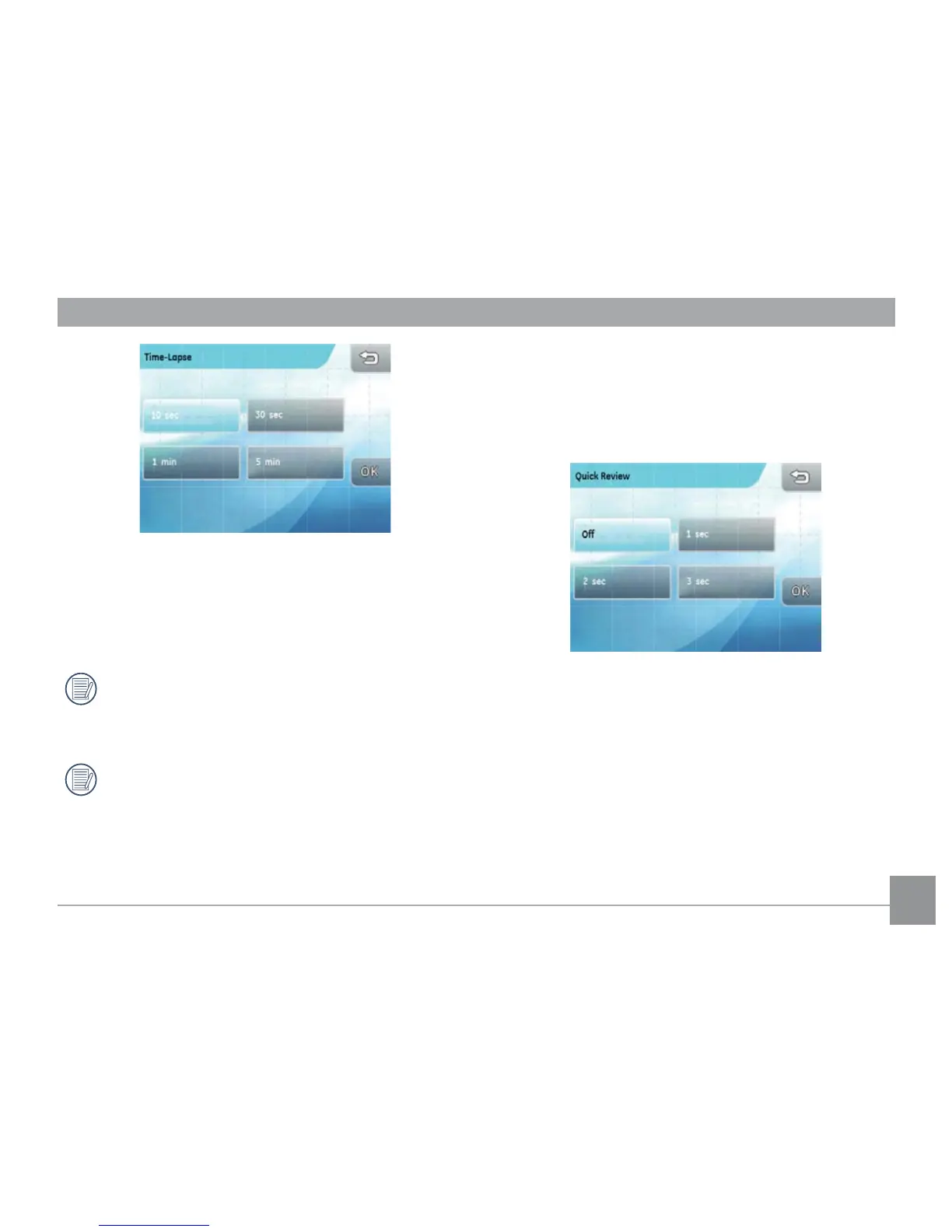
There are four options:
• 10 Sec. • 30 Sec.
• 1 Min. • 5 Min.
When the continuous shot mode is active, the ash
will not function in order to allow faster shutter
speed.
Refer to page 34 for details on
Continuous
Shot
mode.
Quick review
This setting allows you to have a quick review of the
image after taking a picture. You can change the
length of time the image stays on the screen to a pre-
set option.
There are four options:
• Off
• 1 Sec.
• 2 Sec.
• 3 Sec.



 To Next Page