Movie recording setup
Mode icon:
When the movie recording is active, touch the
button on the screen to enter the
Video recording
setup.
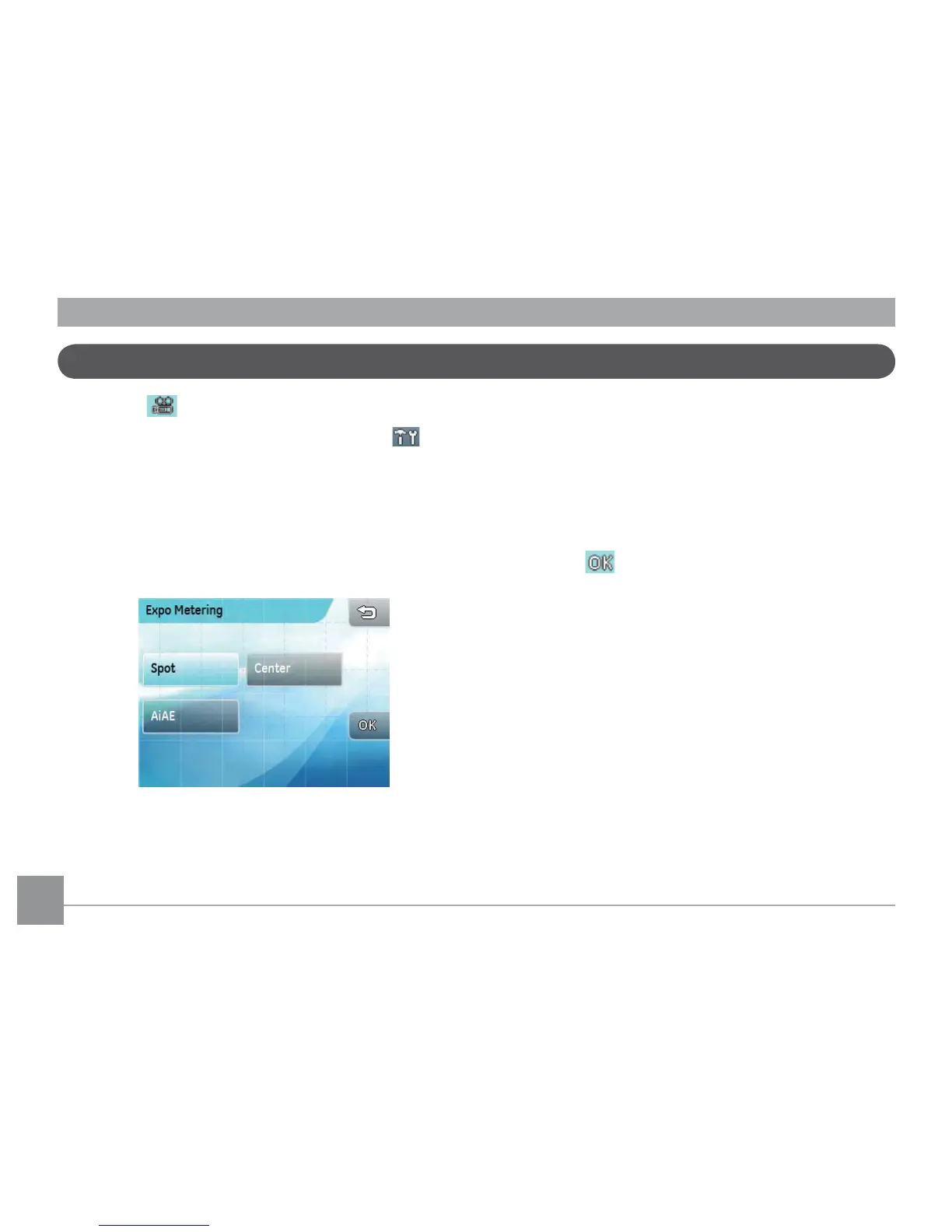
The Expo Metering Setup:
1. Touch the desired expo metering option directly.
There are three options:
• Spot:
(Spot metering)
• Center:
(Center-weighted average metering)
• Ai AE:
(Articial intelligence automatic
exposure
Ai AE
)
2. Press the button to conrm (or press the return
key to cancel and return to the playback main menu).



 To Next Page