4. You may repeat the steps above to protect other
picture(s) or video(s), or you may press the
return
key to go back to the previous page.
Protect all images:
1. In Playback mode, press the button.
2. Select Protect. When the sub-menu appears, select
All
.
3. Choose
OK
to protect all images, or press Cancel to
return to the previous menu.
4. Select ‘
Reset
’ to cancel all protection.
A key icon
will appear on the left of the screen
to indicate that the picture/video is protected.
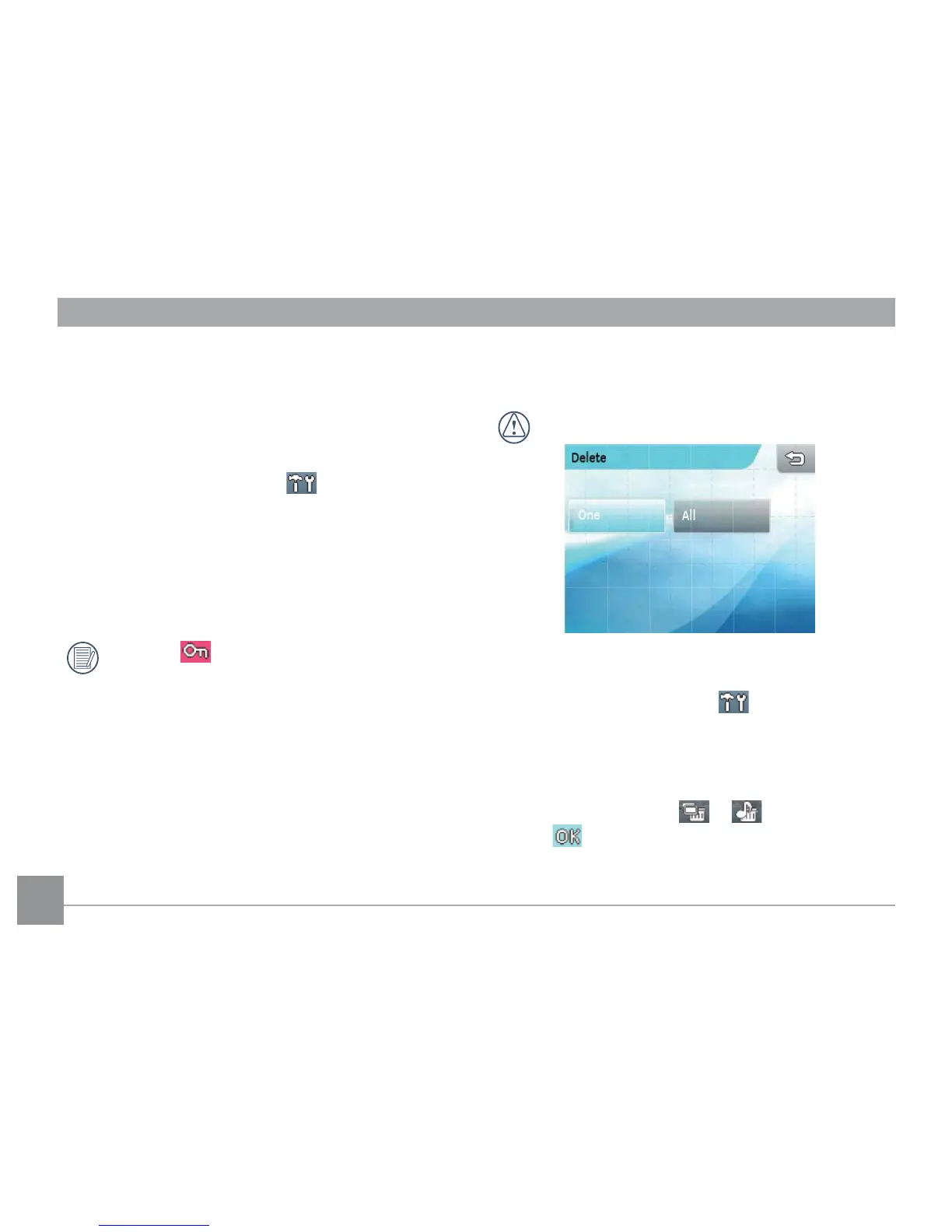
Delete
The camera provides three deleting options.
Files that are deleted cannot be recovered.
Delete One:
1. In Playback mode, press the button.
2. Select Delete when the sub-menu appears, select
Single
.
3. Use the left/right arrow key to view and choose the
desired le. Press the or button, and press
the button to conrm.



 To Next Page