28 2928 29
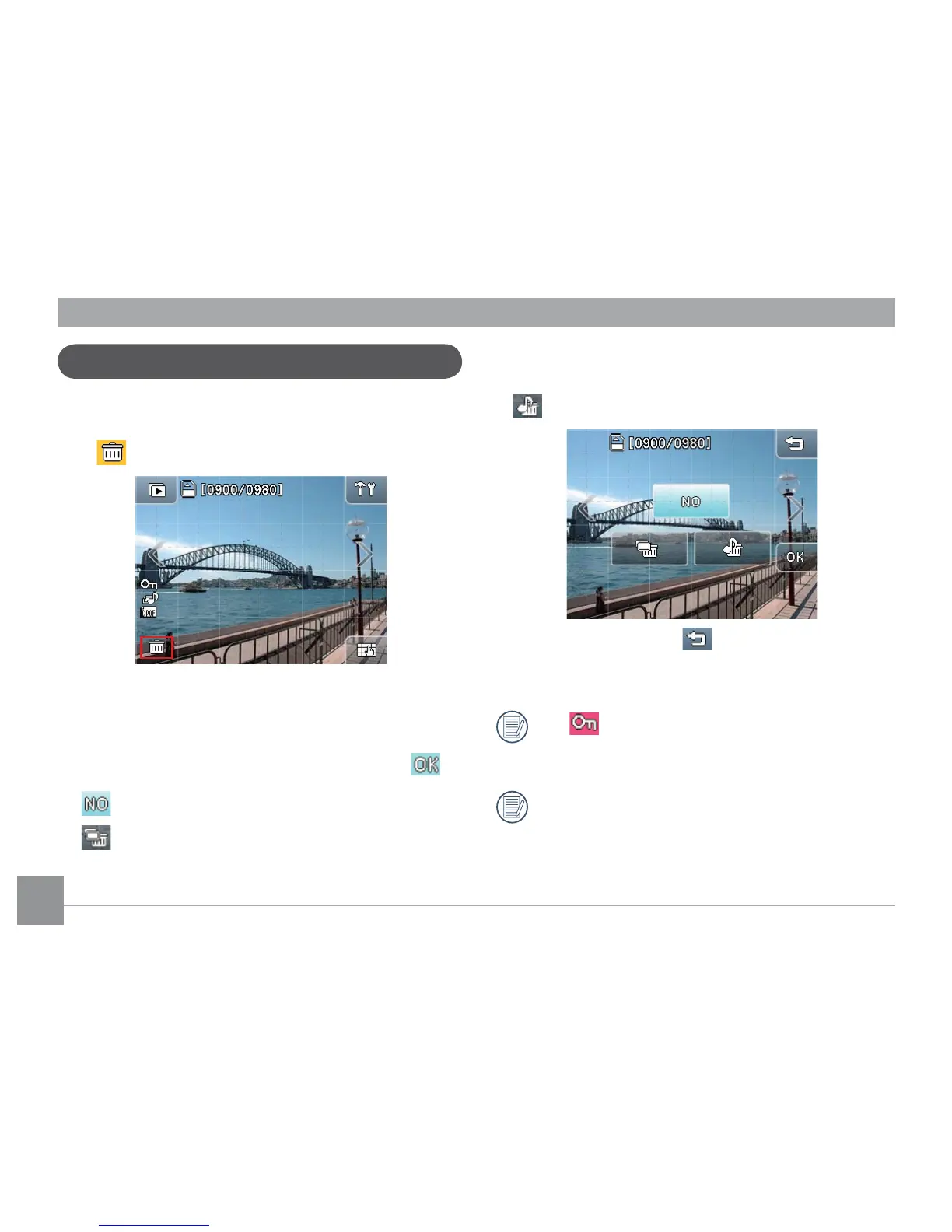
How to delete images
Delete sound/recording les only
3. Press the Cancel button in the top right corner to
return to the playback mode.
The icon during Playback indicates the picture
is currently protected and the buttons in the delete
option menu cannot be selected.
For
Protection Setting
on les, please refer to
the instructions at page 57.
In
Playback mode
, touch any place on the screen
to display the main options screen and click the Delete
icon to display the
Delete
menu.
Delete pictures or movies:
1. Press the Left or Right arrow to select the picture or
movie you want to delete.
2. Select one of the delete options and then press .
Cancel
Delete picture and sound les



 To Next Page