26 2726 27
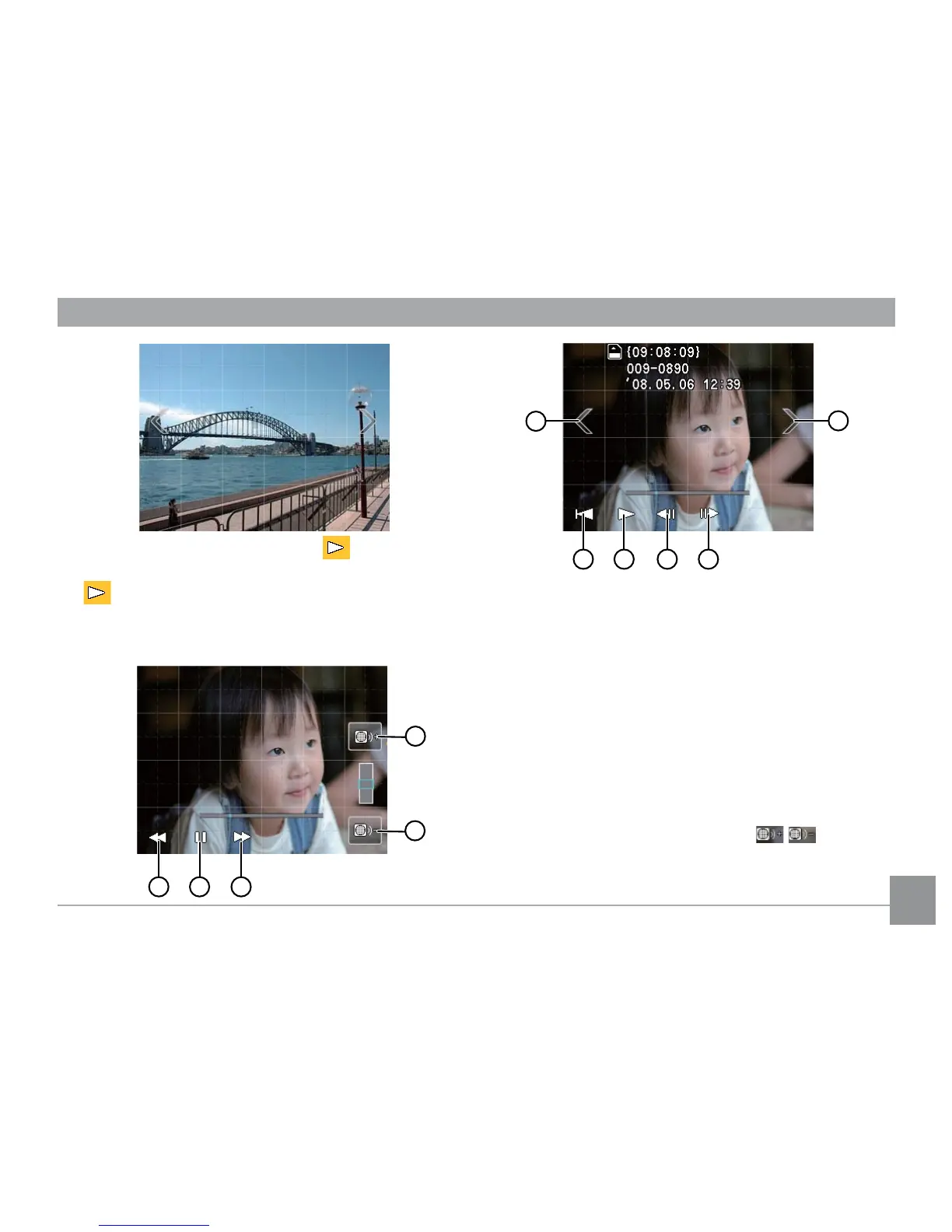
3. When a movie has been taken, the icon will appear
on the bottom center of the touch screen. Press the
play button to start playback of the movie.
4. Function buttons during movie playback:
1 Previous frame 7 Play
2 Pause 8 Rewind
3 Next frame 9 Fast forward
4 Decrease volume 10 Next
5 Increase volume 11 Previous
6 First frame
5. After 2 seconds of movie playback, all icons and
buttons shown on the screen will automatically be
hidden. Touch anywhere on the screen to show the
icons and buttons again.
6. During movie playback, touch the button to
adjust the audio volume.



 To Next Page