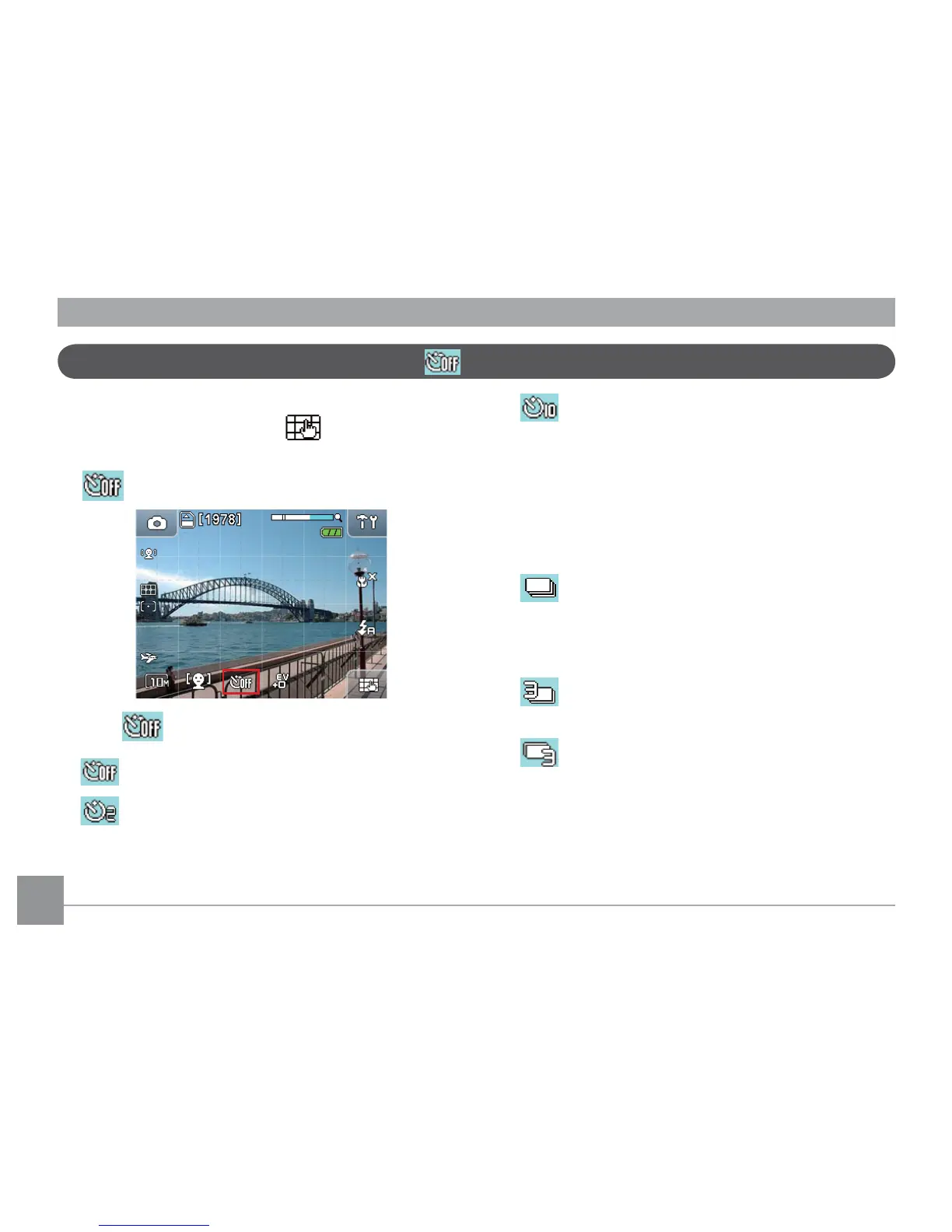
• 10 second timer
A single picture will be shot 10 seconds after
the shutter is pressed.
3. After selecting the
Continuous Shot mode
,
the shutter button must be held down to use the
function.The
Continuous Shooting mode
has
three options:
• Unlimited shot
Press and hold the shutter button for
continuous shots until the shutter button is
released or the memory is full.
• 3 Continuous shots
Take up to 3 continuous shots
• Last 3 continuous shots
Press and hold the shutter button for
continuous shots until the shutter button
is released, but only the last 3 shots will be
saved before the shutter button is released.
Self-portrait and Continuous shot
To use self portrait timer:
1. In Shooting mode, Touch the button at the
bottom right of the screen until the self-portrait
button appears.
2. Press the button to select from three options:
• Self-portrait o
• 2 second timer
A single picture will be shot 2 seconds after
the shutter is pressed.



 To Next Page