32 3332 33
•
Forced ash
The camera will enable ash under all
conditions.
•
Red-eye Reduction + Slow
Synchro
ash
The camera will use the Slow Synchro flash
and Red-eye reduction function.
•
Forced ash off
The camera will disable the ash
under all conditions.
•
Slow Synchro ash
The camera will use background expo
metering as basis for accurate foreground
and background exposure levels.
Macro mode
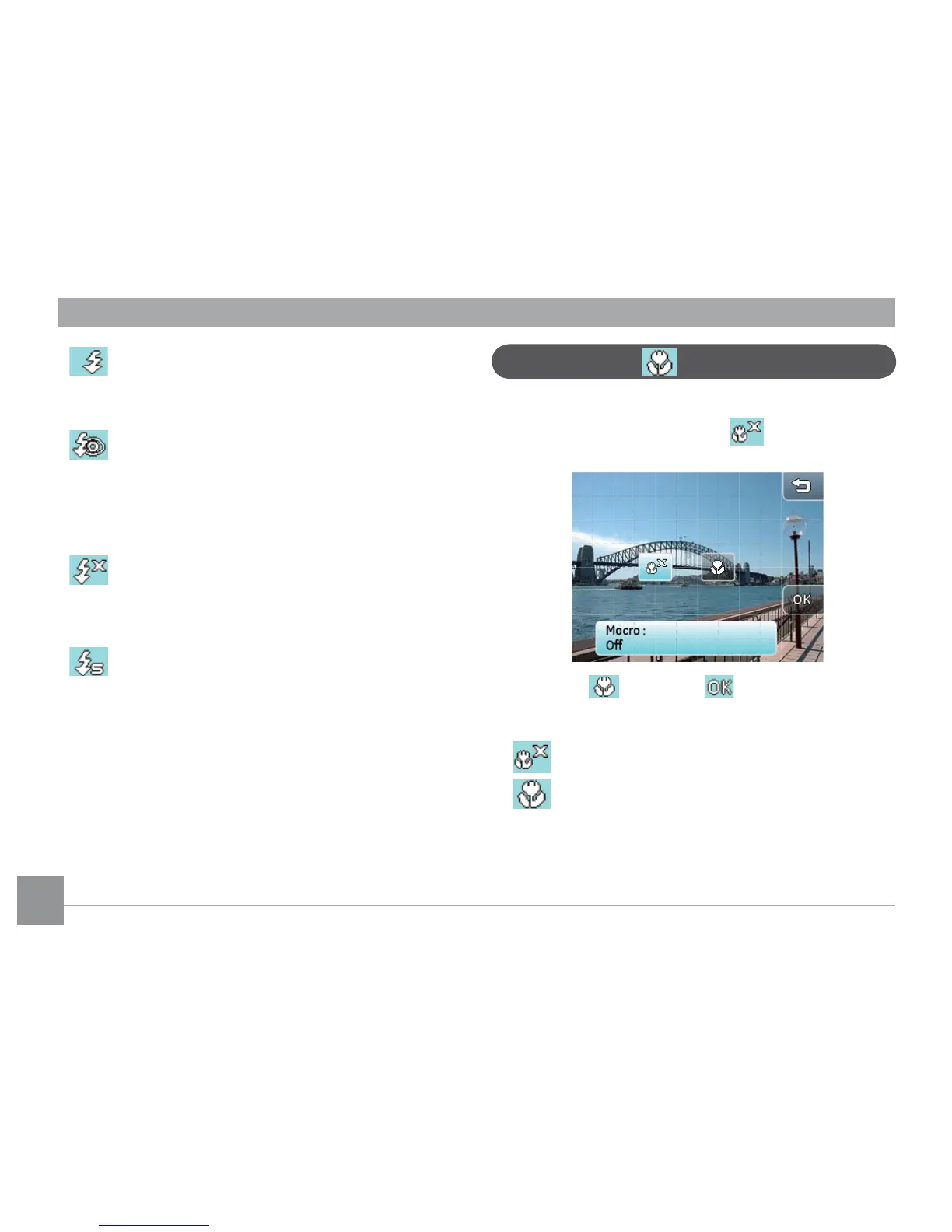
1. In
Macro mode
, you can capture object details at
a close distance. Touch the icon to enter the
Macro mode setup menu:
2. Touch the button and button on
screen to switch to Macro mode.
• Macro mode o.
• Macro mode on
Use this option to focus on objects within 5cm of
the camera lens.



 To Next Page