34 35
EV exposure compensation
Exposure compensation can adjust the exposure value
for best picture results. To change the exposure value:
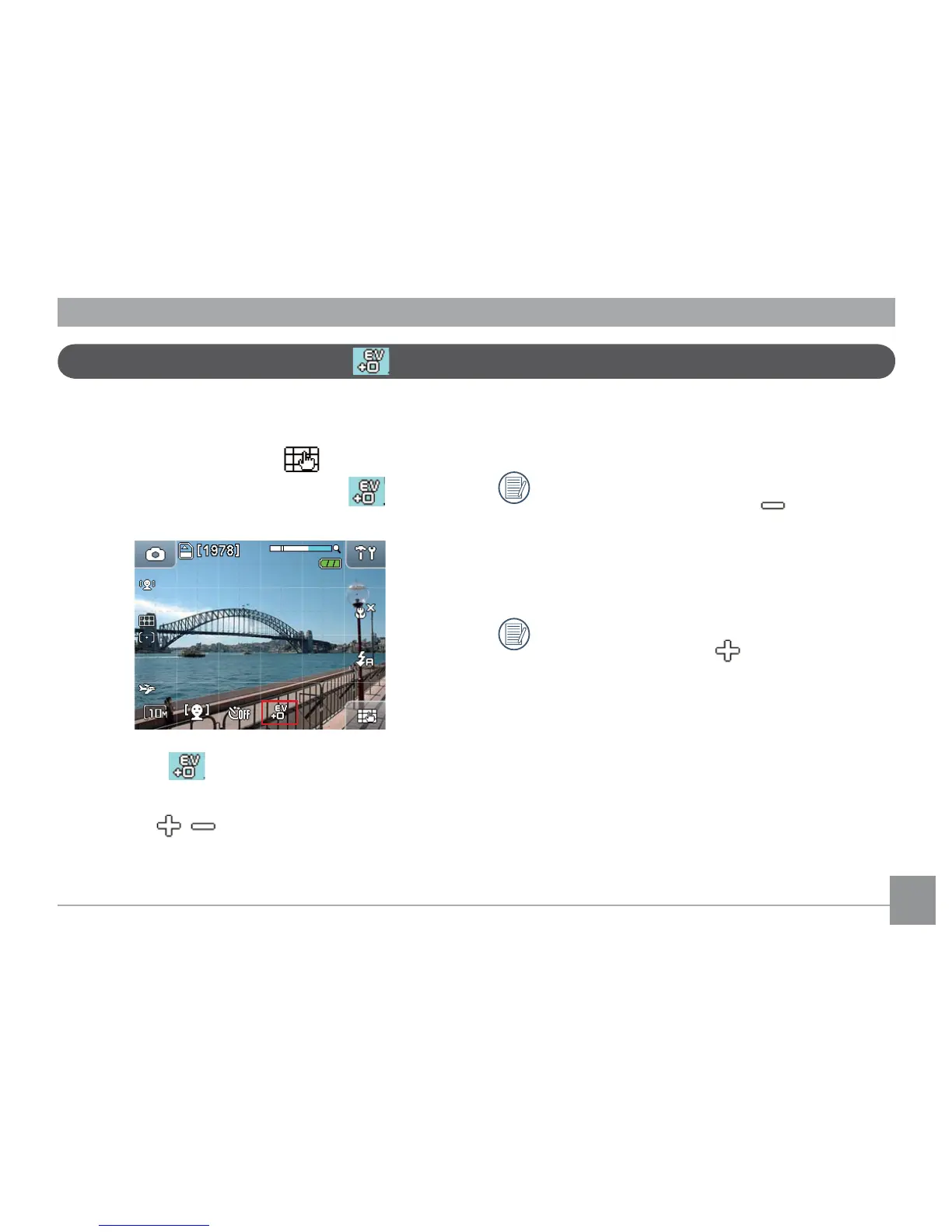
1. In Shooting mode, Touch the button at the
bottom right of the screen until the EV icon
appears.
2. Press the EV icon to enter the exposure
compensation setup menu.
3. Touch the button to adjust the
picture exposure value range from EV-2.0 to EV+2.0.
(each step at 0.3EV)
The text onscreen shows the current value when
touching the minus button to lower the
exposure value. Press and hold the button for 2
seconds to automatically lower the value until the
meter reaches the minimum.
The text onscreen shows the current value when
touching the plus button to raise the exposure
value. Press and hold the button for 2 seconds
to automatically raise the value until the meter
reaches the maximum.



 To Next Page