40 4140 41
Panorama mode
Panorama mode allows you to create a panoramic
picture. The camera will automatically compose a pan-
oramic picture using the individual shots that you take.
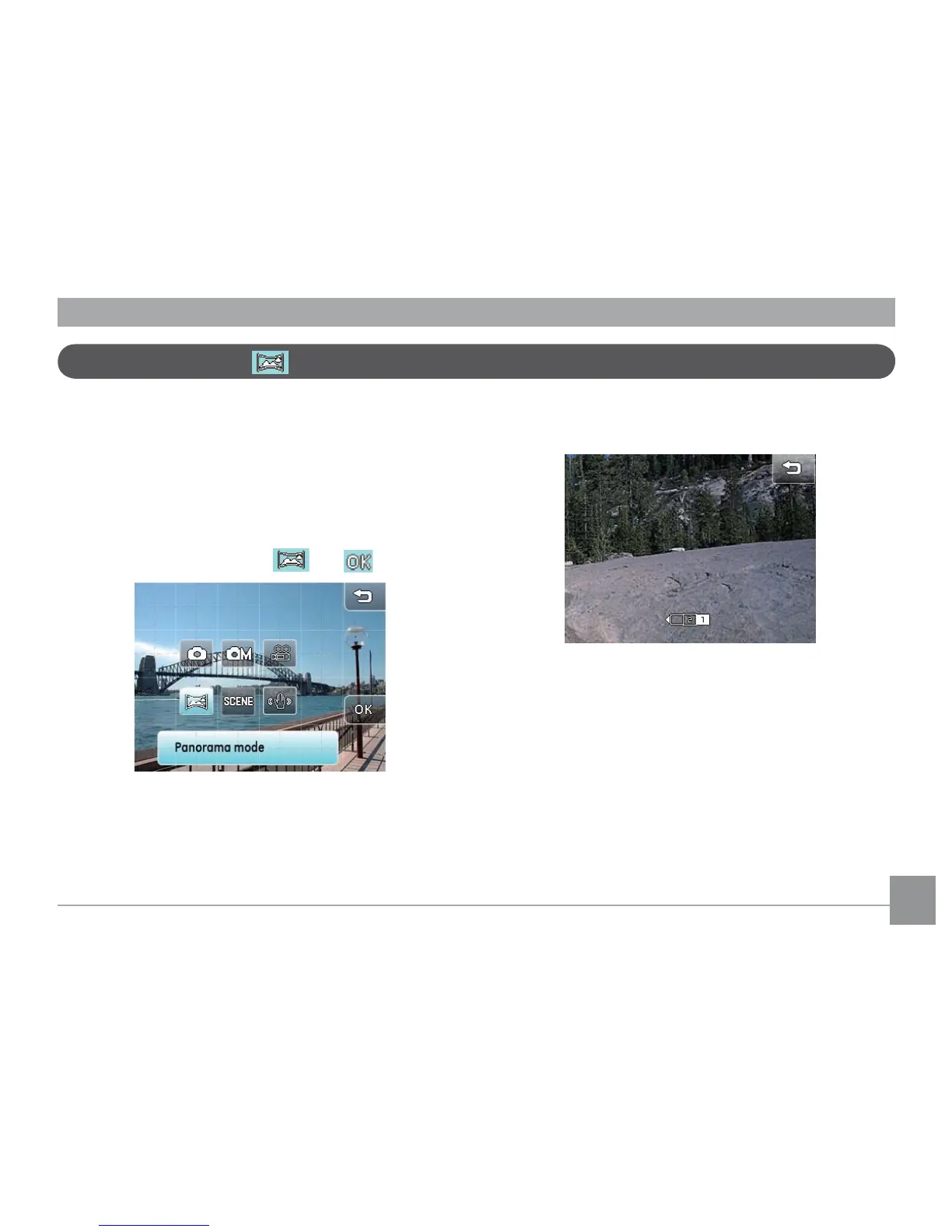
To use Panorama mode:
1. Touch the mode button in the upper left corder, then
press
Panorama mode
and .
2. Select the order of the shots (default is from right to
left) or it will automatically go to the shooting mode
after 3 seconds without selection input.
3. Compose your rst view on the LCD screen and press
the shutter button.
4. To capture the second shot, move the camera horizontally
until the edges of pictures overlap. Press the shutter
button to capture.
5. Repeat Step 4 to capture the third and nal shot.



 To Next Page