24 2524 25
Focus controls
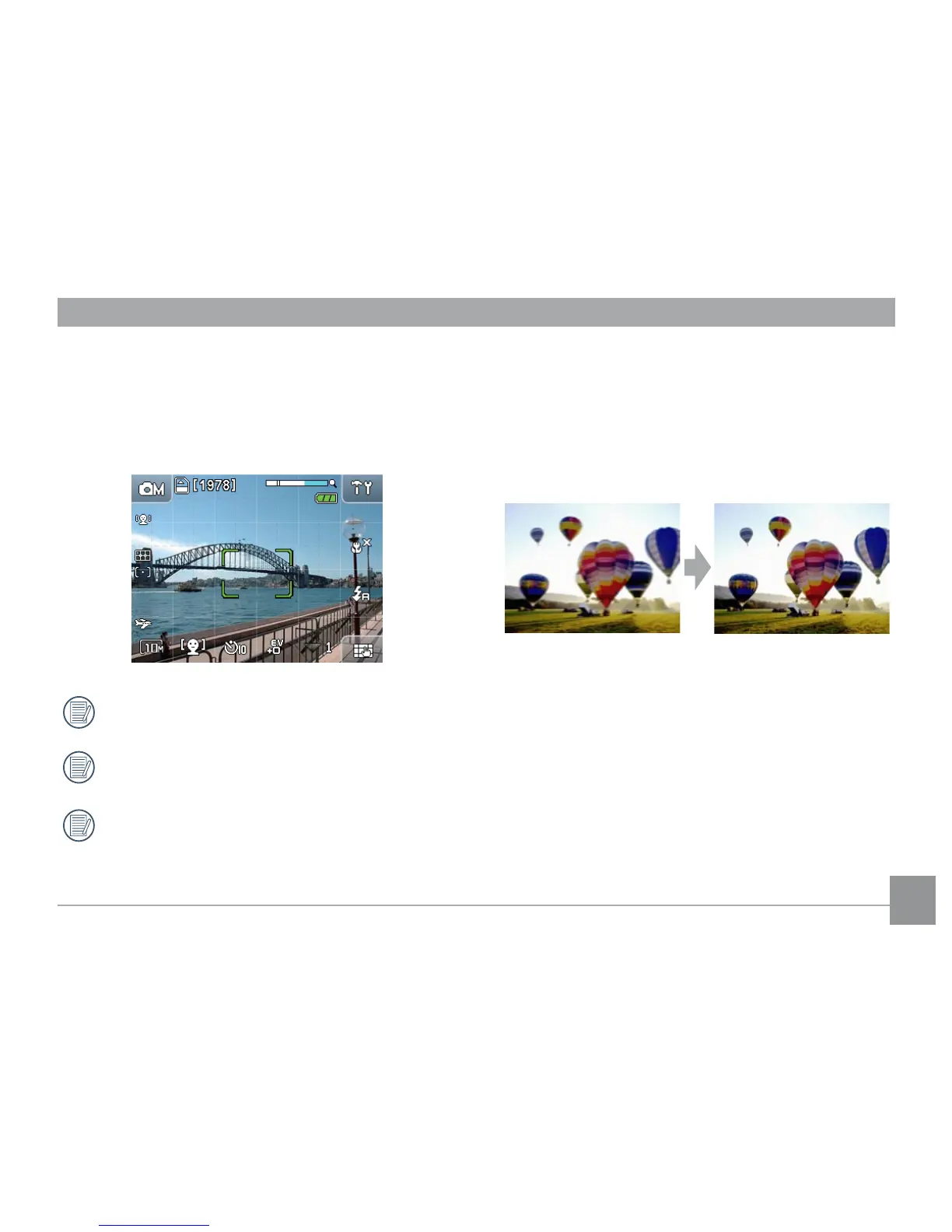
When you press the shutter button halfway, the
camera will automatically focus on the viewing object
(Auto Focus). Please note that the shutter button is
depressed halfway only.
After the camera is focused, the green focus frame
at the center of the screen will be shown.
If
Auto Focus
fails, a red focus frame at the
center of the screen will be shown.
If
Auto Focus
was achieved but the image is
still blurry, "camera shake" may be the cause.
Tips to preventing blurry images
Inadvertent moving of the camera during image
capturing is called “camera shake”; on the other hand,
movements by the main object during the image
capture is called “object blur”.
1. Camera shake
Cause of camera shake: Shaking of the hand or arm while
pressing the shutter button will result in a blurry image.
How to reduce blur:
• Use a tripod or place the camera on a at and stable
surface.



 To Next Page