44 4544 45
Playback mode
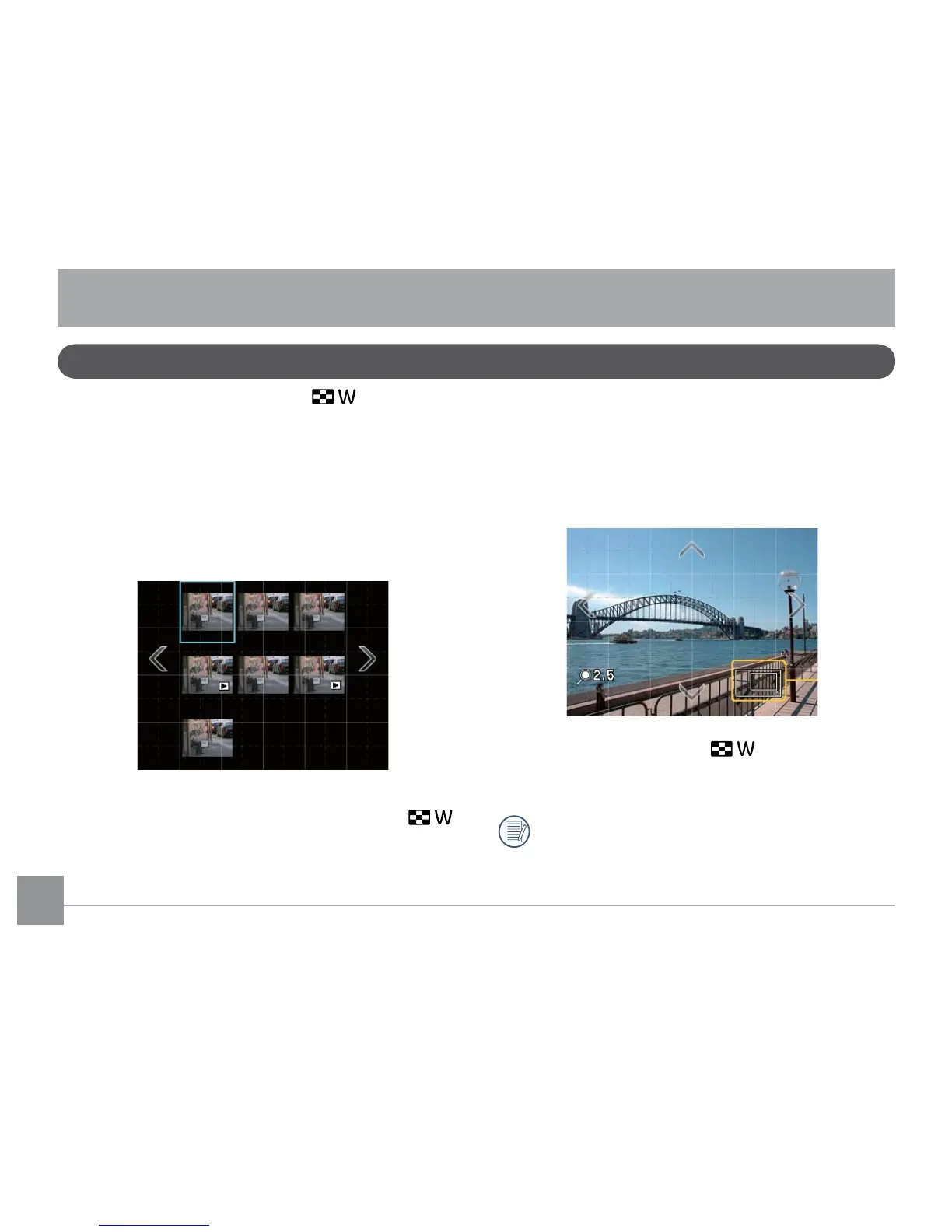
Thumbnail view
In
Playback mode
, push the ( ) on the zoom
wheel once to display thumbnails of pictures and video
clips on the LCD screen.
1. Use the zoom scroll wheel to switch between the
2x2
or
3x3
thumbnail display.
2. Touch the thumbnail image on the screen to view it in
full size.
When the selected picture is displayed in full size during
Playback Mode
, push the zoom scroll wheel ( )
toward the right to zoom in on the image.
1. Once you have zoomed in, simply touch the
up
,
down
,
left
and
right
arrow key buttons on screen to change
the display position of the zoomed-in image.
2. When the image is zoomed in/out, the screen shows
the zoomed ratio and the relative proportion to the
whole image. See the following demonstration:
3. Hold the zoom scroll wheel ( ) toward the left to
keep zooming out until the size of the image is back
to full screen size.
Movie clips cannot be zoomed in.



 To Next Page