42 4342 43
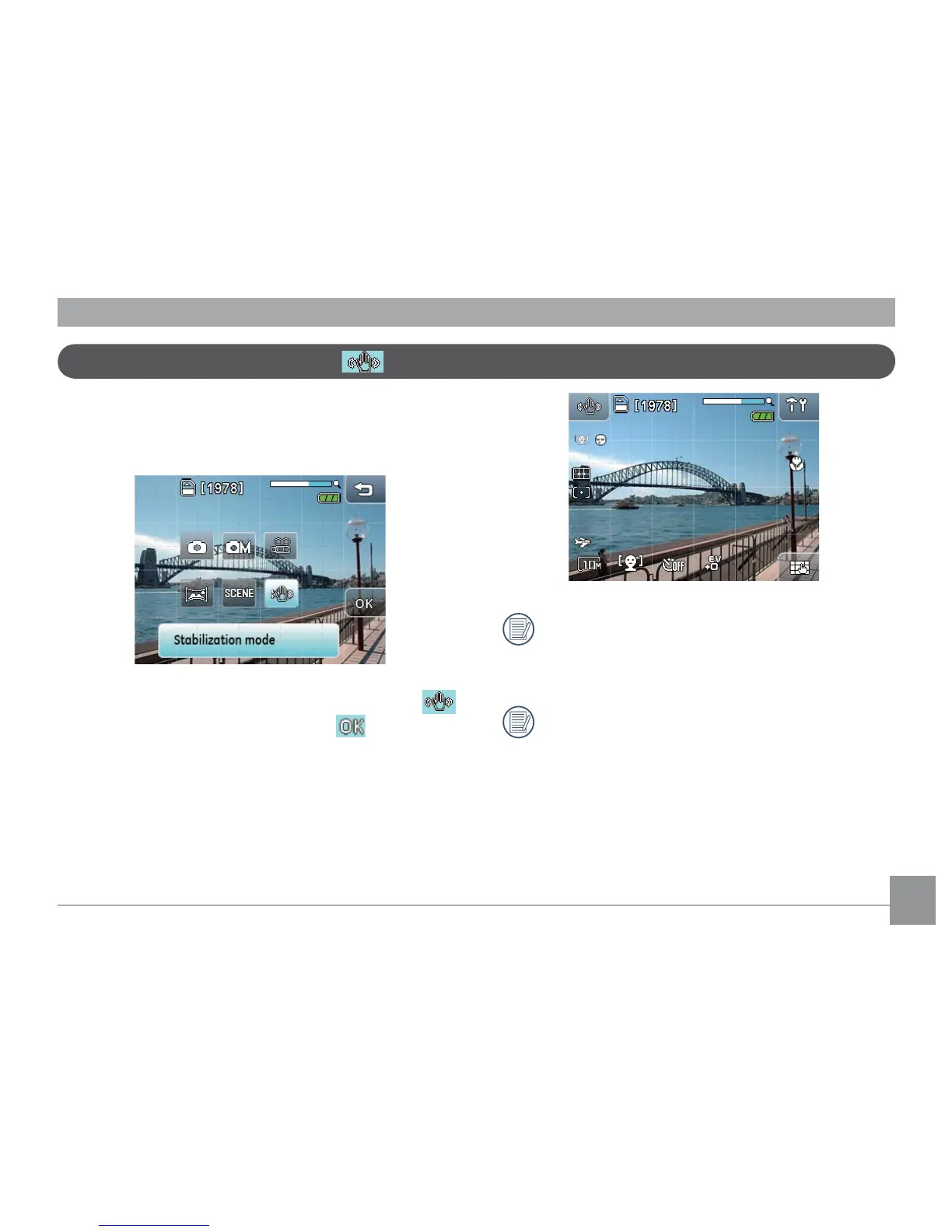
The Image Stabilization mode minimizes the effect of
hand shake and allows you to take pictures that would
otherwise be blurred.
1. Touch the
Image Stablization mode
button
in the camera menu and then press to enter.
2. Press the shutter halfway to focus on the subject.
3. Press the shutter fully to capture the image.
Image stabilization mode
Use Image Stabilization mode in weak light
environments or when in a slow shutter mode to
get best results.
Taking pictures in a strong vibration environment
(like shooting in a moving car) may generate a
poor picture performance.



 To Next Page