42 4342 43
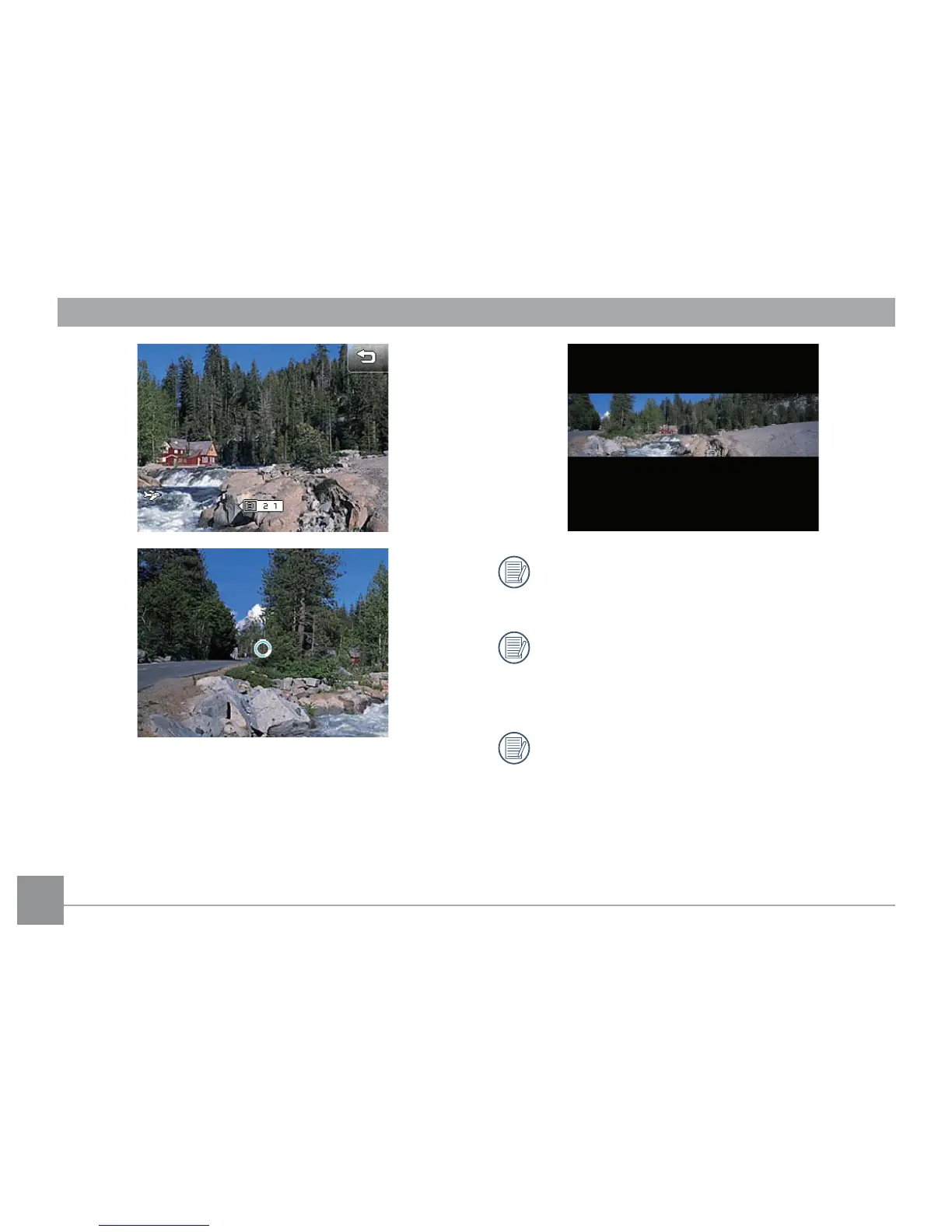
5. The camera will automatically stitch and save into a
panorama picture after the 3rd shot.
6. Press the playback button to enter Playback mode and
review the panorama result.
For best results, the use of a tripod is recom-
mended.
After taking the rst picture, the following modes
will not be accessible: Flash, Self-timer, Macro
and Exposure Compensation.
When the panorama mode is active, no picture
can be deleted during the three shot sequence,
and no focus adjustment is allowed.



 To Next Page