70 7170 71
Connecting to the PC
Use the USB Cable and ArcSoft software (CD-ROM)
supplied with your camera to copy (transfer) pictures to
a computer.
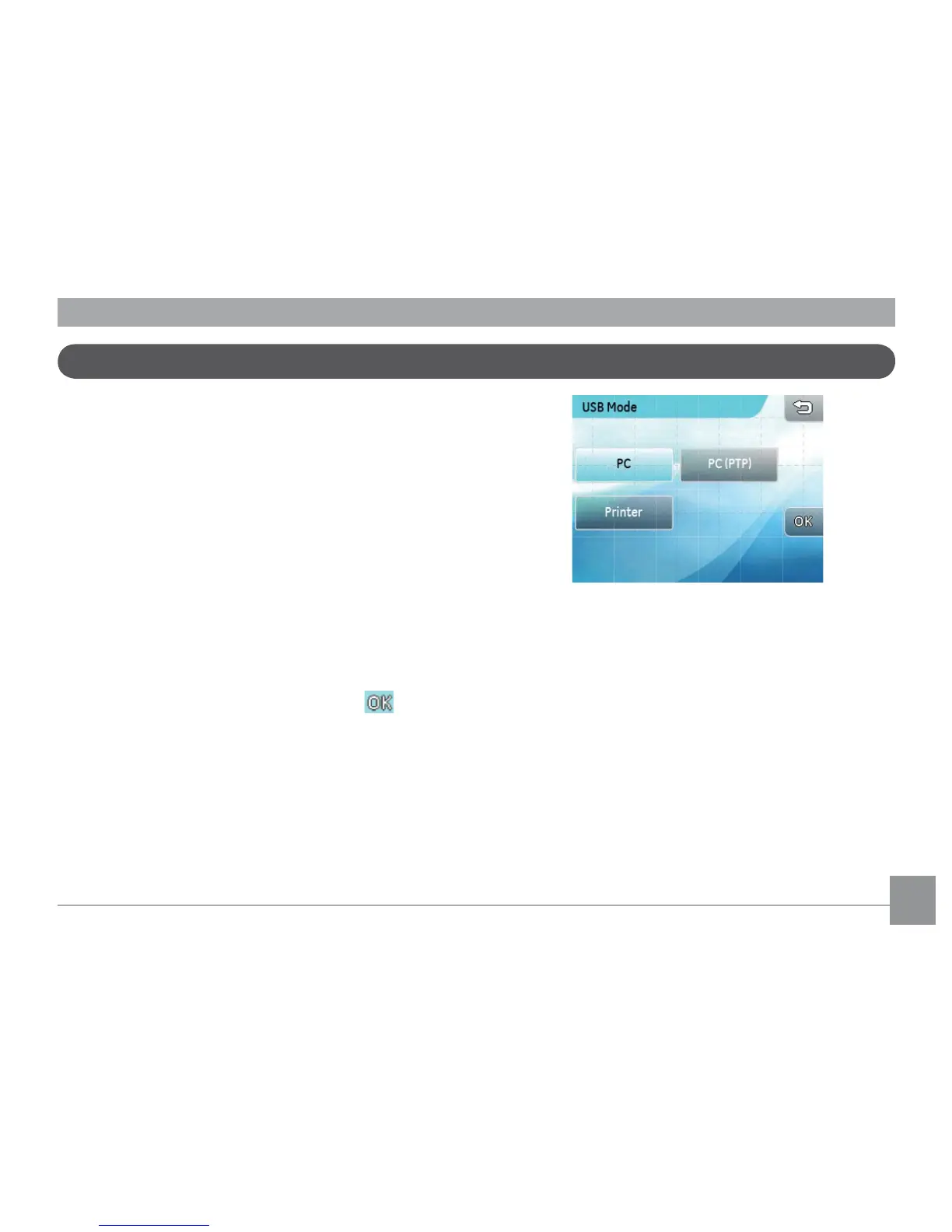
Setting the USB mode
Since the camera’s USB port can be set to connect with
either a PC or a Printer, the following steps will allow
you to ensure that the camera is correctly congured to
connect with a PC.
1. In the
camera setting
menu, select
USB
Connection
.
2. Select the desired connection. Press the button
to conrm.
Transferring les to your PC
The computer will automatically detect the camera as
a removable drive. Double-click
My Computer
icon
on the desktop to locate the removable drive and to
copy the folders and les in the drive to a directory on
your PC as you would copy any typical folder or le.



 To Next Page